When a Task or a post in the Newsfeed collects dozens of replies, rereading everything from the beginning becomes inconvenient. To save time and keep the essence of the discussion, Uspacy offers a Comment summary tool — it briefly conveys the key points of the conversation.
The feature works the same way in both Tasks and Newsfeed posts: you click a button, the system generates a short summary, and displays it as a separate block in the comment thread. If needed, you can regenerate the summary — for example, when new comments appear.
How does it work?
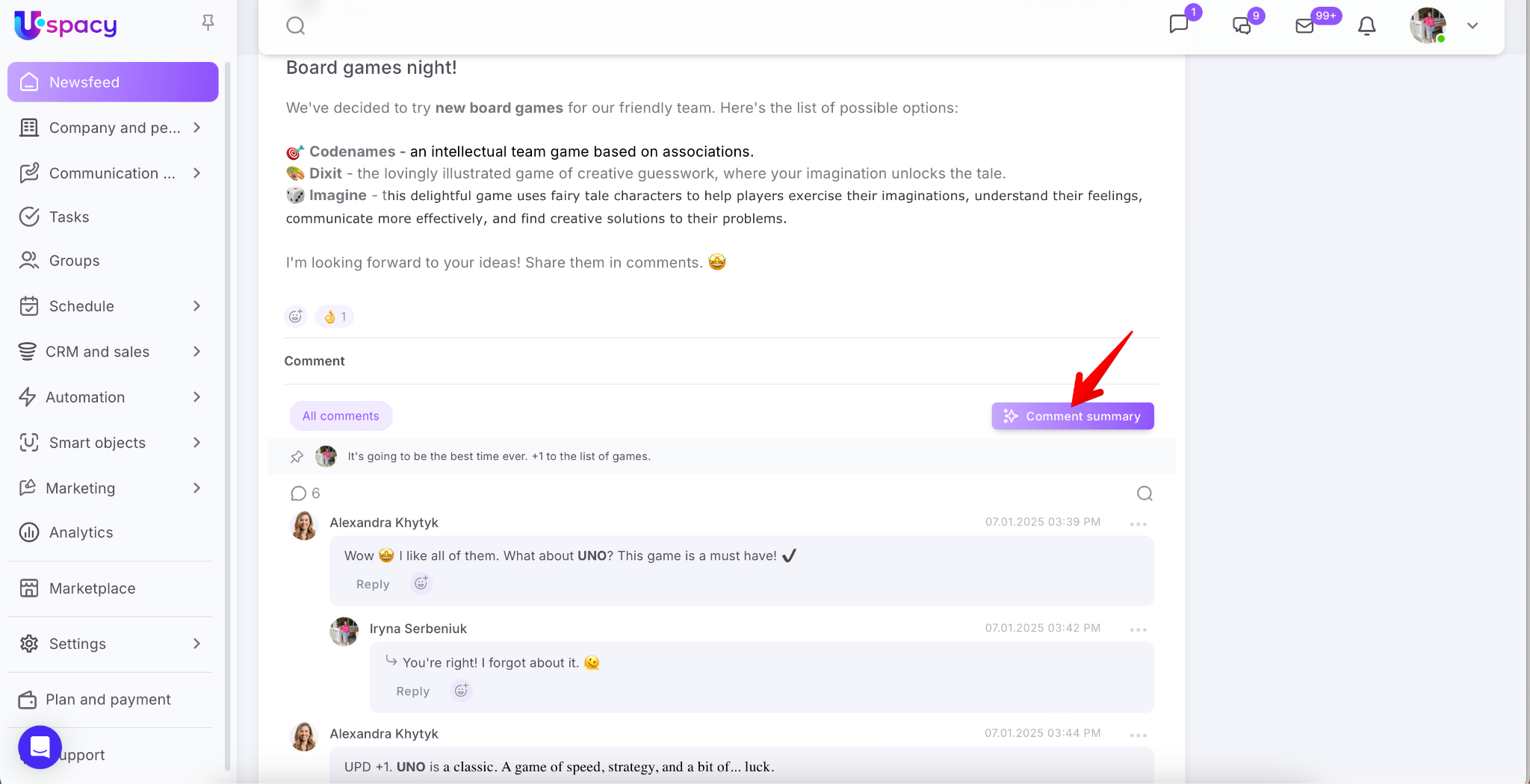
Open the desired Task. In the comment section, you’ll see a button to create a summary. Click it.
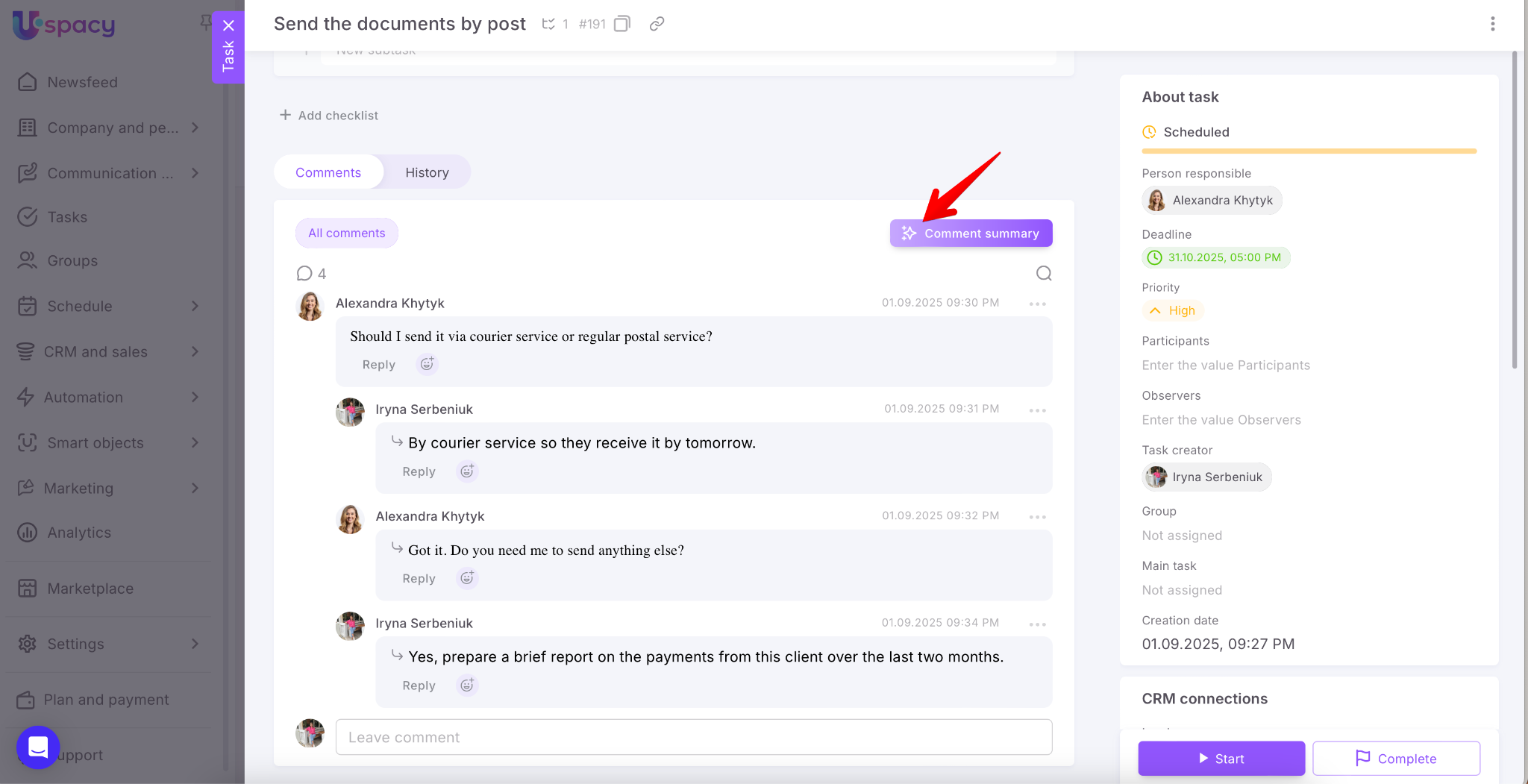
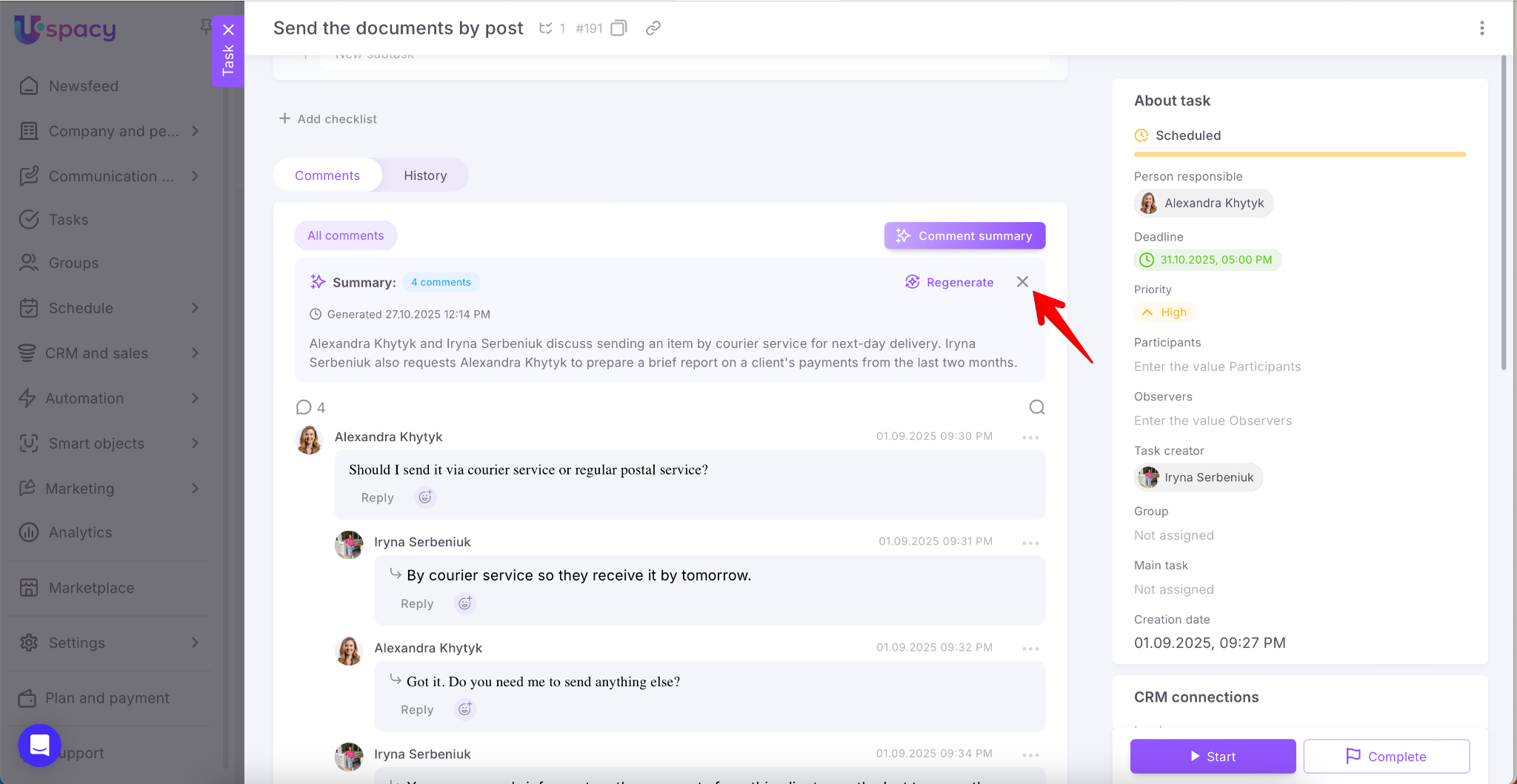
Based on the text left by members, the AI generates a summary of the discussion — highlighting key points, agreements, and next steps. It also notes the number of comments included and the time the summary was created.
💡 The summary automatically appears in the language of the discussion — Ukrainian, English, or whichever language participants used.
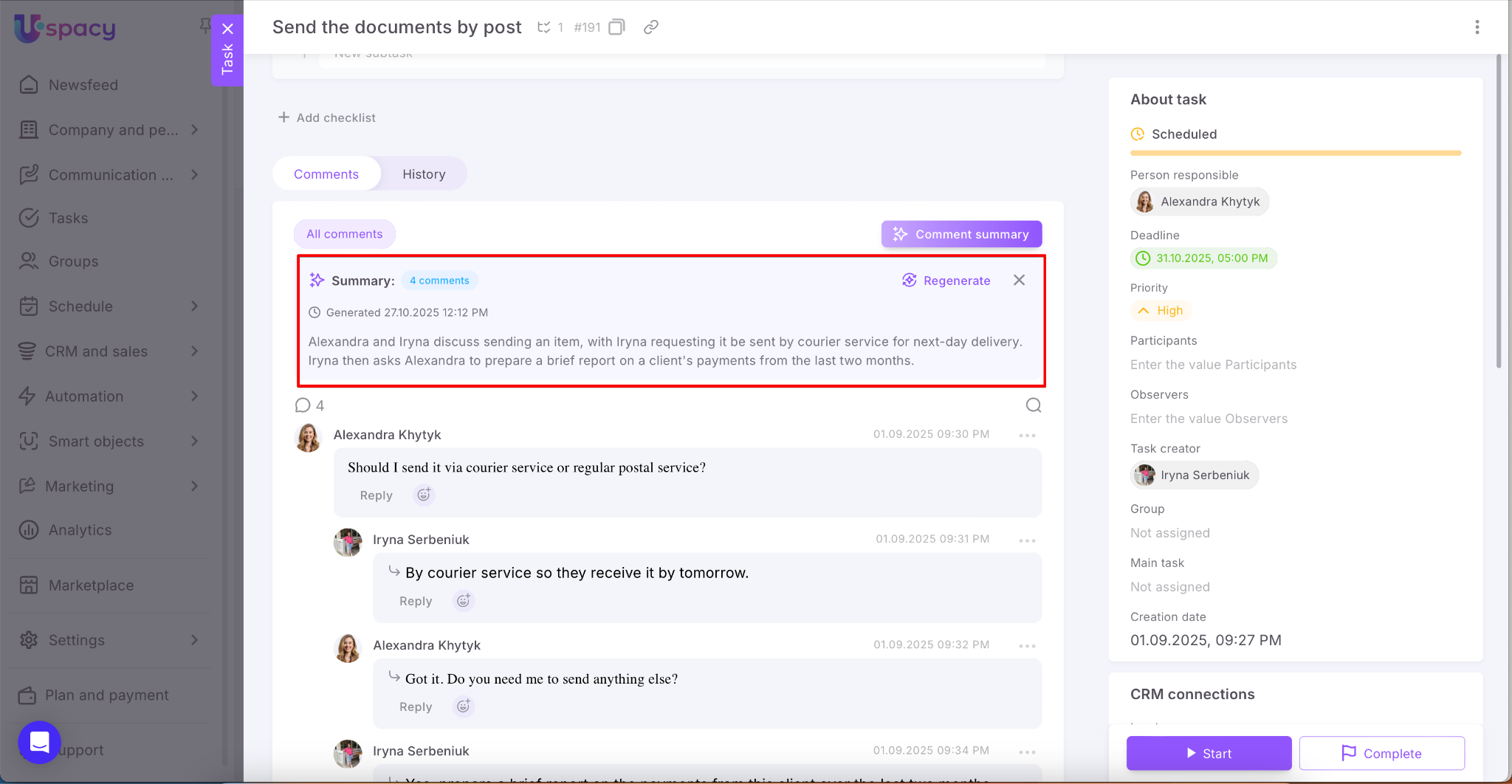
To update the summary, click Regenerate.
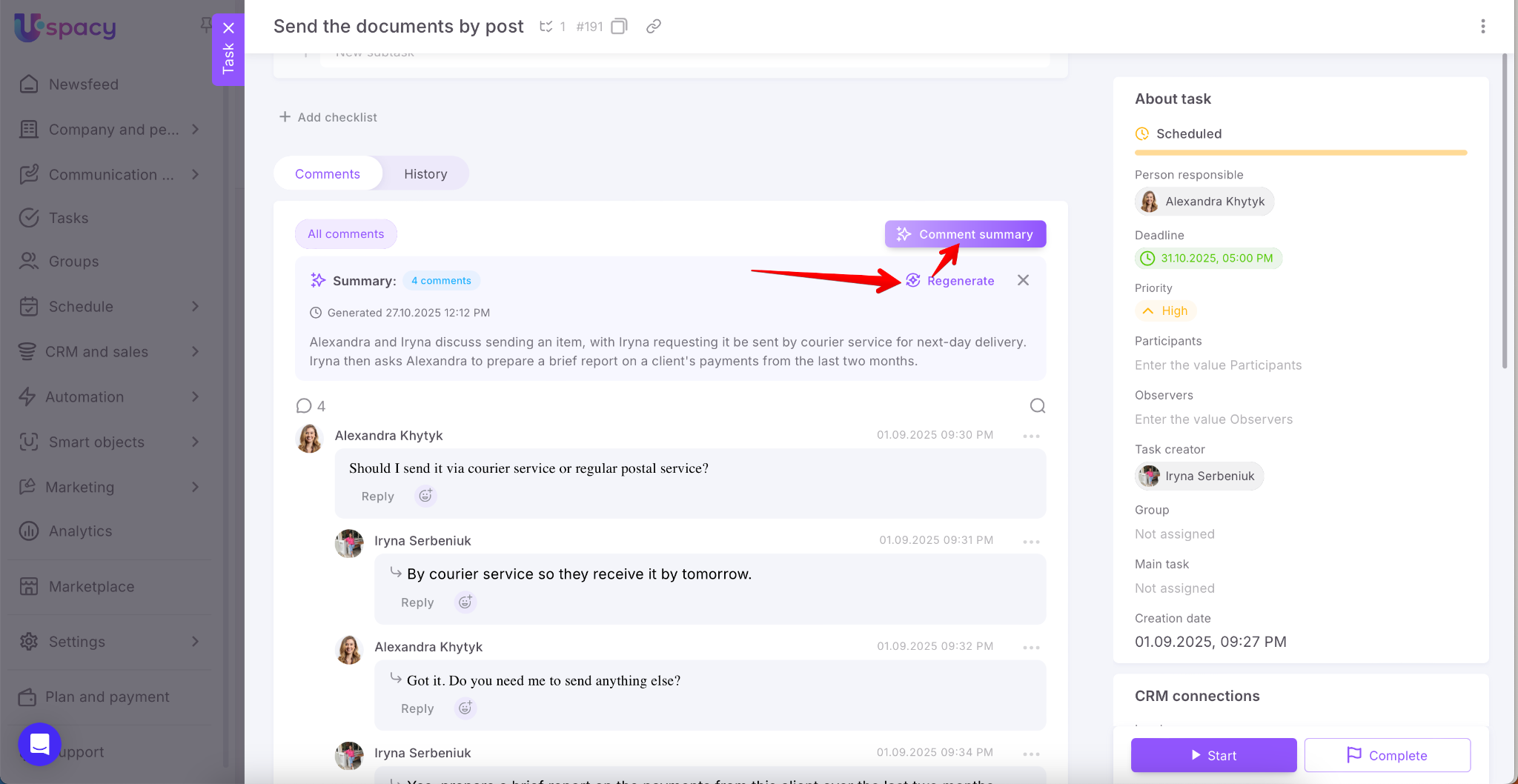
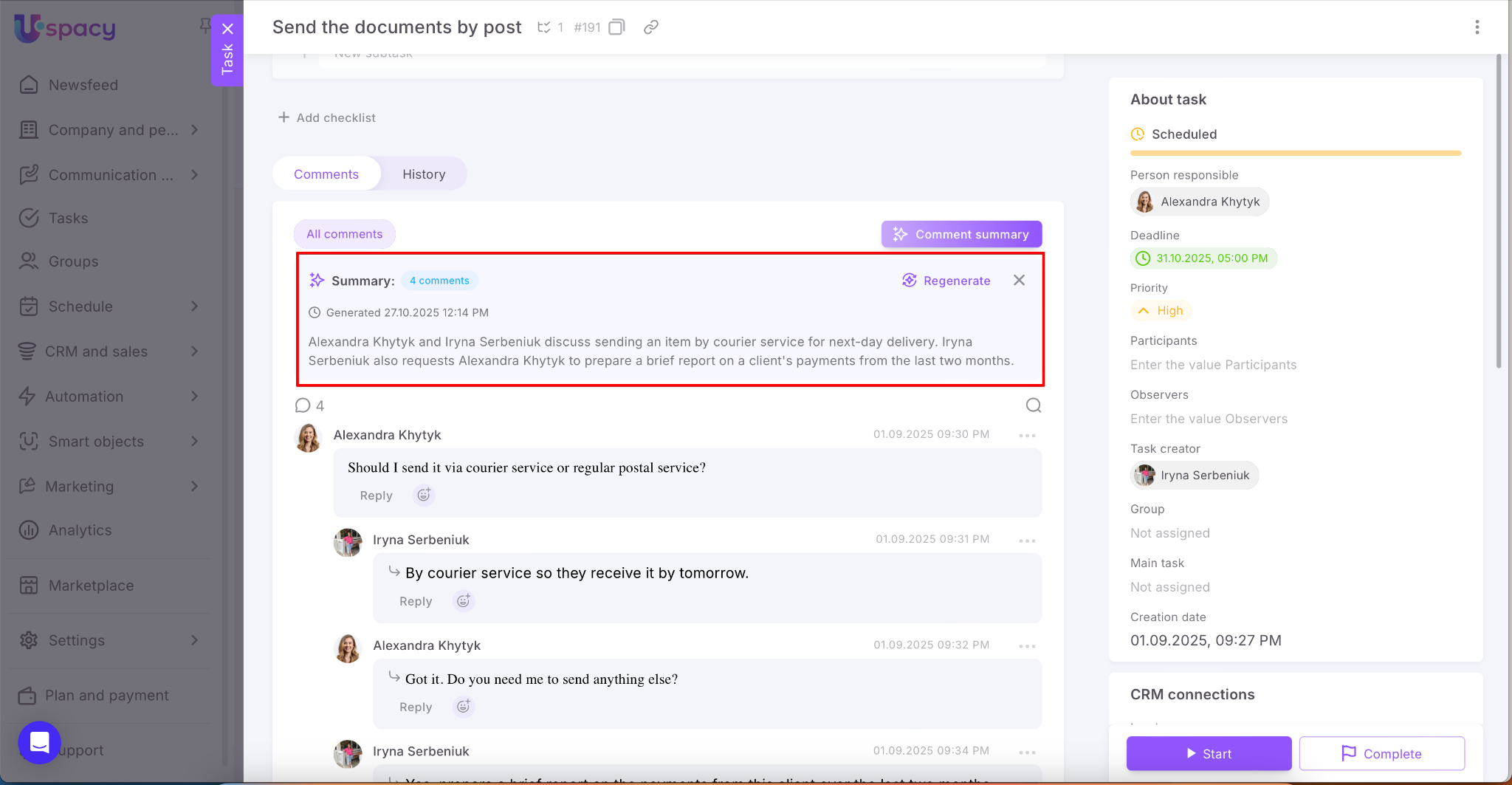
If you no longer need the summary block, close it using the button in the top-right corner of the summary block.
The same option works in Newsfeed posts as well.
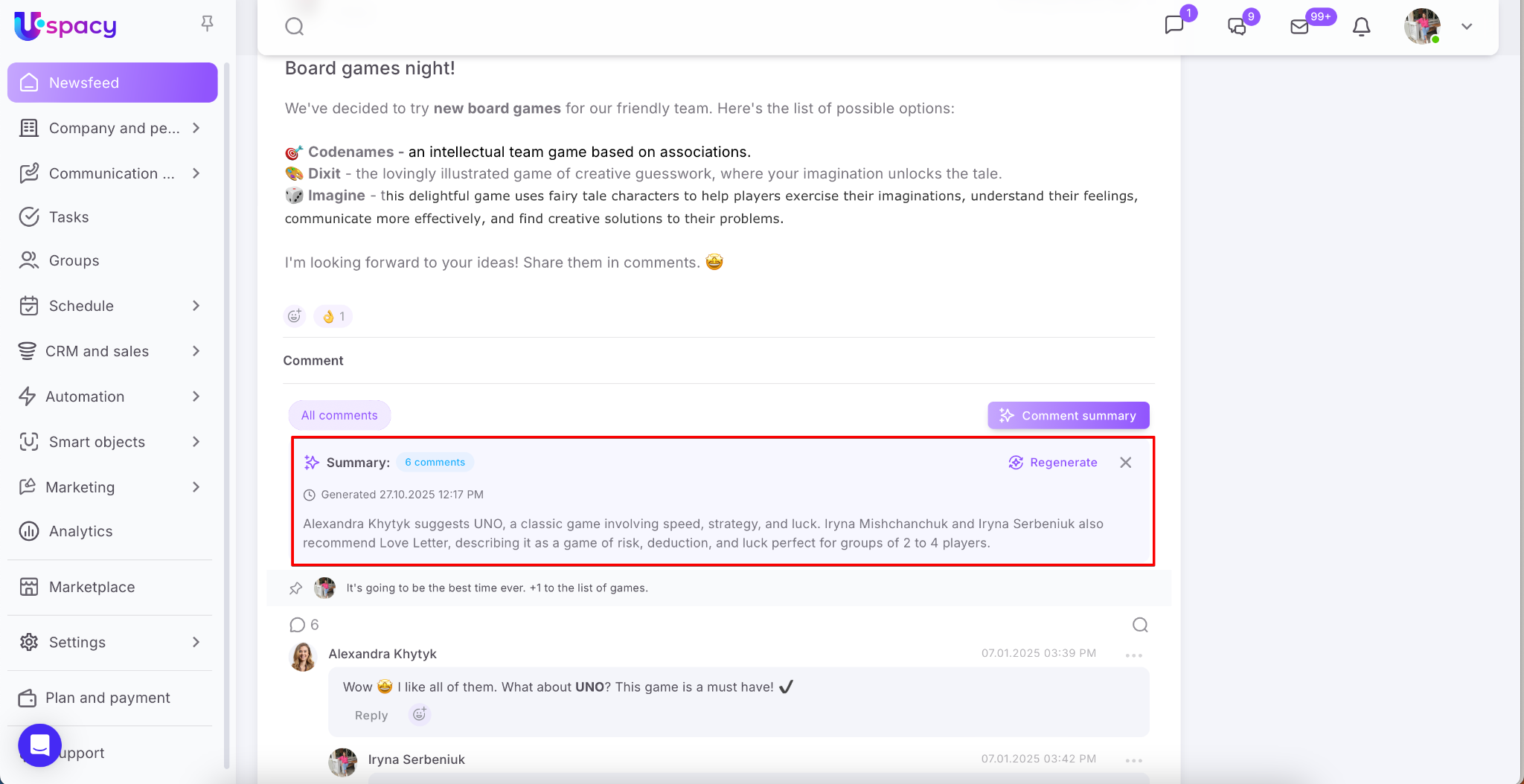
Comment summary helps you quickly grasp the context without having to reread the entire comment thread. When new replies appear, just regenerate the summary and continue working — no need to waste time going over old messages. A standardized summary makes discussions clearer for all members and simplifies decision-making.
If you have additional questions or you need to contact the support, send a request to this email [email protected]
Created: October 24, 2025 / Updated: November 20, 2025