Do you want to quickly create, for example, a new deal while working with a contact card? No need to close the current window and go to another section to do it.
Just use the special button in the element card you're currently working with.

Select what exactly you want to create. For a contact, this can be a lead, deal, or company.
💡 You can also create an element of your custom smart object, if the option to display a two-way connection is active for the field that establishes it.

As a result, your custom entity will be added to the list of available entities to create. A tab titled Smart Object will also appear.

After clicking on the entity type name, the creation form for that element will open. We selected a deal. Here, you’ll need to fill out the fields and click Save.
🔍 You can read more about the full deal creation form in Uspacy in the following article.

That's it! The new element is now in our database and is also displayed in the contact card tab responsible for related deals.

☝🏻The system also remembers the last entity you created. That entity’s name will automatically appear on the button the next time you open the form.

This works the same way for any other CRM entity or even for your own smart object. The only difference is the list of entities available for creation:
🟣 For a lead – only elements of your own smart object (SO), if that SO has a field with a two-way connection.
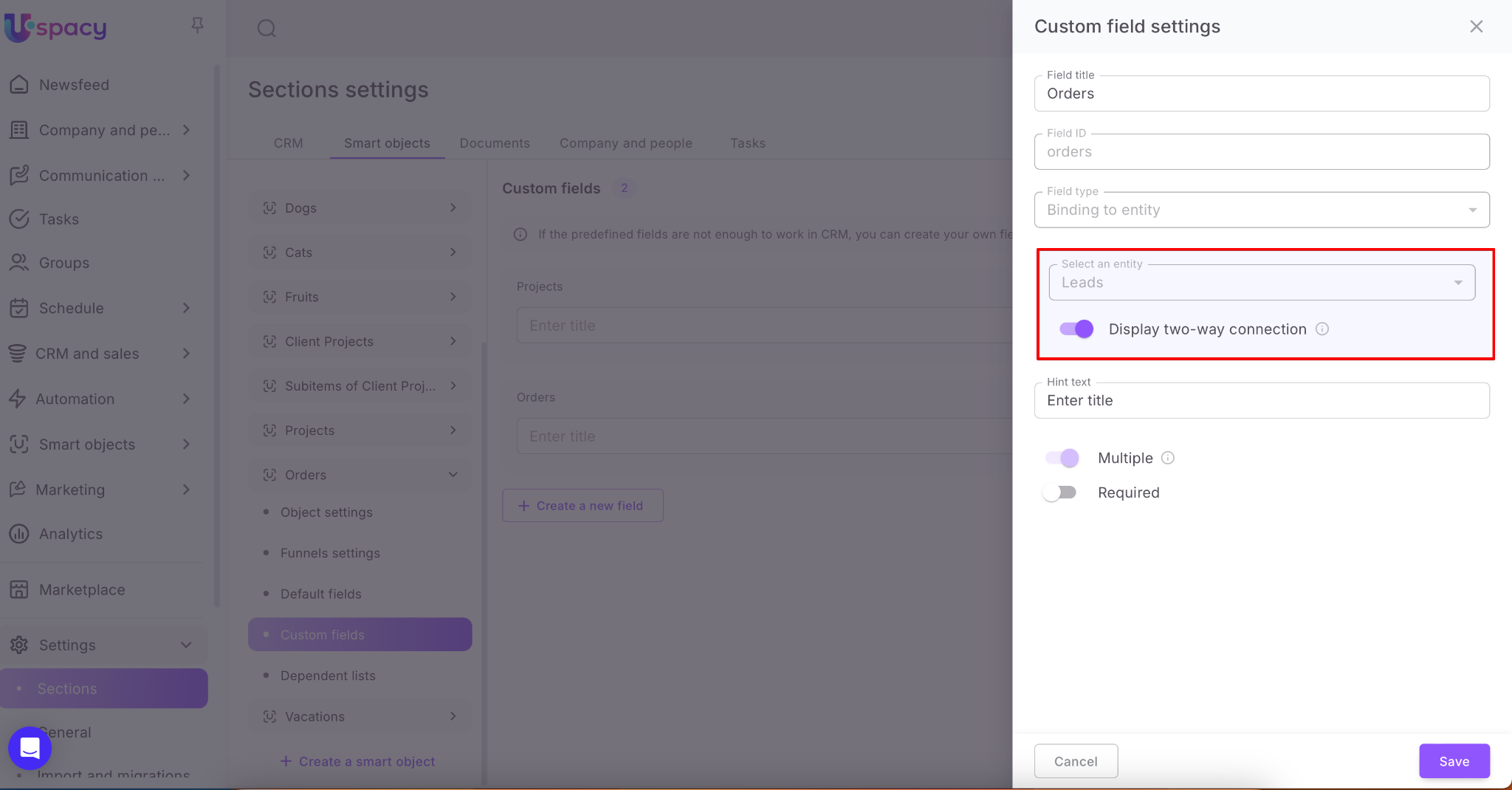

🟣 For a company – lead, deal, and contact.

💡 Also, elements of your custom smart object, if the two-way connection option is active for the linking field.
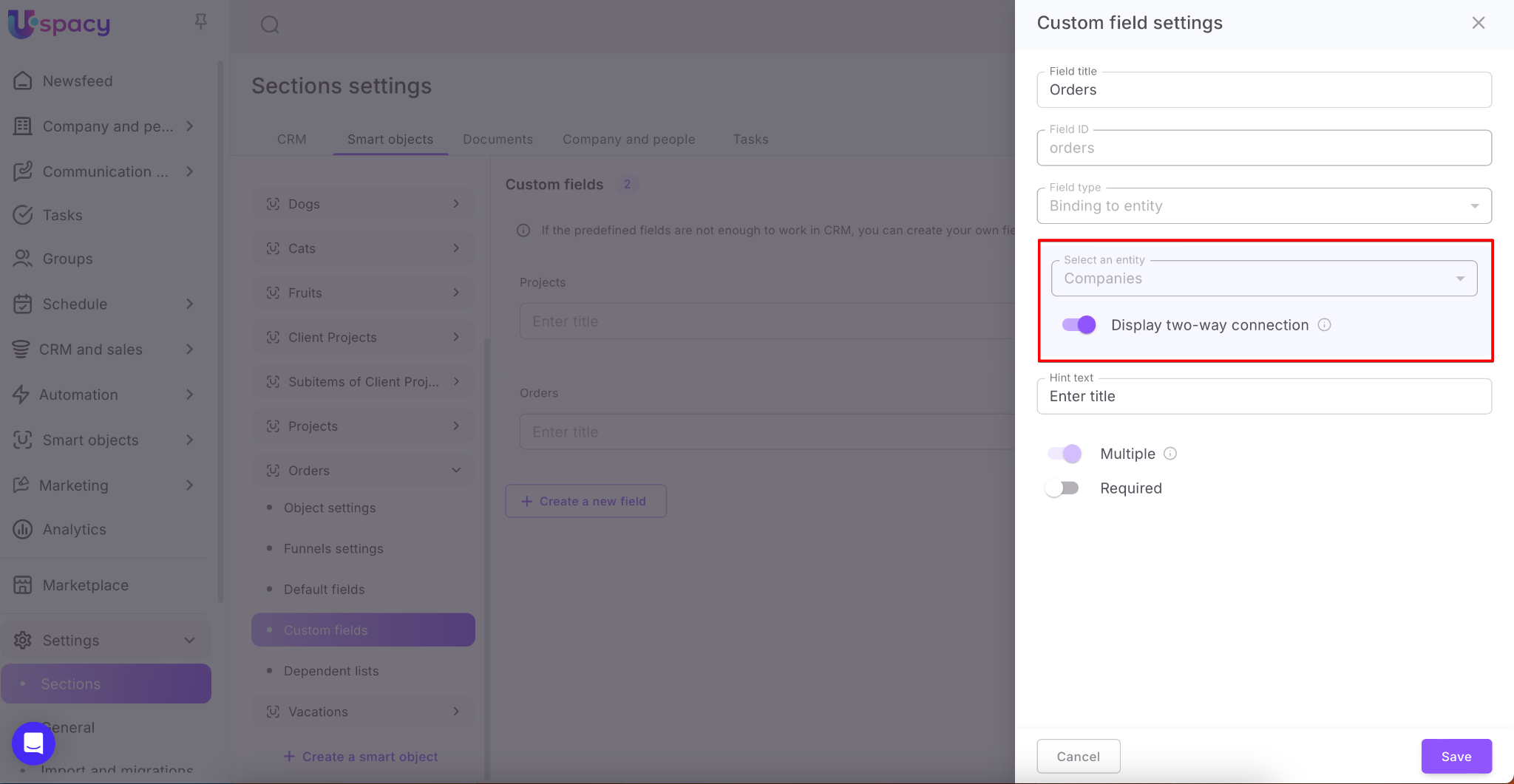
As a result, your custom entity is added to the list of available ones, and a tab titled Smart objects is displayed.

🟣 For deals – only elements of your custom SO, if the SO has the field with a two-way connection.
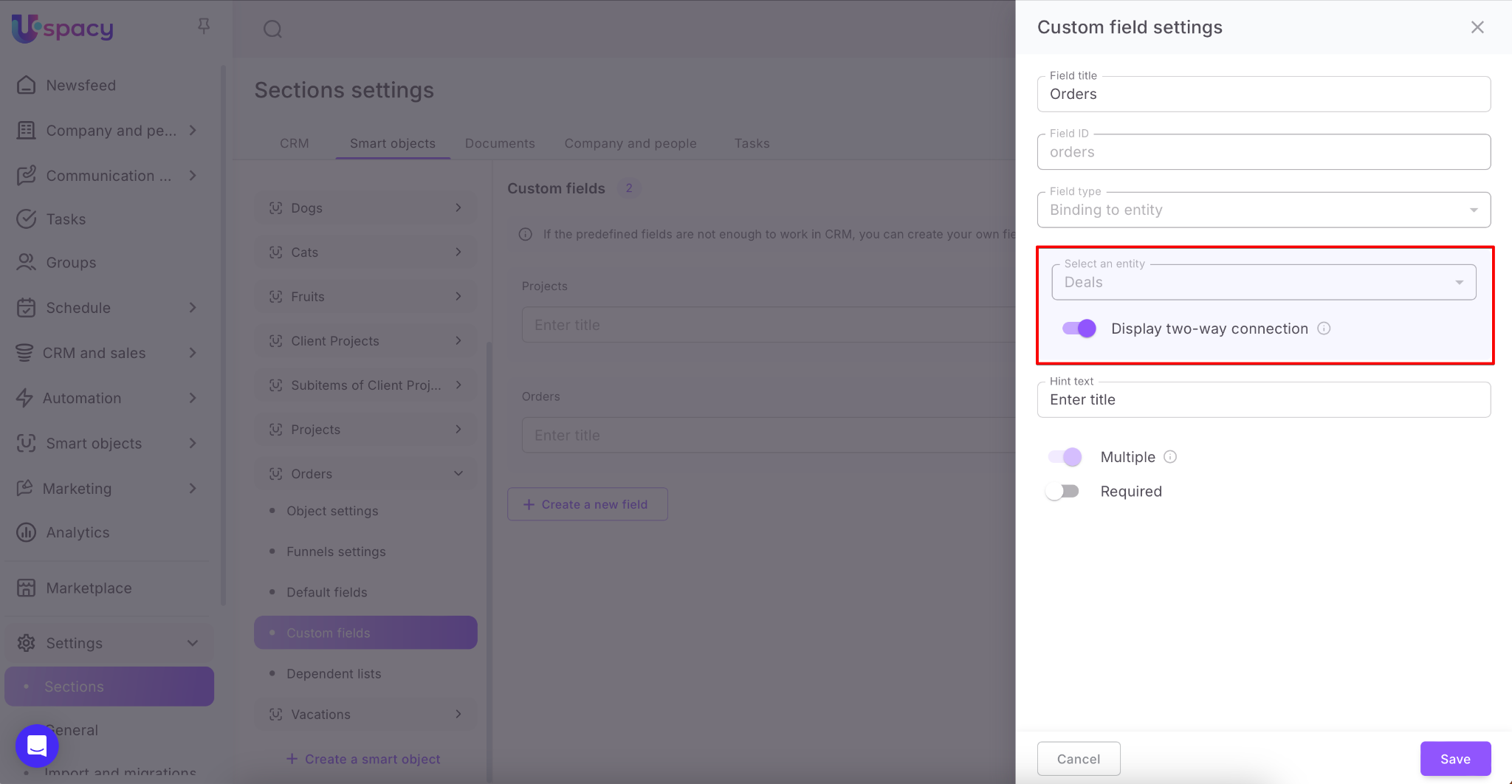

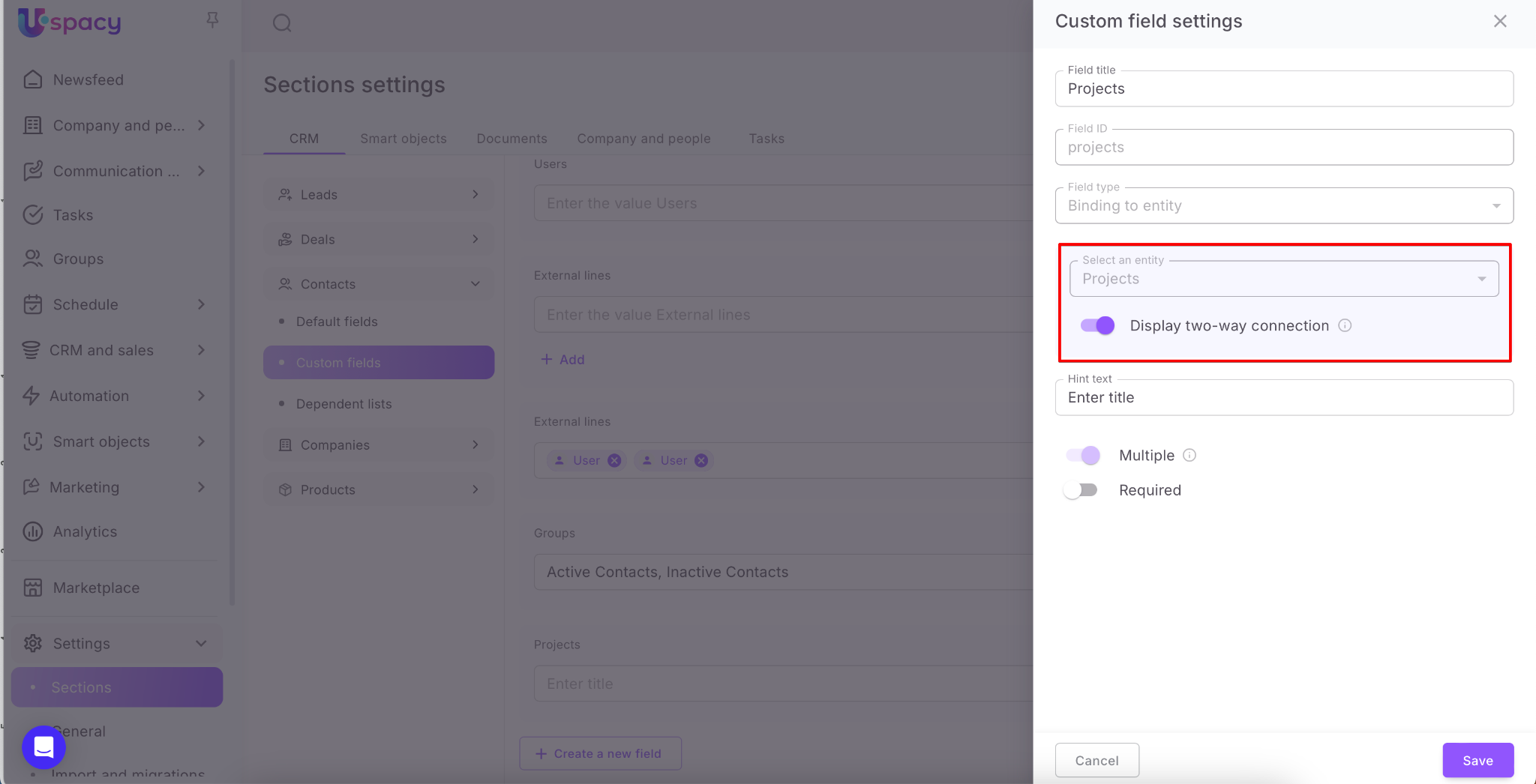
🟣 For your custom smart object – those entities for which link fields with two-way connection were created.

If you have additional questions or you need to contact the support, send a request to this email [email protected]
Created: April 21, 2025 / Updated: September 19, 2025