To successfully migrate your data, you first need to perform preparatory actions in Bitrix24, and then start the migration to Uspacy.
So, you need to take five basic steps.
💡 But before that, please CHECK THE RELEVANCE OF DATA that will be transferred from Bitrix24. Delete the unnecessary, fire users and change the persons responsible for tasks and elements of CRM. This will speed up the migration process to Uspacy.
Also pay attention that:
- Both active and former employees’ profiles are migrated. In Uspacy, former employees will also be inactive users and will not have any access to the Workspace. However, if a former employee in Bitrix24 had any role in a task or was responsible for CRM elements, they will retain the same roles and responsibilities in Uspacy.
- for successful transfer of active users who are registered in Bitrix24 by phone number, their Bitrix24 profiles must have an email address. This email address will be used for further authorization in Uspacy.
To successfully log in and start working in Space, users whose data was also transferred during the migration need to recover passwords from their accounts.
To do this follow all the same steps as in the situation when you simply forgot your password.
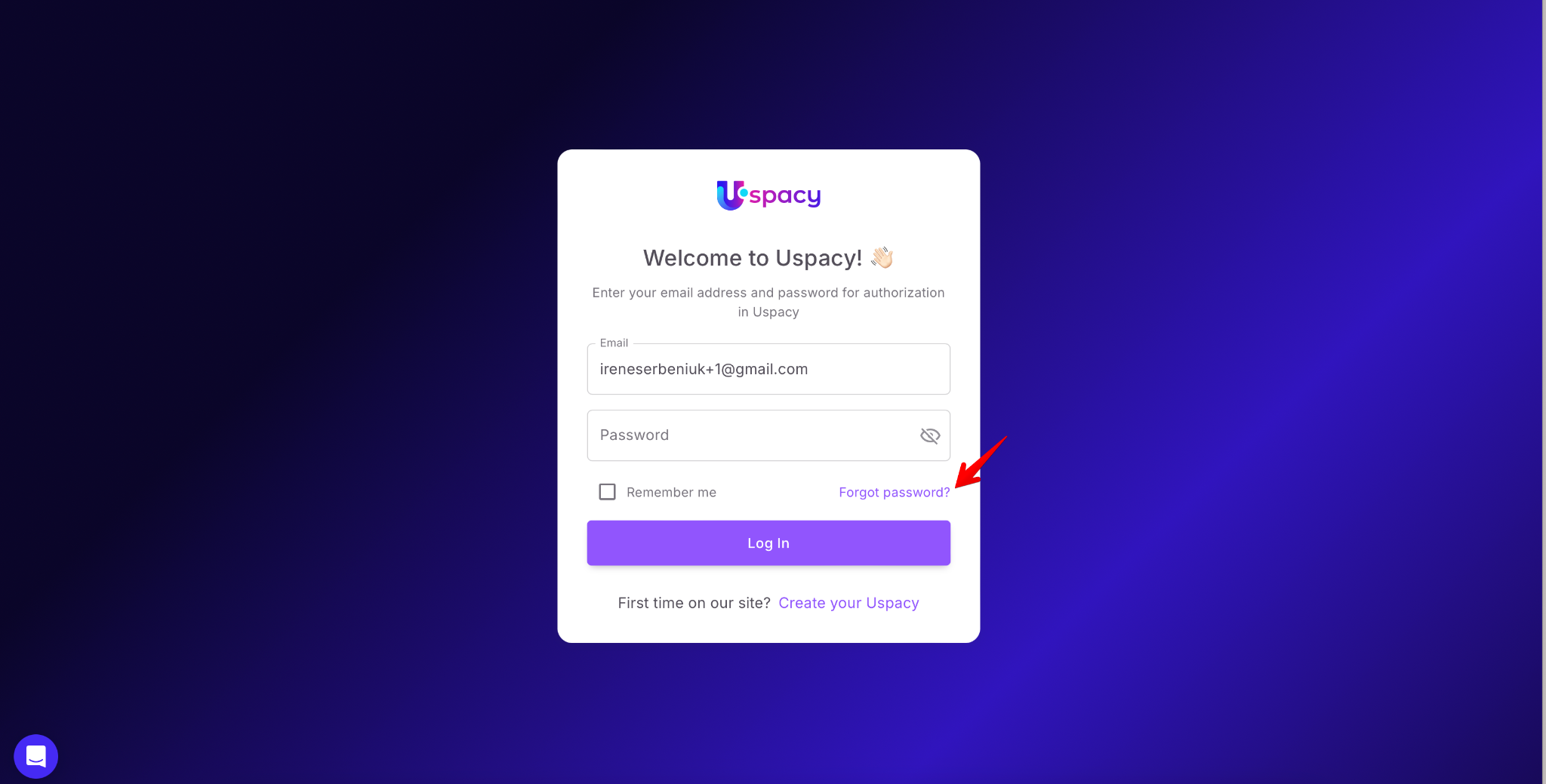
🔍 You can read more about password recovery in the article "Forgot your password? How to restore it and log in to your Space?".
ℹ️💬If you need additional information or guidance regarding the migration process, our Technical Support team is always available to assist you. To request assistance, please contact us at [email protected].
Created: January 24, 2023 / Updated: October 31, 2025