What to do when January feels more like the start of spring or the end of autumn? Wrap yourself in a soft blanket, enjoy your favorite warm drink, and wait for the Uspacy updates!
🟣 This time, most of the new features have appeared in the CRM section. Namely, the ability to make fields required based on funnel stages. Sometimes, the deal needs certain information, but you only receive it at later stages. That’s why it’s useful to request it at the stage where it becomes necessary.

🔍 You can read more about this feature in the article "Required fields in CRM".
🟣 The History of changes in CRM is one of the most anticipated updates for managers and administrators, as it allows you to look through the list of changes. For example, it shows who deleted the lead or when the deal was updated. From now on, no action will go unnoticed.

🔍 Working with the History of changes in CRM can be found in the article "History of changes in CRM".
🟣 Permissions to funnels provide flexibility for large teams. Each direction in CRM can be divided with its own permissions, allowing you to show only the necessary funnel stages and entities to employees.
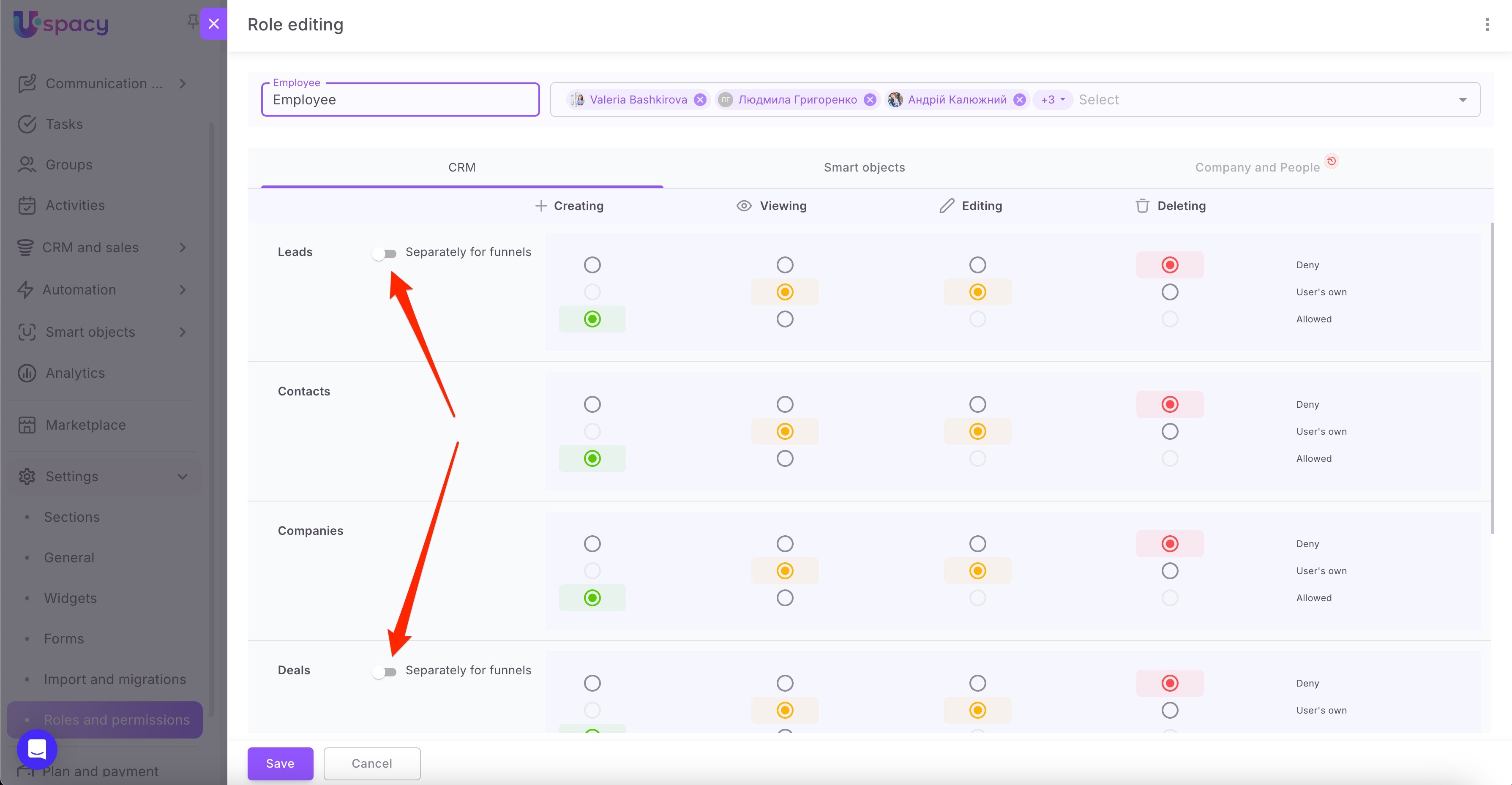
🔍 You can read more about roles and permissions in the Space in the article "Roles and permissions at Uspacy".
🟣 Multi-level drawers are the first step in a series of interface improvements based on user experience. This update allows you to open CRM entities one over the other without fully reloading the page. It’s incredibly convenient when you need to go from a deal to a related company, then to a contact, make some changes, and return back to the deal. It might sound a little complicated, but this update will steal your heart if you use our CRM a lot.

🟣 Previously, we saved table settings in Tasks section, but now this feature is also available for CRM and Smart Objects. You can configure tables however you like, and Uspacy will remember them. Now, your browser, device, or location no longer matter because everything will look just how you want it, no matter where you are.

🔍 For more information on the topic, go to the article "Work with CRM elements in the list".
🟣 Finally, it’s now possible to see colleagues’ availability in their calendars when creating activities. Nobody likes randomly search for a colleague's available time, do they? Now, people can view their colleagues' schedules and avoid misunderstandings when scheduling a meeting.

🔍 You can read more about this feature in the article "Schedule of availability in Activities".
If you have additional questions or you need to contact the support, send a request to this email [email protected]
Created: February 3, 2025 / Updated: February 2, 2026