Do you lack fields in your CRM card? Just create your own! Uspacy makes it possible to work with custom fields and use them for the required entities in CRM.
🔍For more details on how to create your own field in CRM, go to the following article.
❗️Please note that you can work with custom fields only on commercial plans. To try this functionality, you can activate the demo mode.
💡 If you create your own fields when demo mode is active, after it expires, these fields in the card will not be available for editing, but the data from them will not disappear and will be available for viewing.
One of the important characteristics when adding a custom field is its type. It shows the data that can be stored in a field. Uspacy currently supports 18 different types.
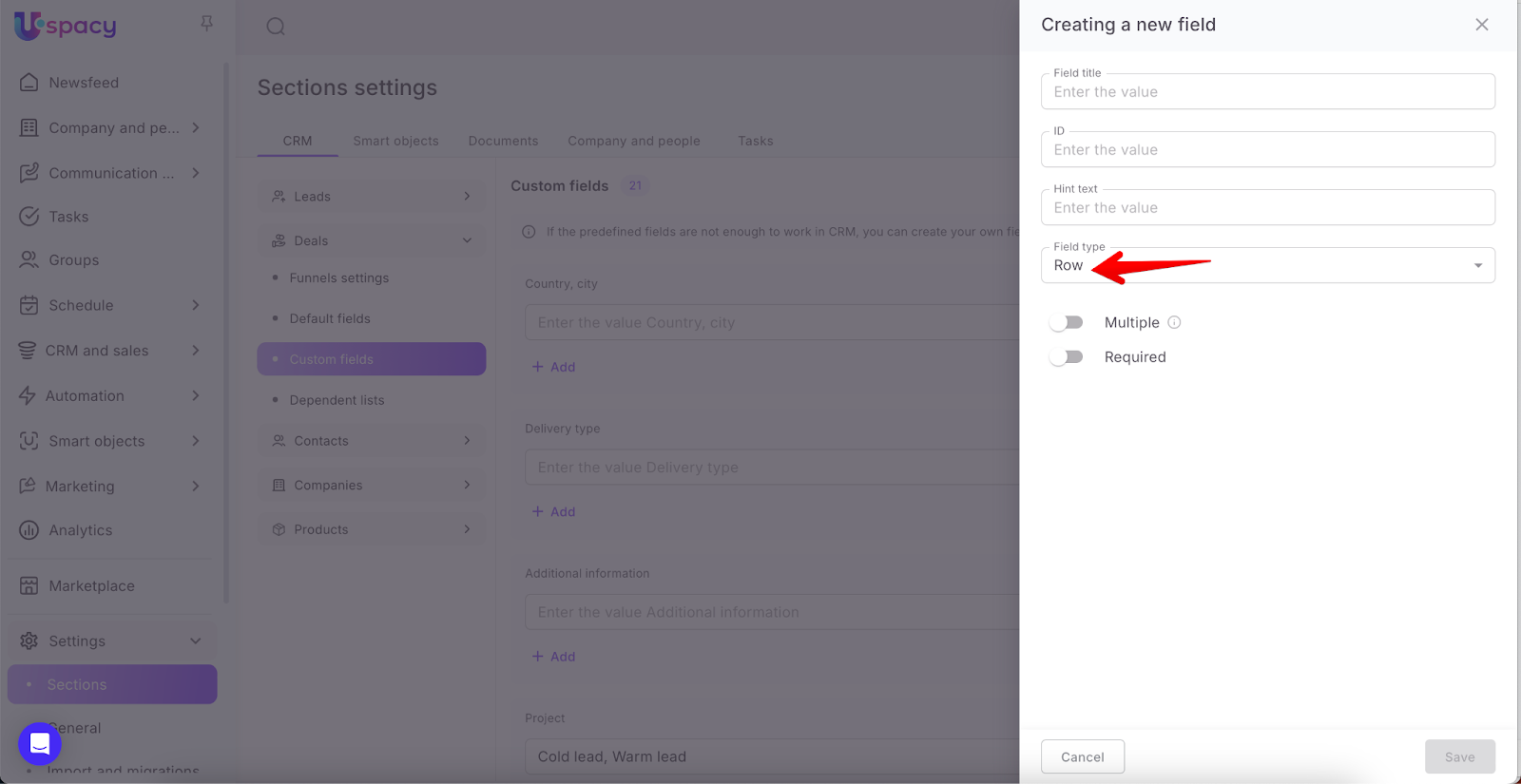
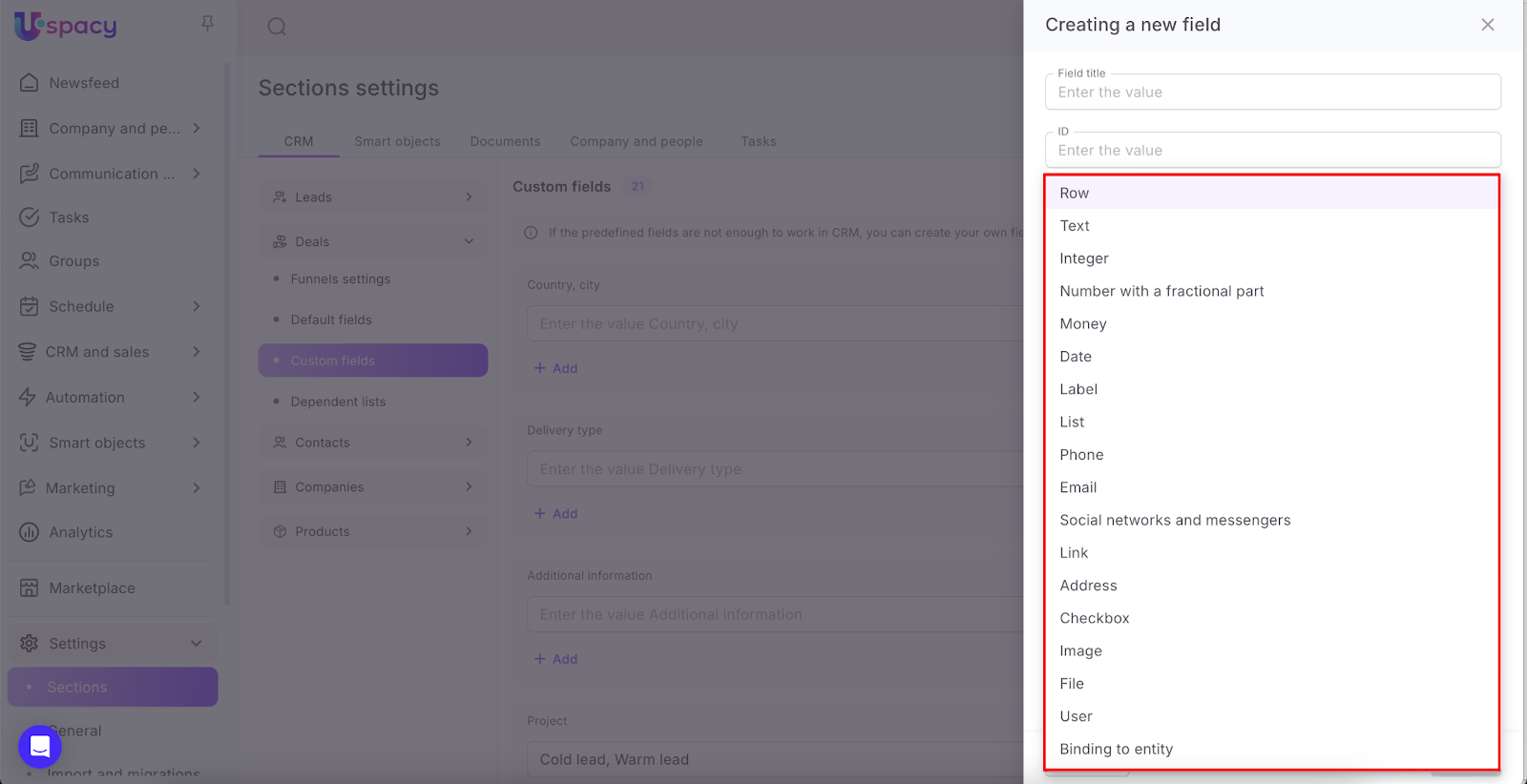
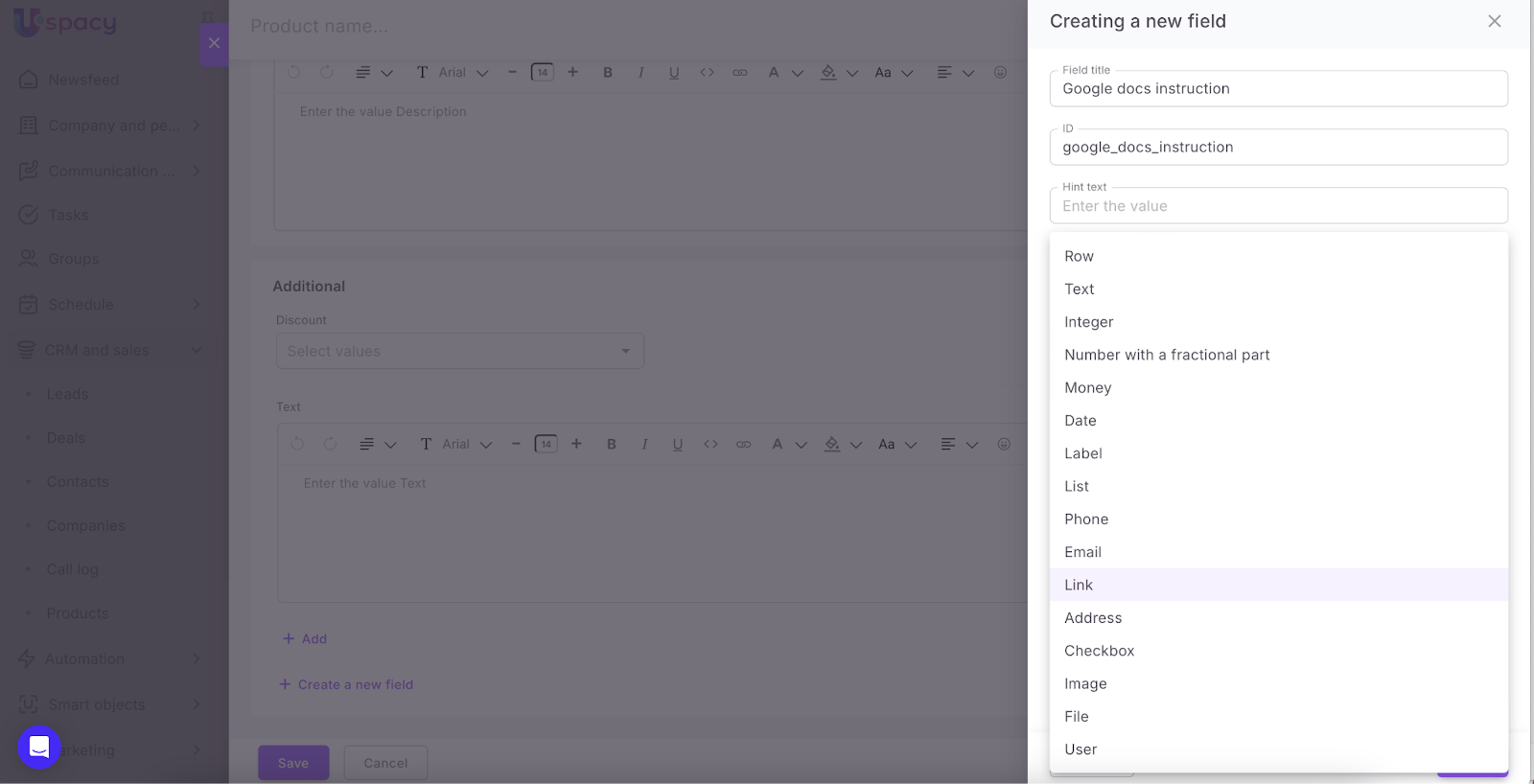
❗️The same list of field types is provided for all entities. But for products there is one difference. You can NOT create a Social networks and Messengers type field for them (it will not be available for selection from the list).
More details about each type below ⬇️
Row
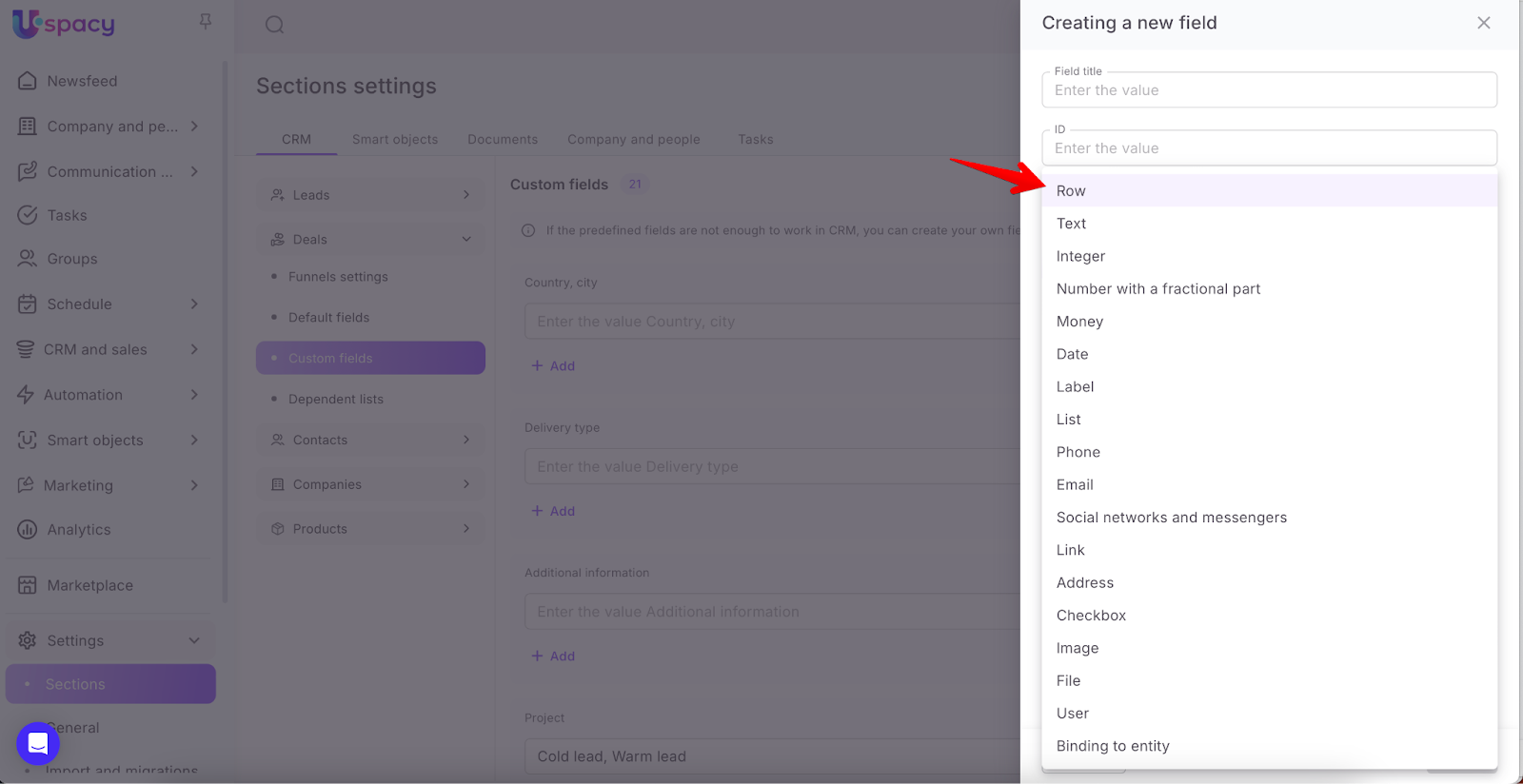
This type of field can contain up to 255 characters, including text, special characters, numbers, and spaces.

Text
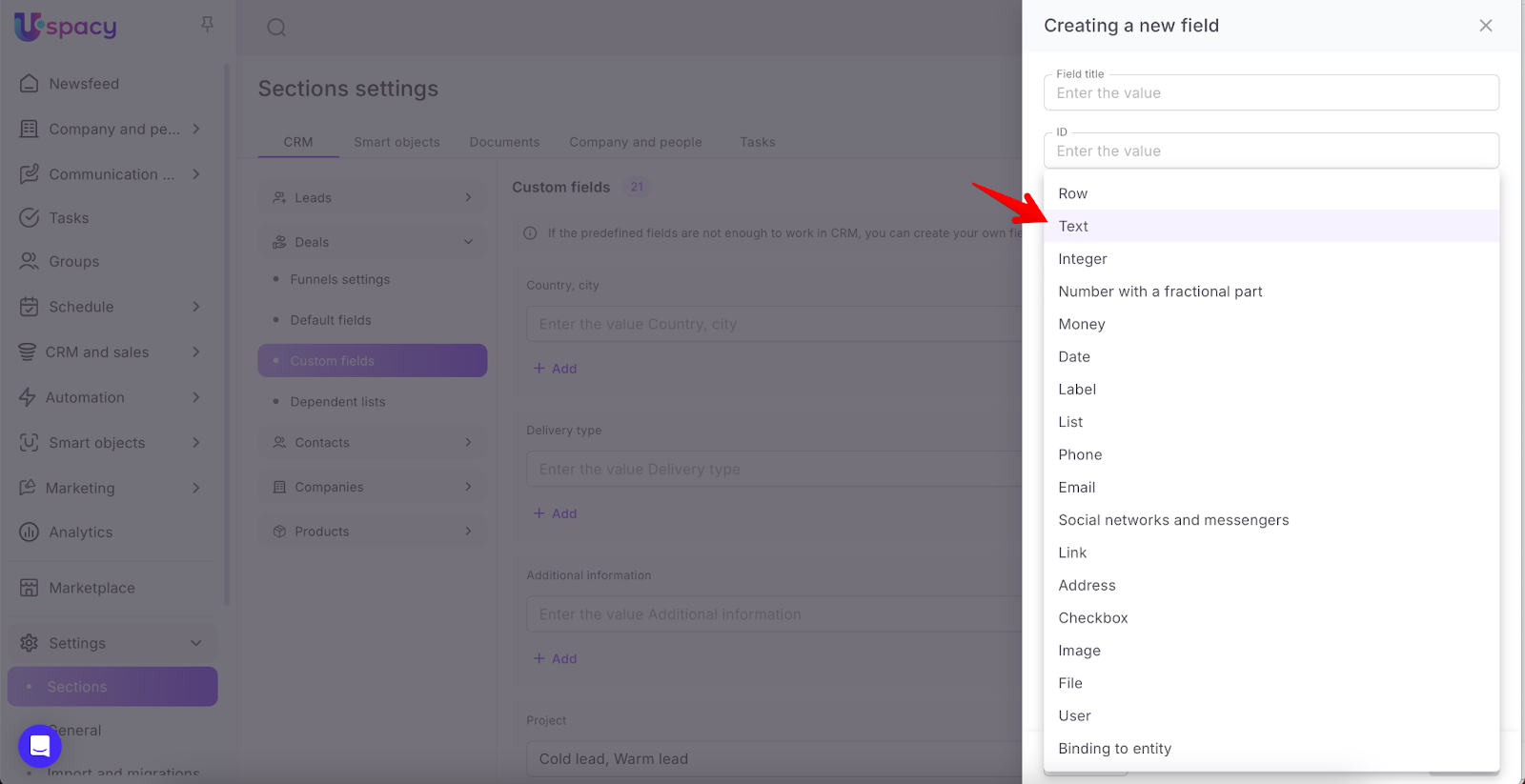
This type of field can contain text with spaces, as well as links, special characters, numbers, emojis. In addition, there is a built-in editor (1), which allows you to format the content of the field according to your own taste.
The slider (2) in the lower right corner allows you to adjust the height of the field while editing it.

If the entity card is opened in the viewing mode, then the field of type Text will be displayed in a collapsed form. To view all the content, you need to click on the Show more button.

Integer
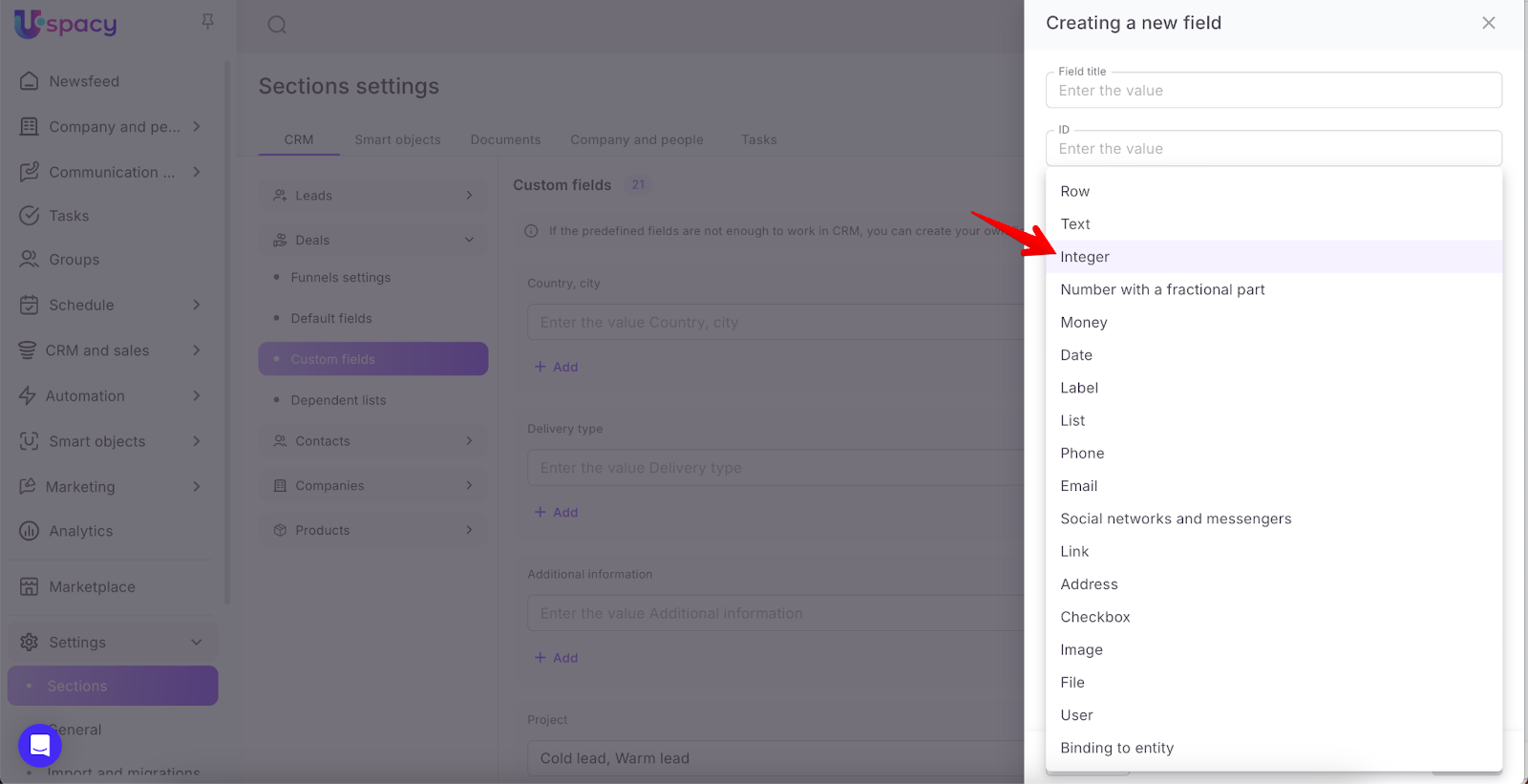
This type of field can contain only numbers (0, 1, 2, 3, 4, 5, 6, 7, 8, 9).
❗️Integers are plural numbers consisting of:
🟣Sets of natural numbers from 1 to ∞
🟣 zero
🟣sets of negative numbers - numbers less than zero, the opposite of positive numbers, for example -1, -2, -3... etc.
That is, you can write any real number in this field. But if your value starts with 0, for example 02, then it will be stored as 2 in the field.
You can enter numbers either manually or using special buttons.

A number with a fractional part
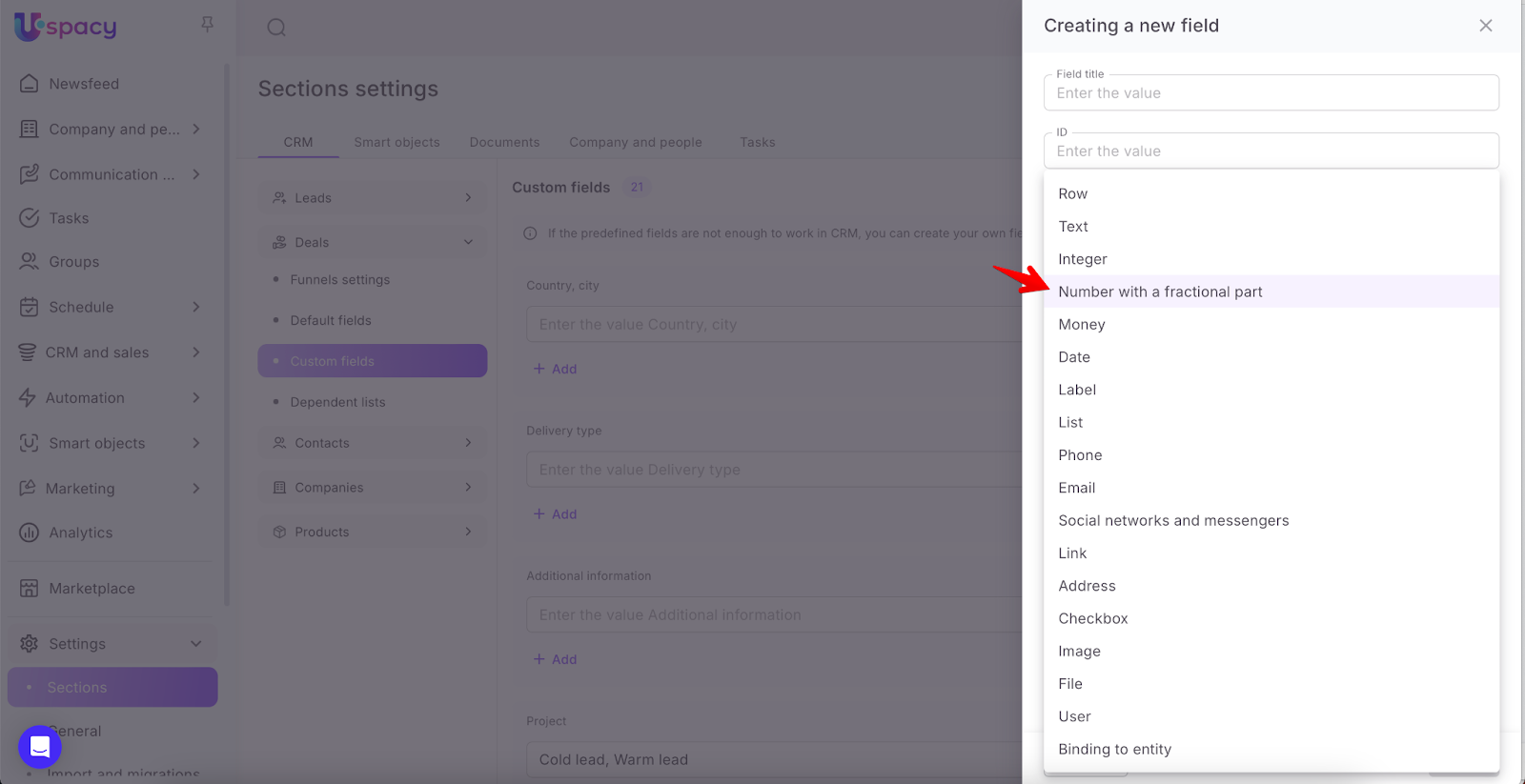
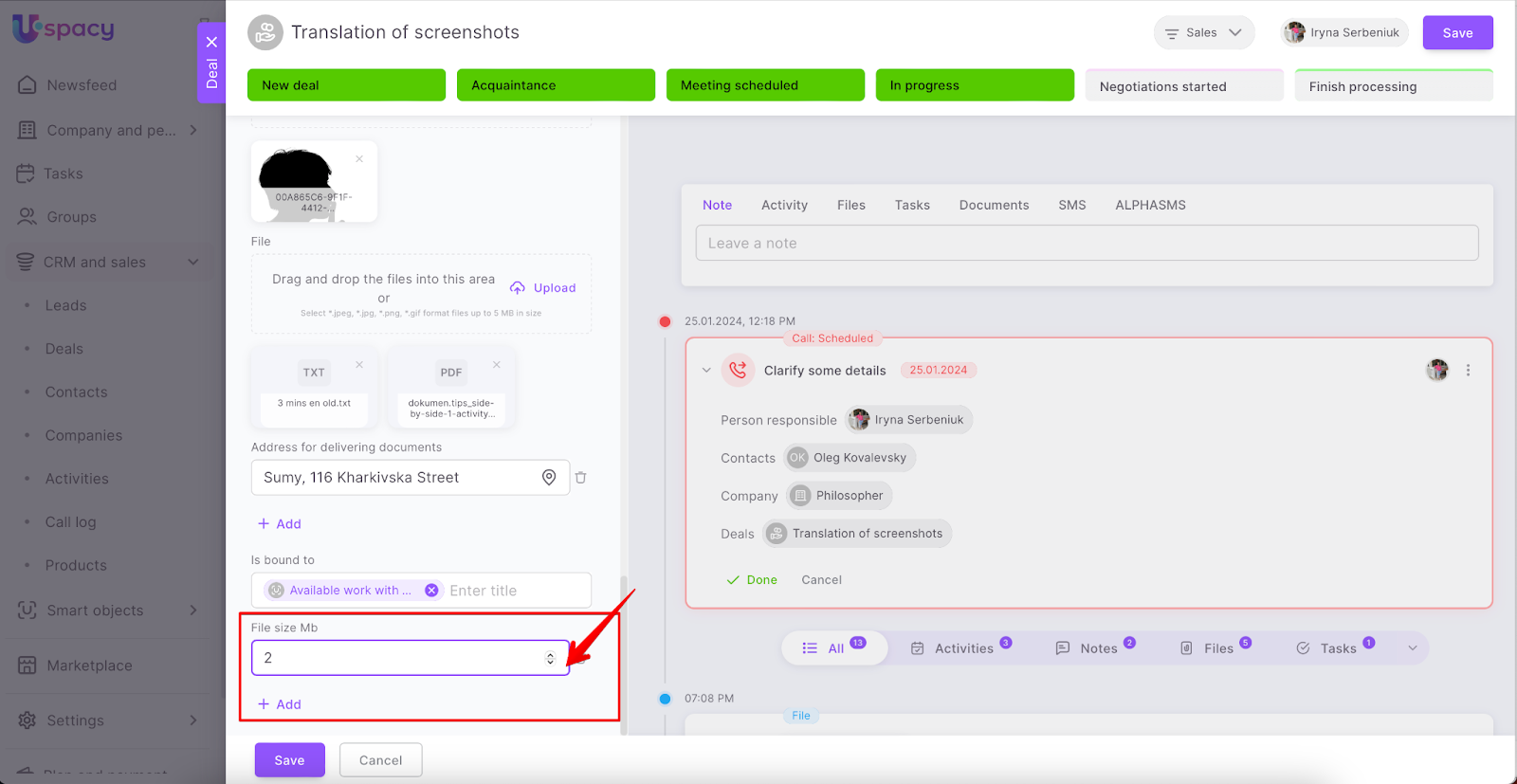
This type of field can contain numbers with a decimal separator - a sign used to separate the integer and fractional parts of a real number in the form of a decimal fraction in the decimal numbering system. That is, these are numbers with a decimal point.
For example, the size of the file to be sent to a colleague is 1.5 MB. Or the package to be sent to the client weighs 2.6 kg.
There are no restrictions on the number of characters after the point. You can enter numbers both manually and using special buttons.
Money
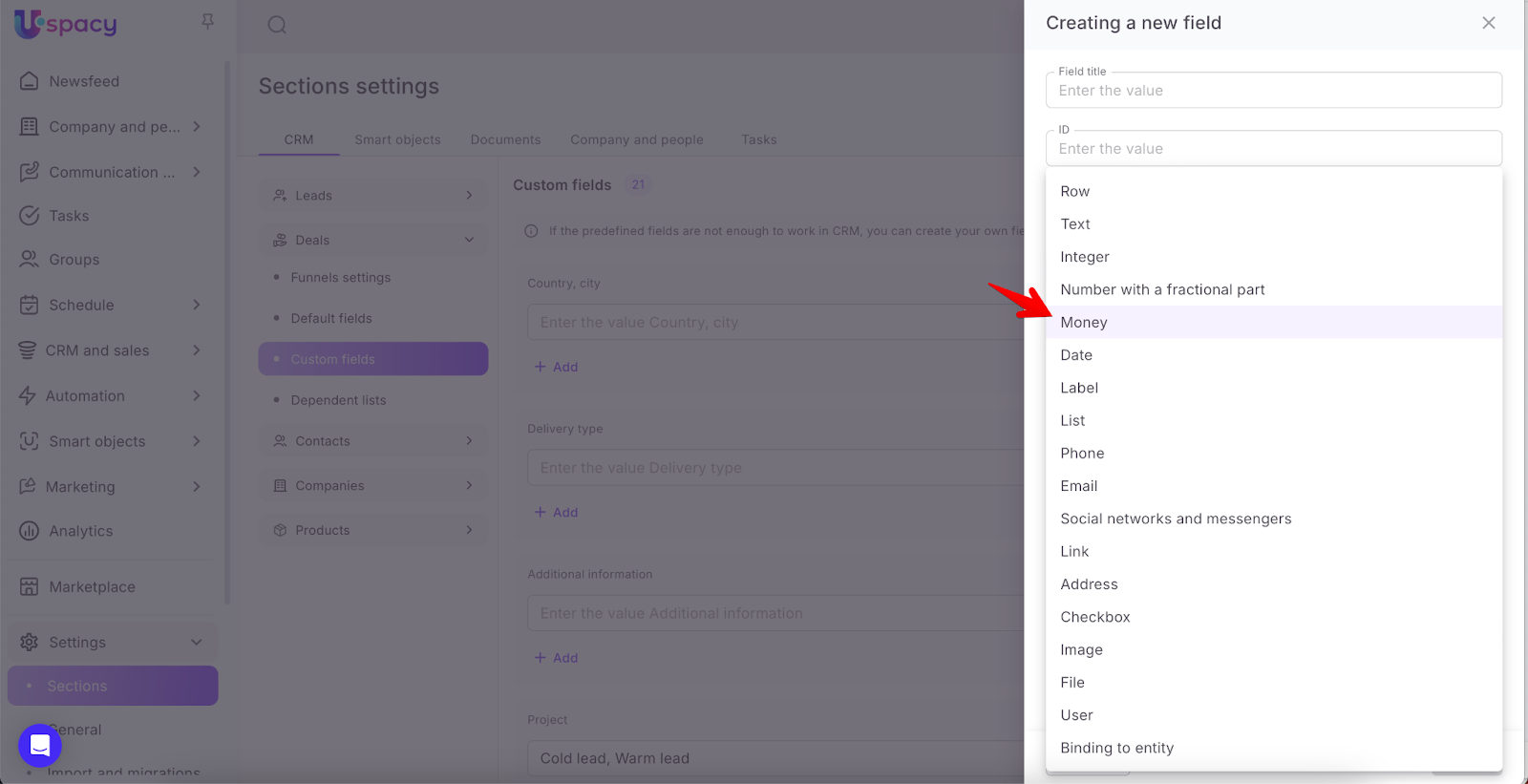
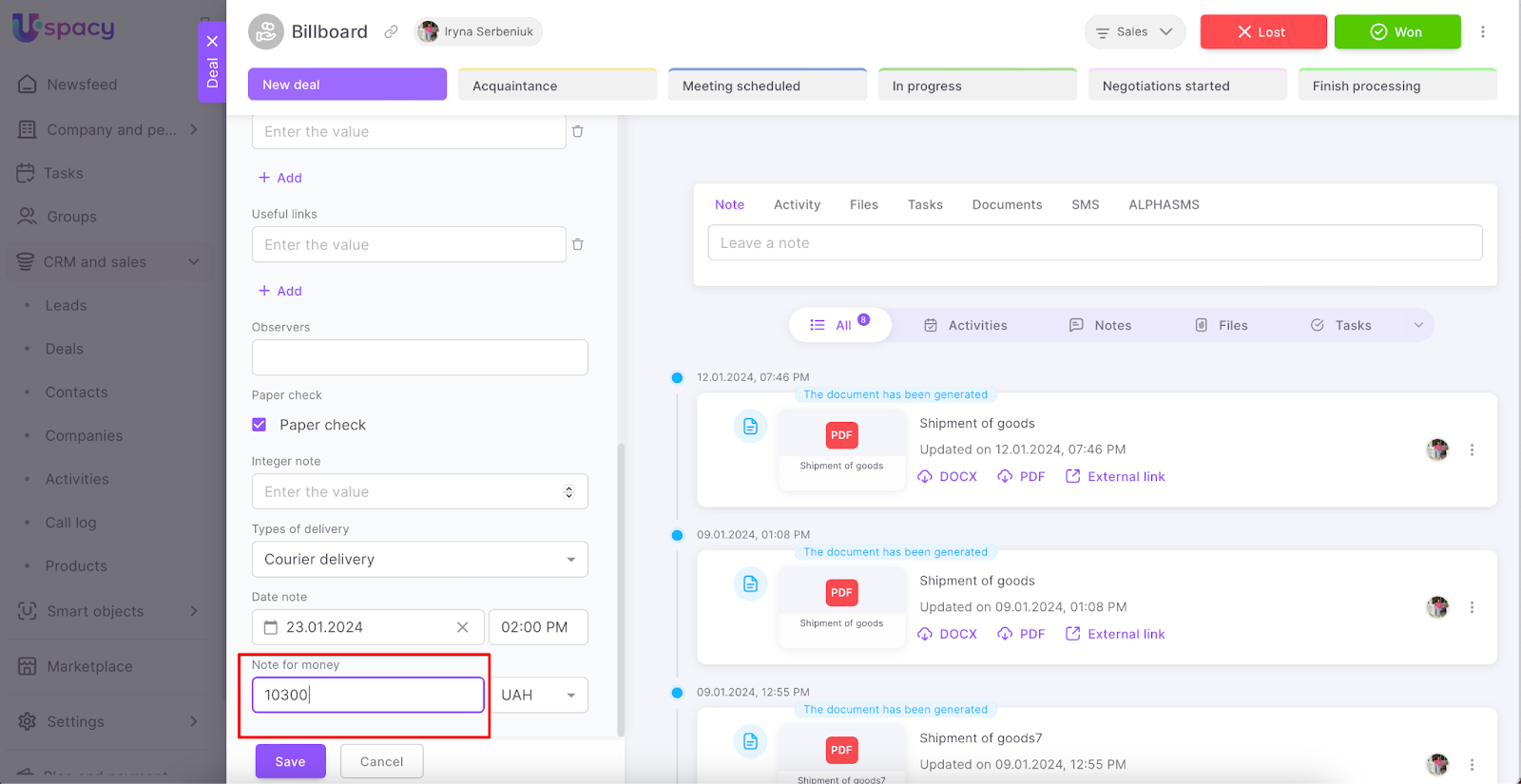
The value of the field will consist of a number (both integer and fractional - two digits after the comma, the rest will be rounded) that must be entered manually and a currency from the list.
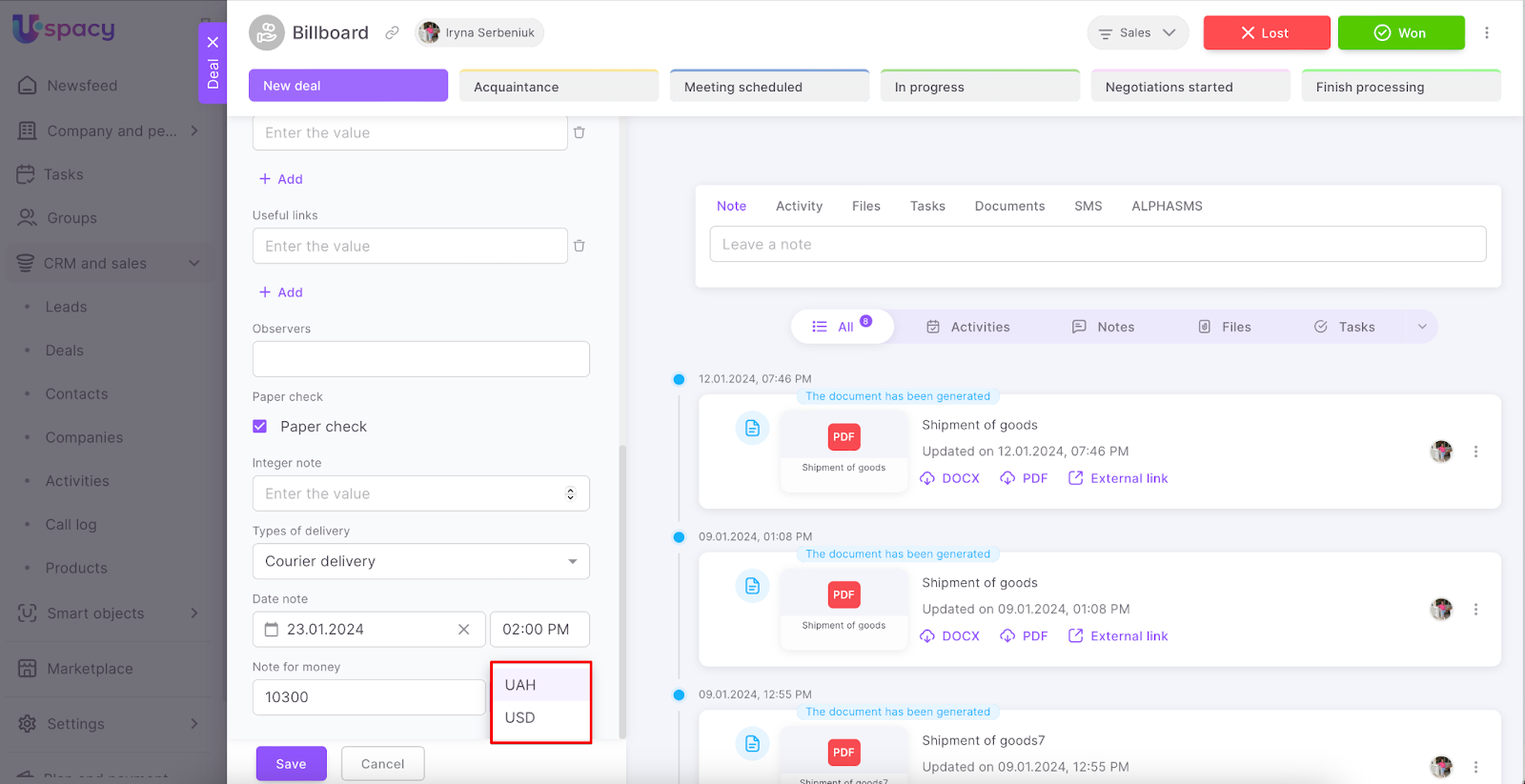
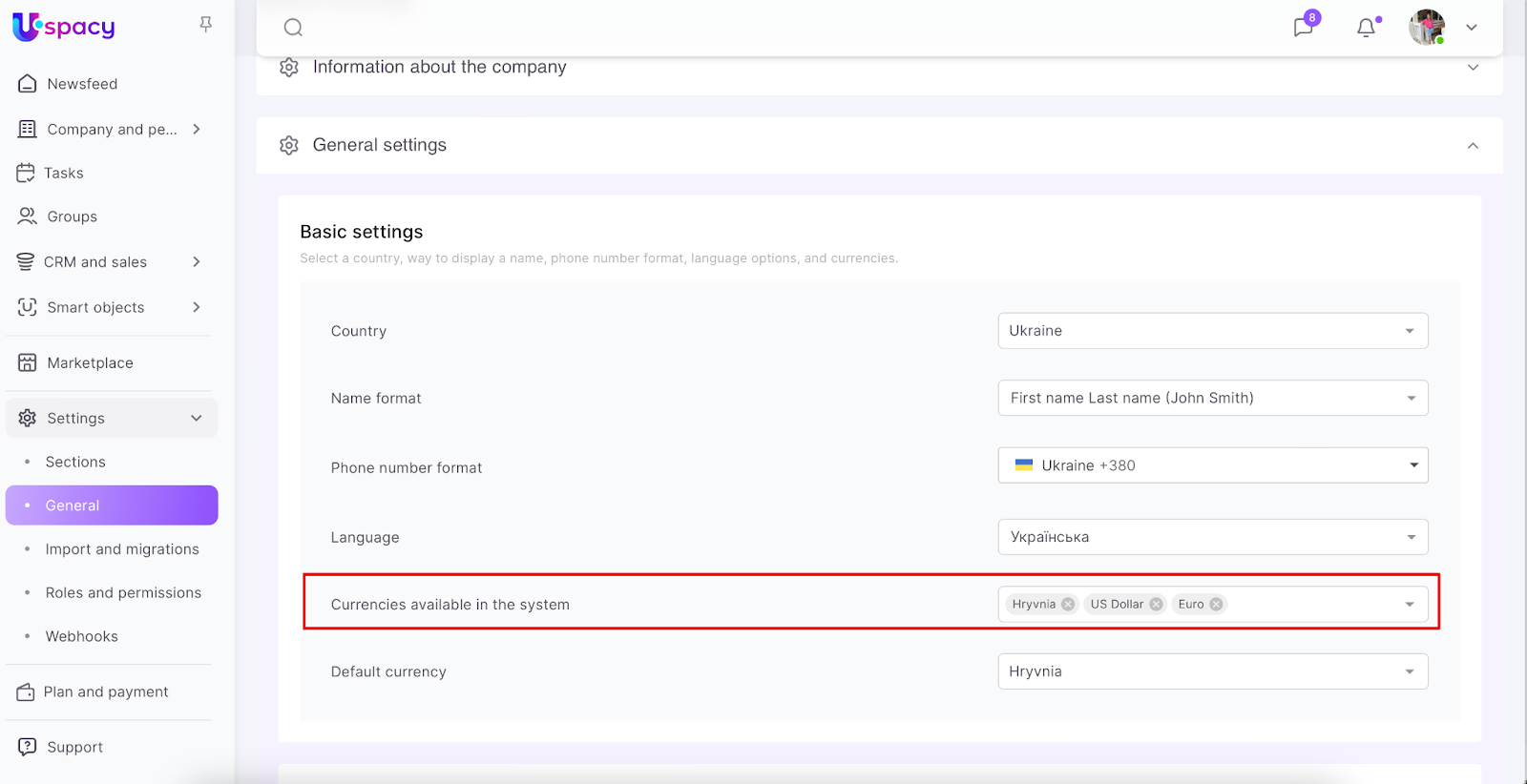
❗️Currencies specified in the Space settings will be available for selection.
Date
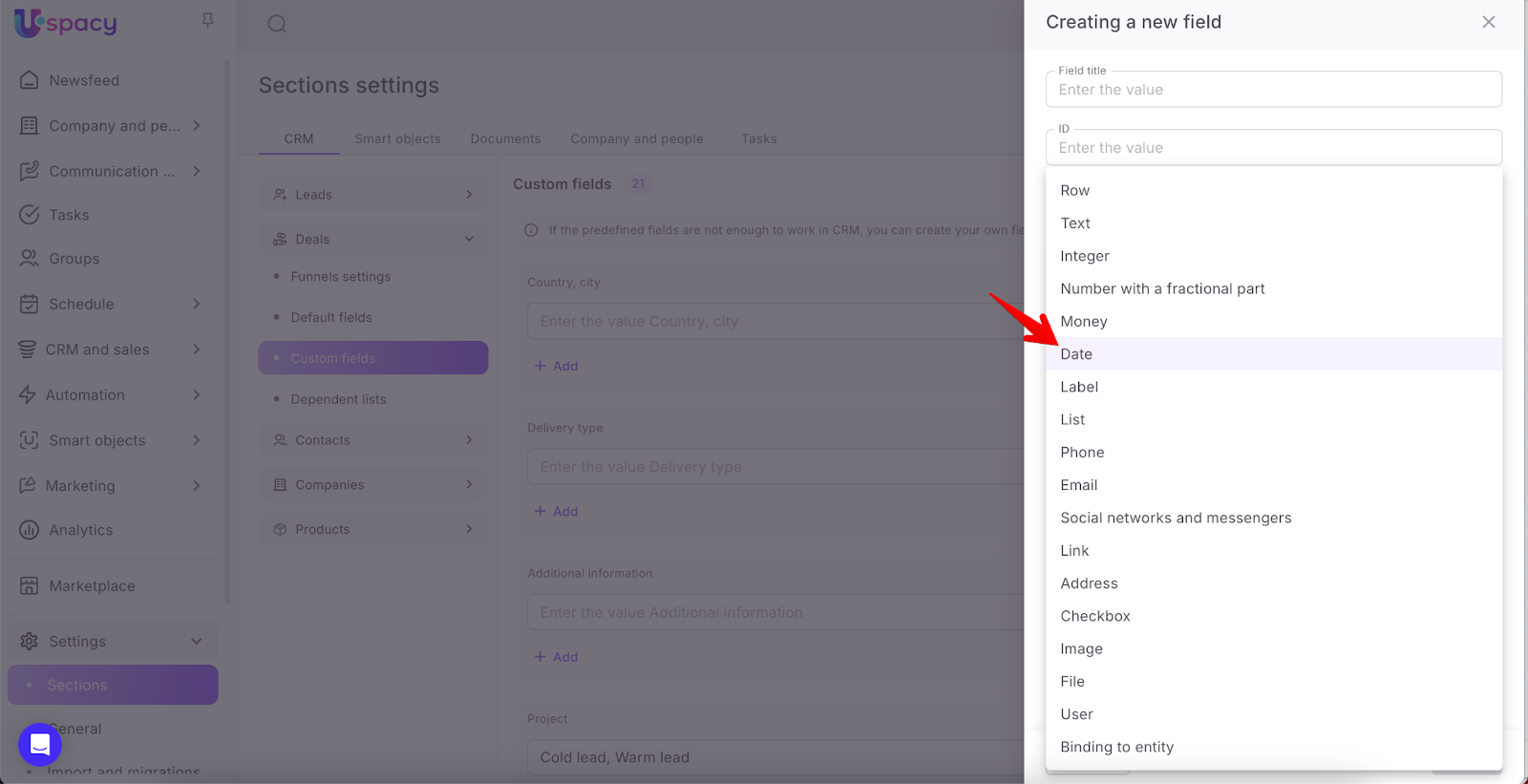
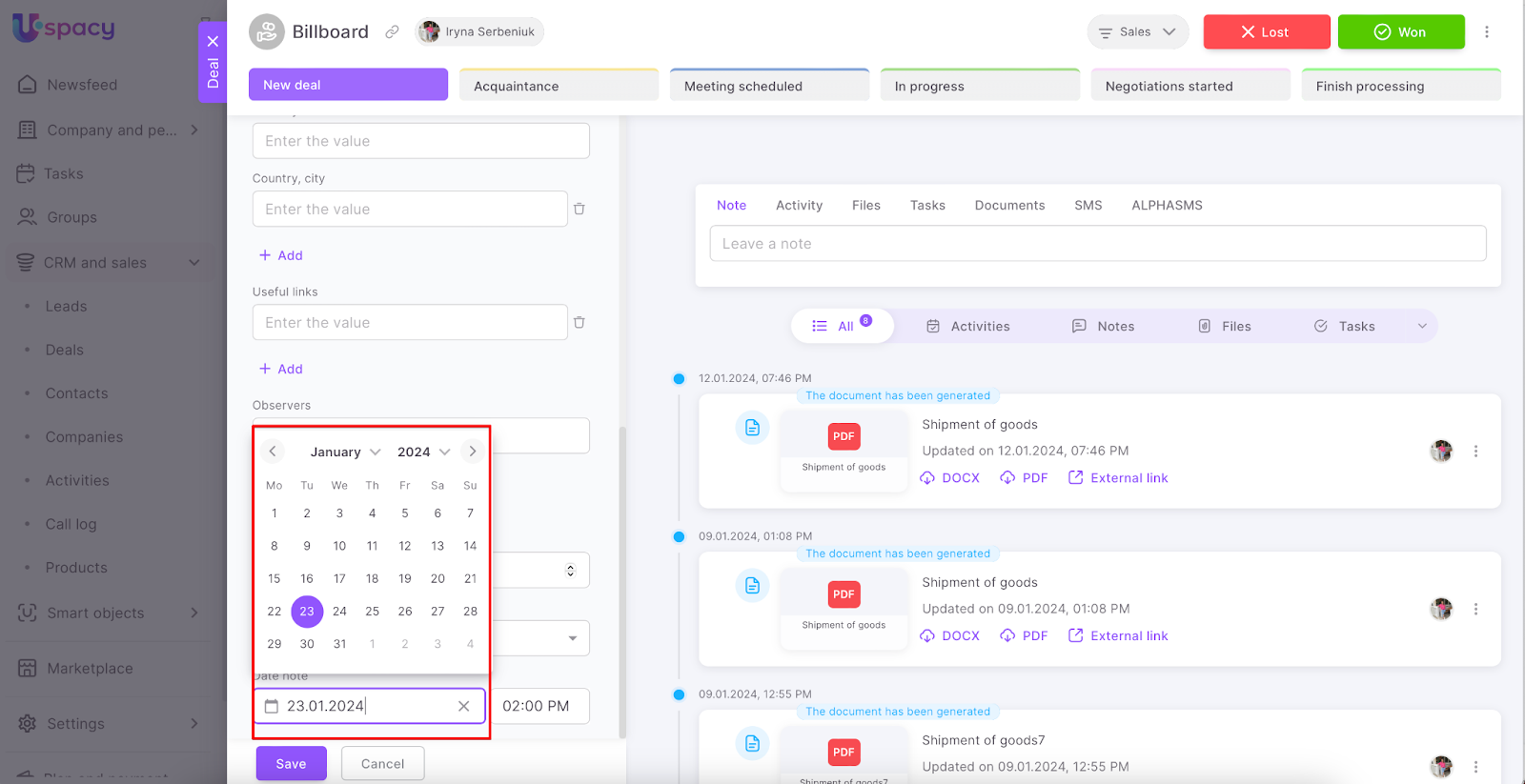
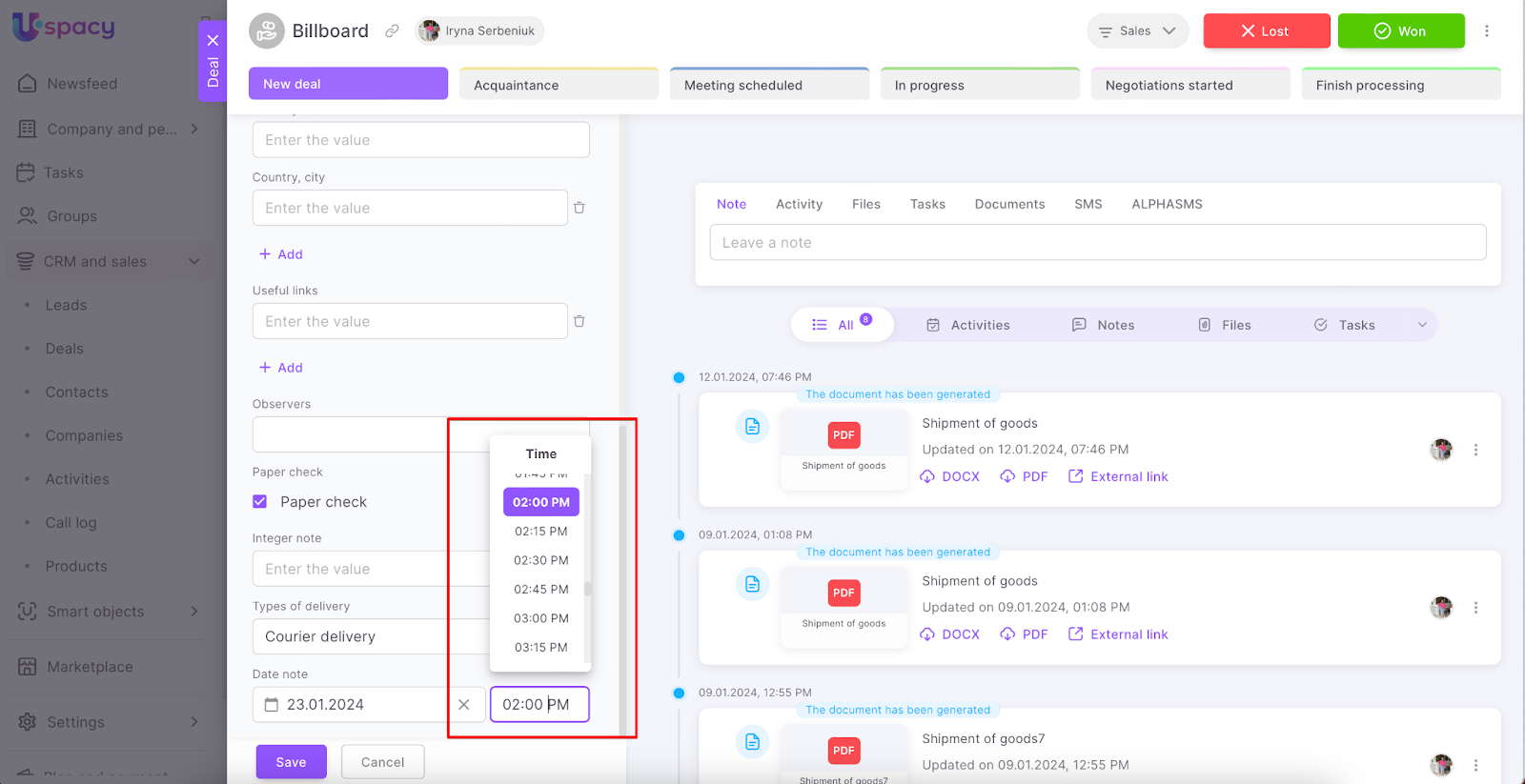
The field must contain a specific calendar date and time. They will need to be selected from the calendar tab and the clock tab as well.
Label
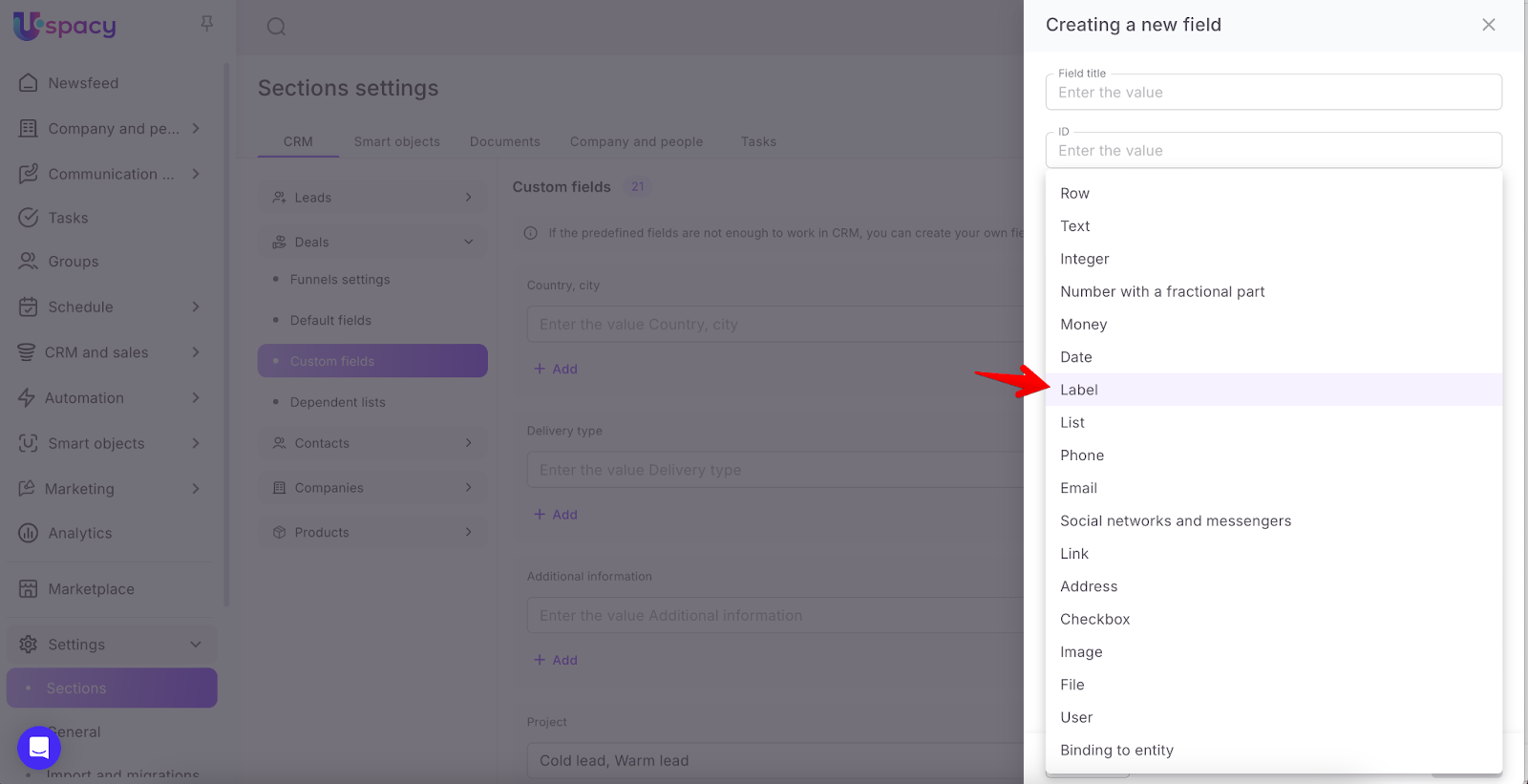
The field contains several options to select from. They are entered when creating or editing a field.
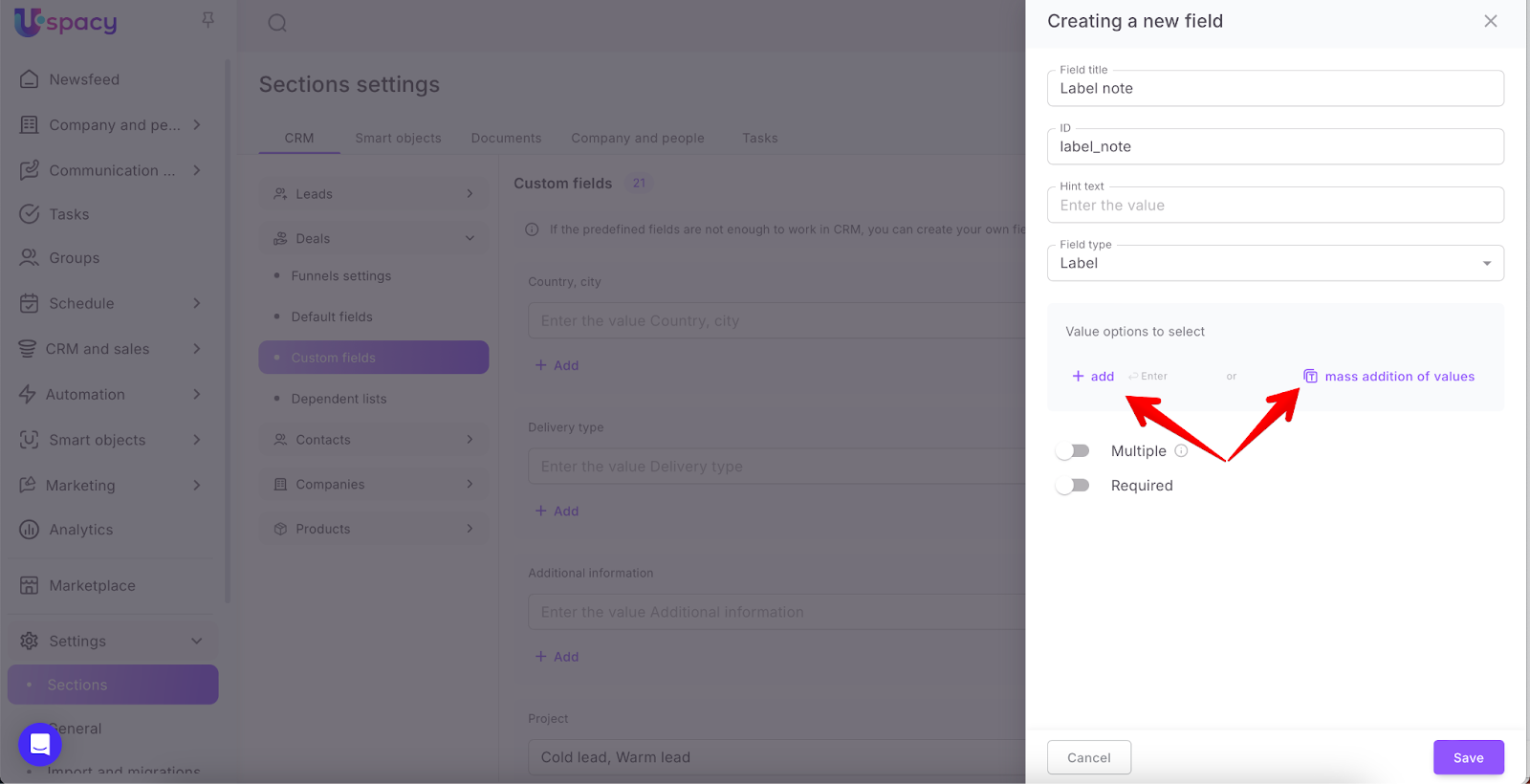
Select how to add value options. For the Professional plan, in addition to the regular method, where each value is entered separately, a mass method is also available. In this case, all options are listed at once, separated by a separator in a single field.
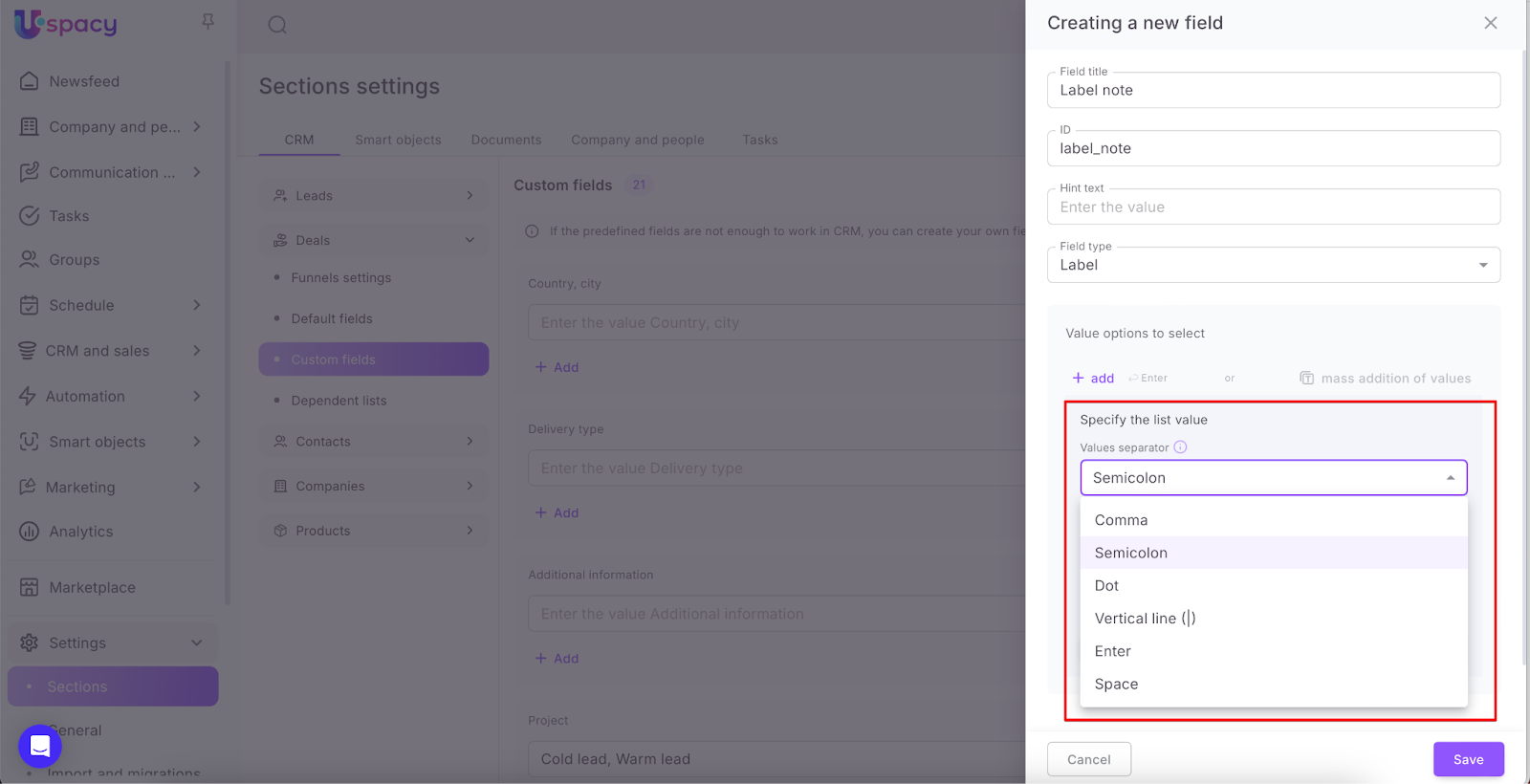
So, if you need to enter several options at once, it's more convenient to use mass adding. In the settings form, first, select a value separator – a character that will be used to separate each option.
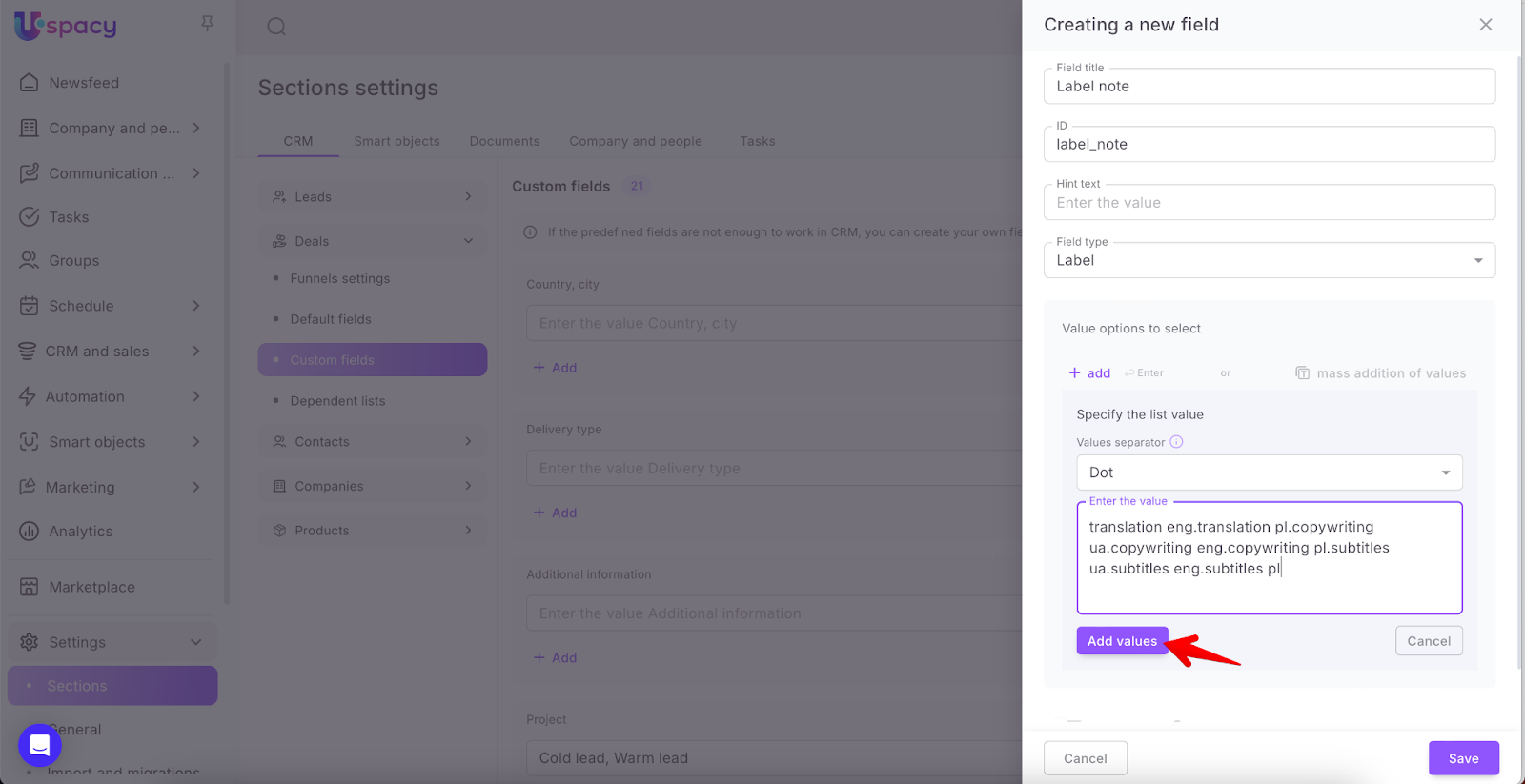
Then, enter the values and click the button that will add them to the list.
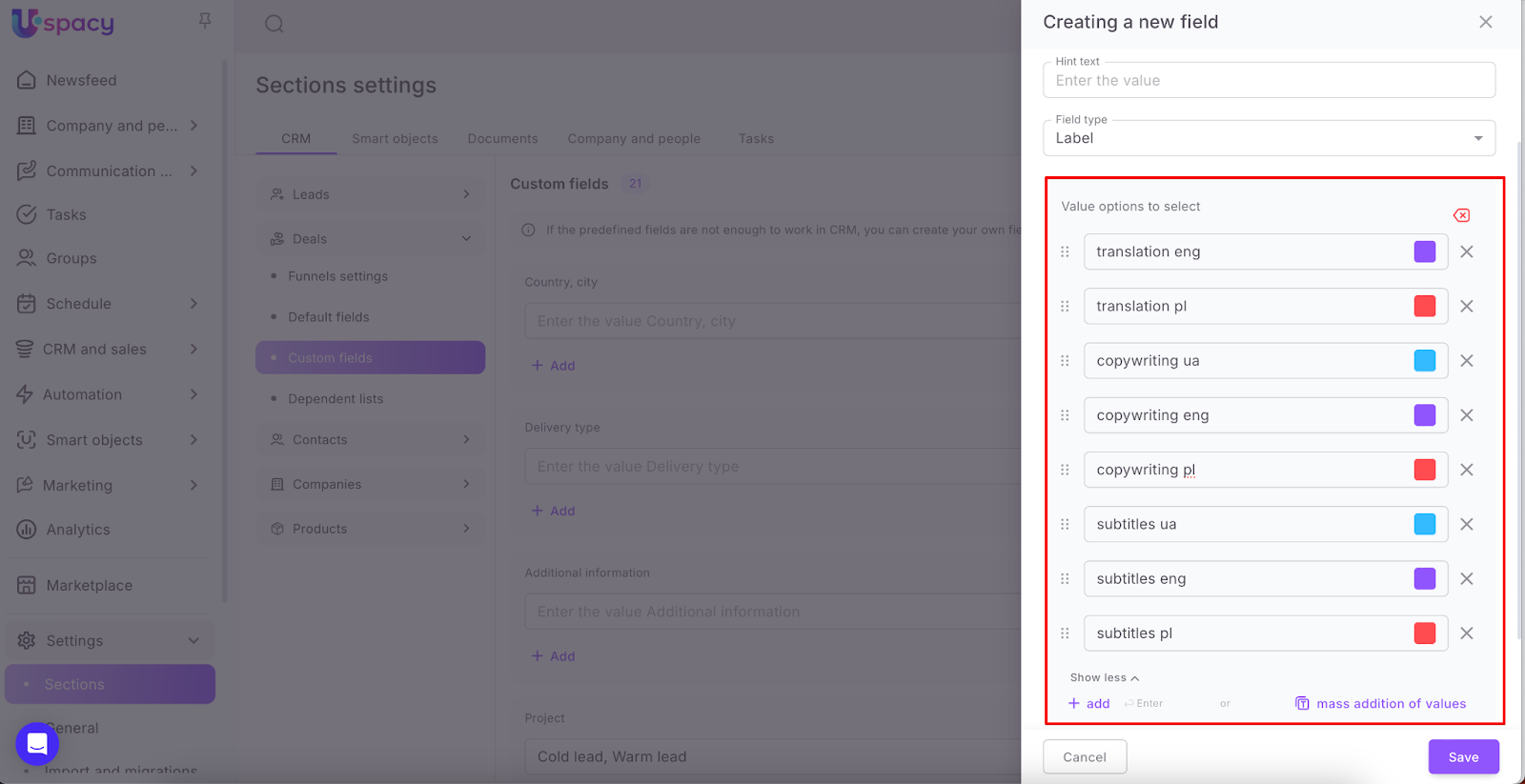
As a result, you will get the desired list of options to fill the field.
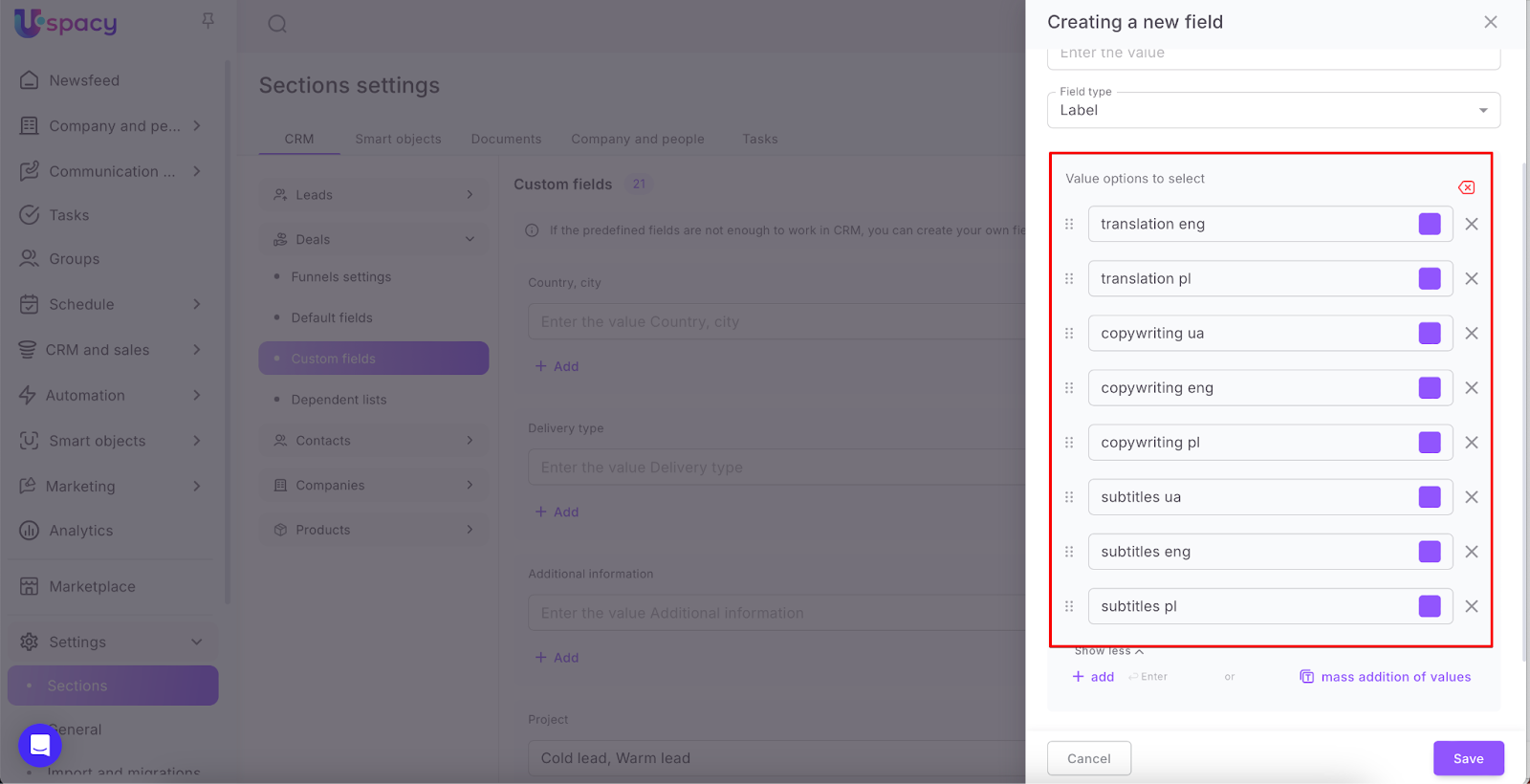
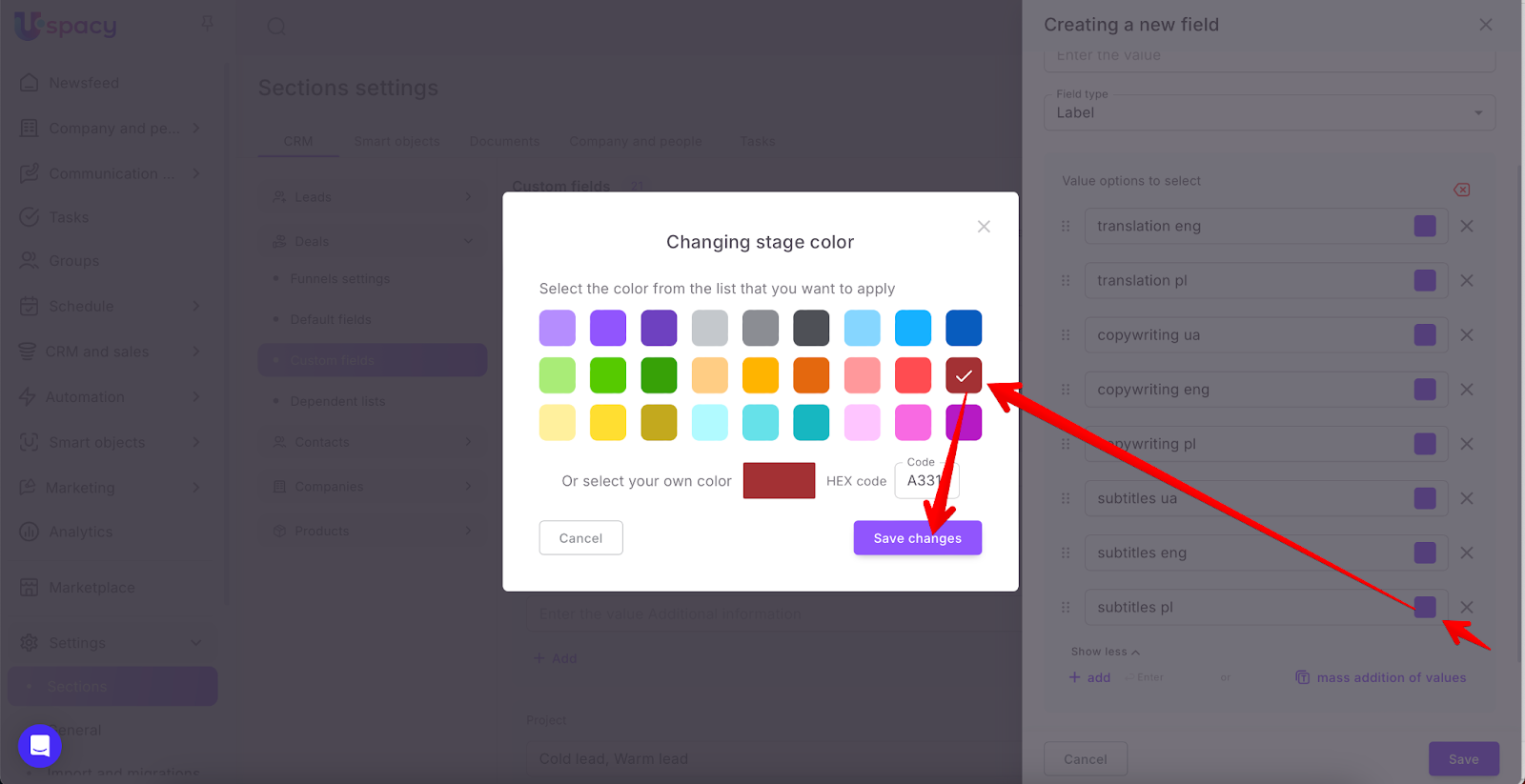
Next, you can select a color for each value.
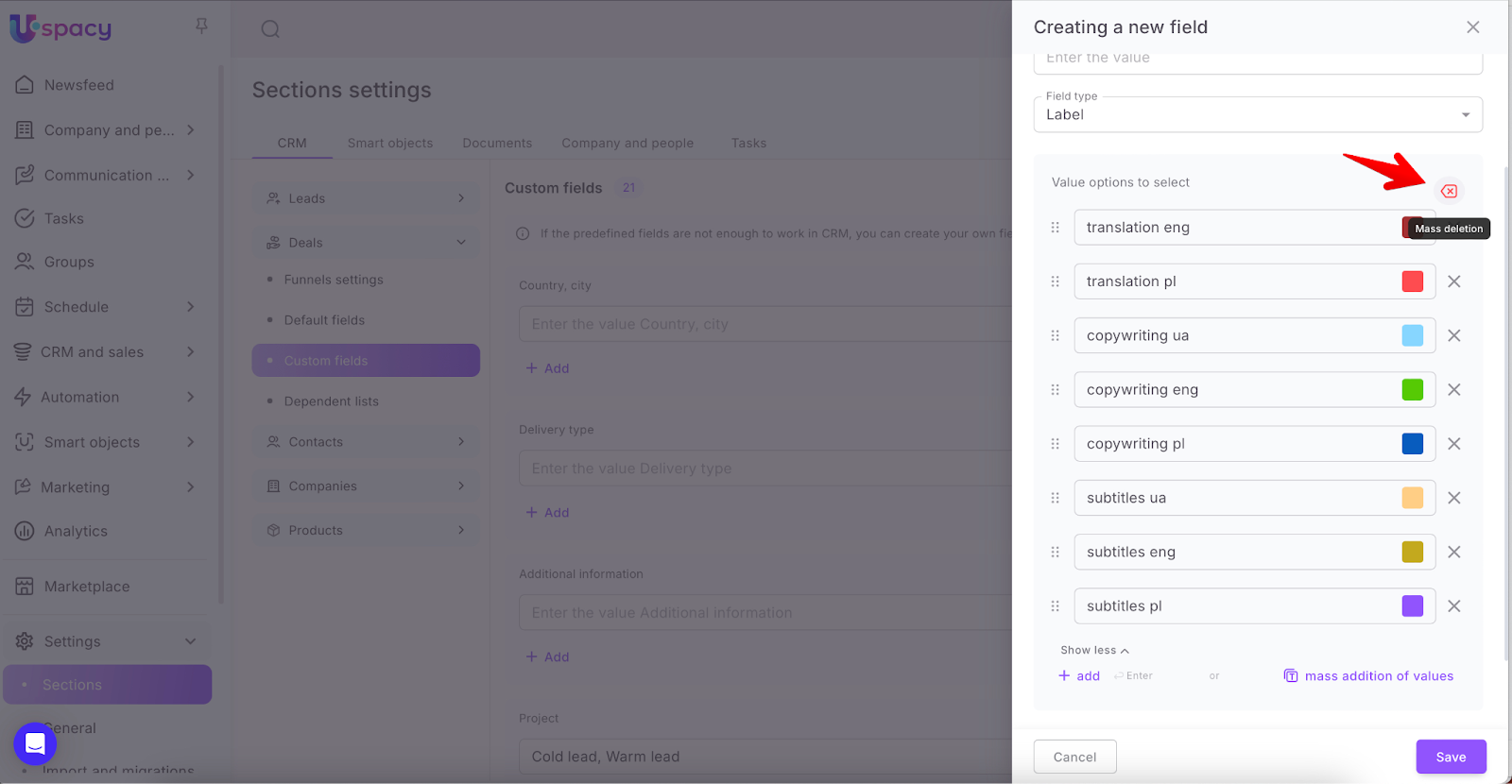
If necessary, you can also use mass deletion of values. Just click the appropriate button.
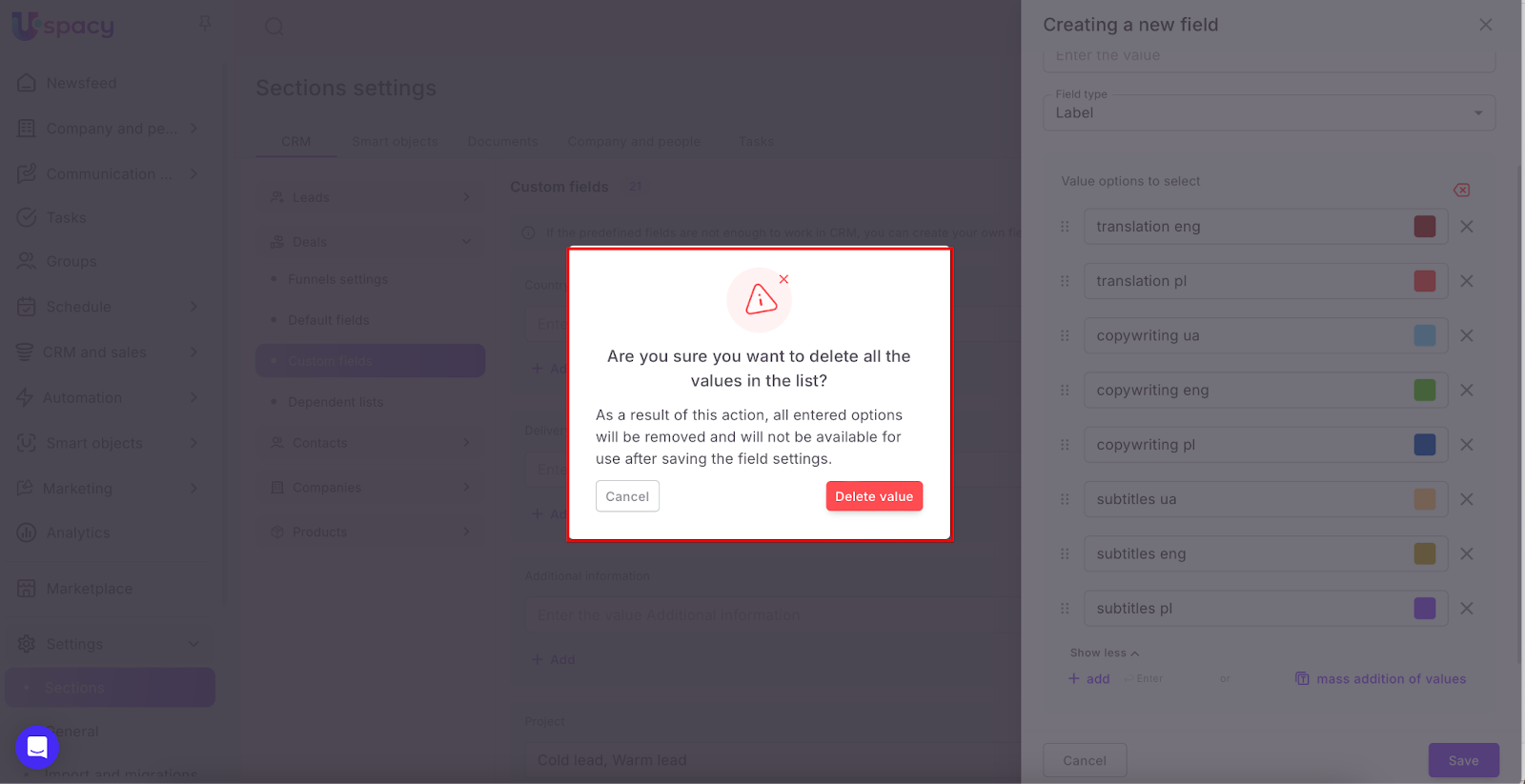
Confirm your actions in the pop-up window. Please note that to completely remove all values from the list for the field, you must also click the Save button directly in the settings window.
If you only need to add one new value to the list or if this method seems more convenient to you, use the +add button and enter it as a separate option.
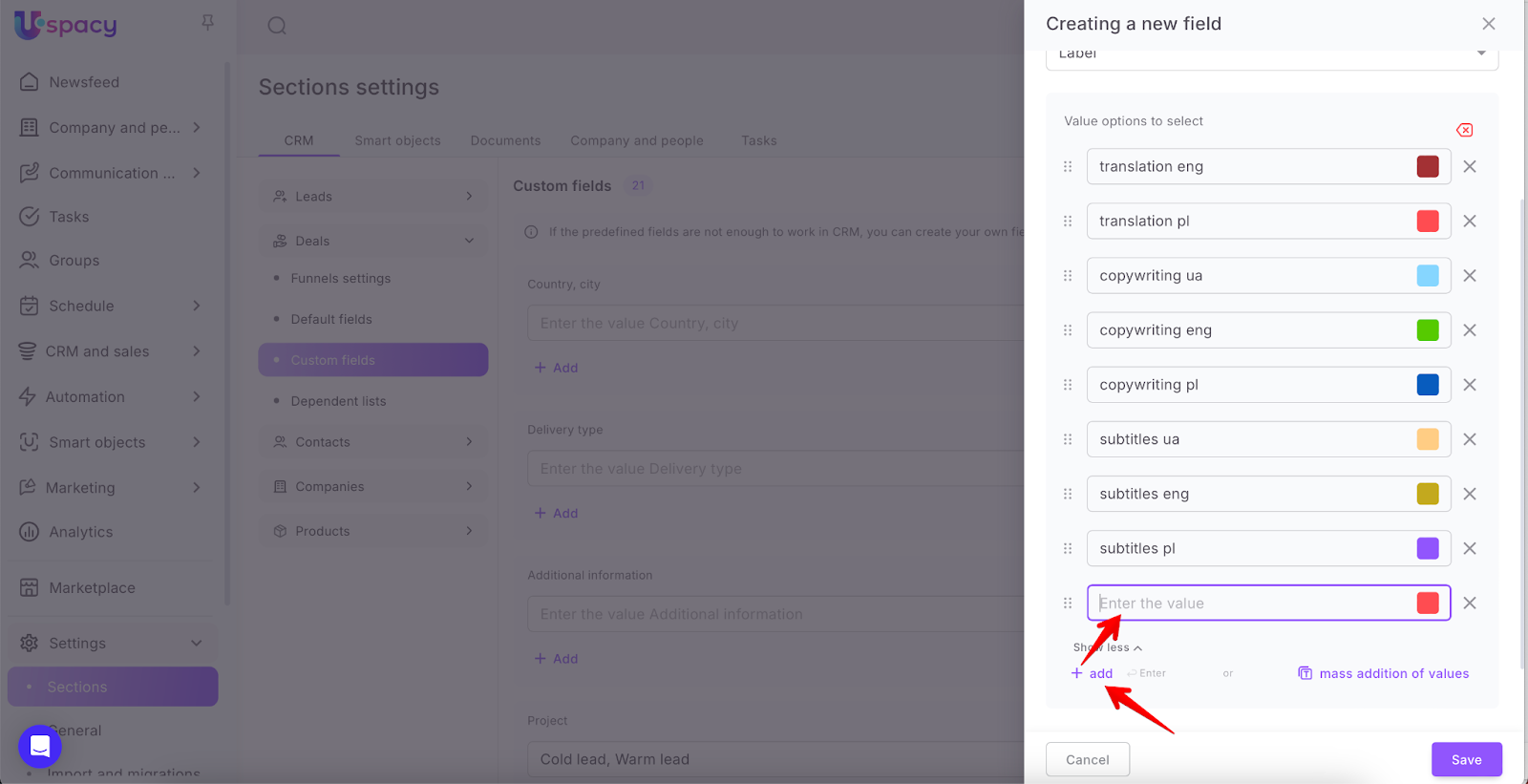
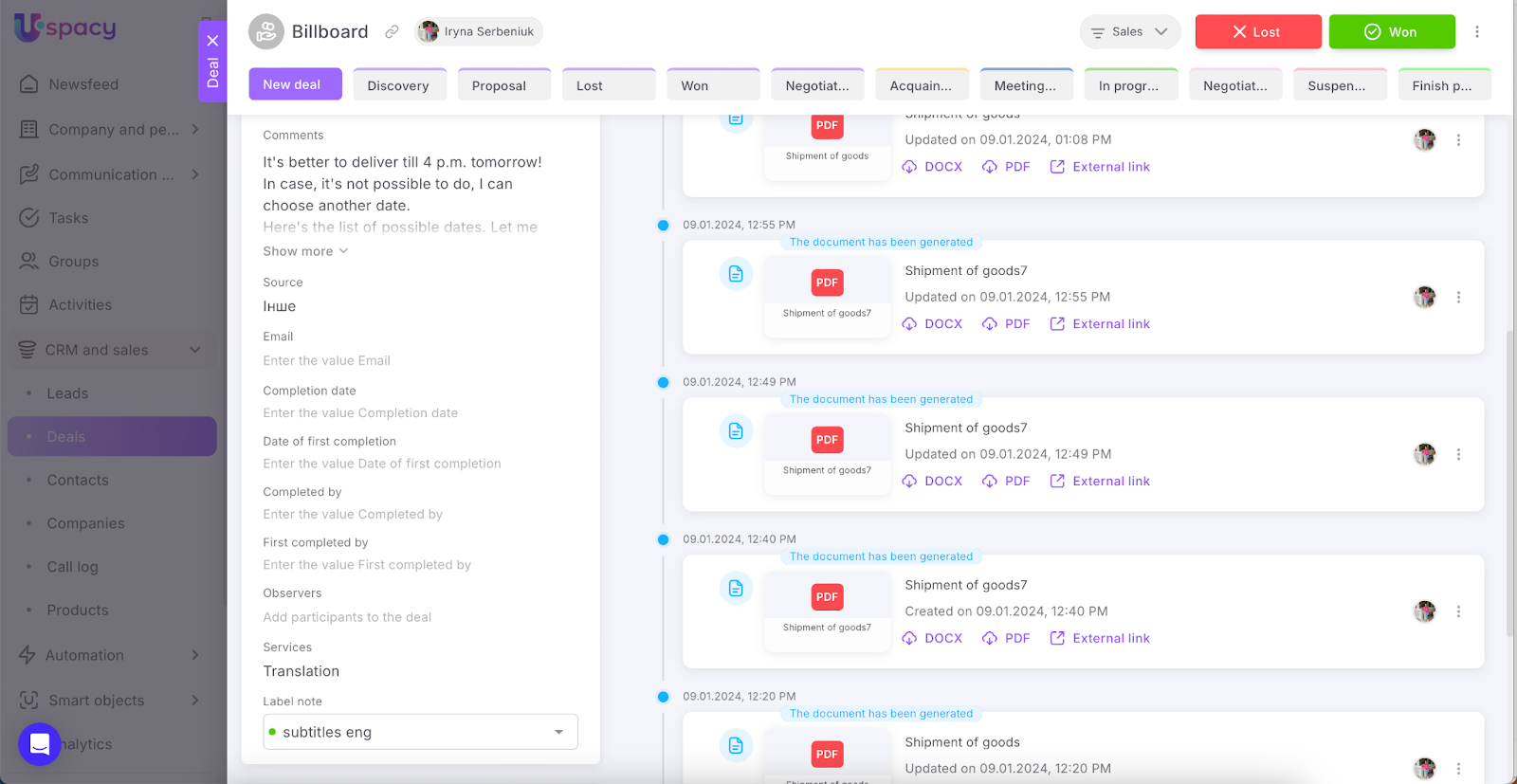
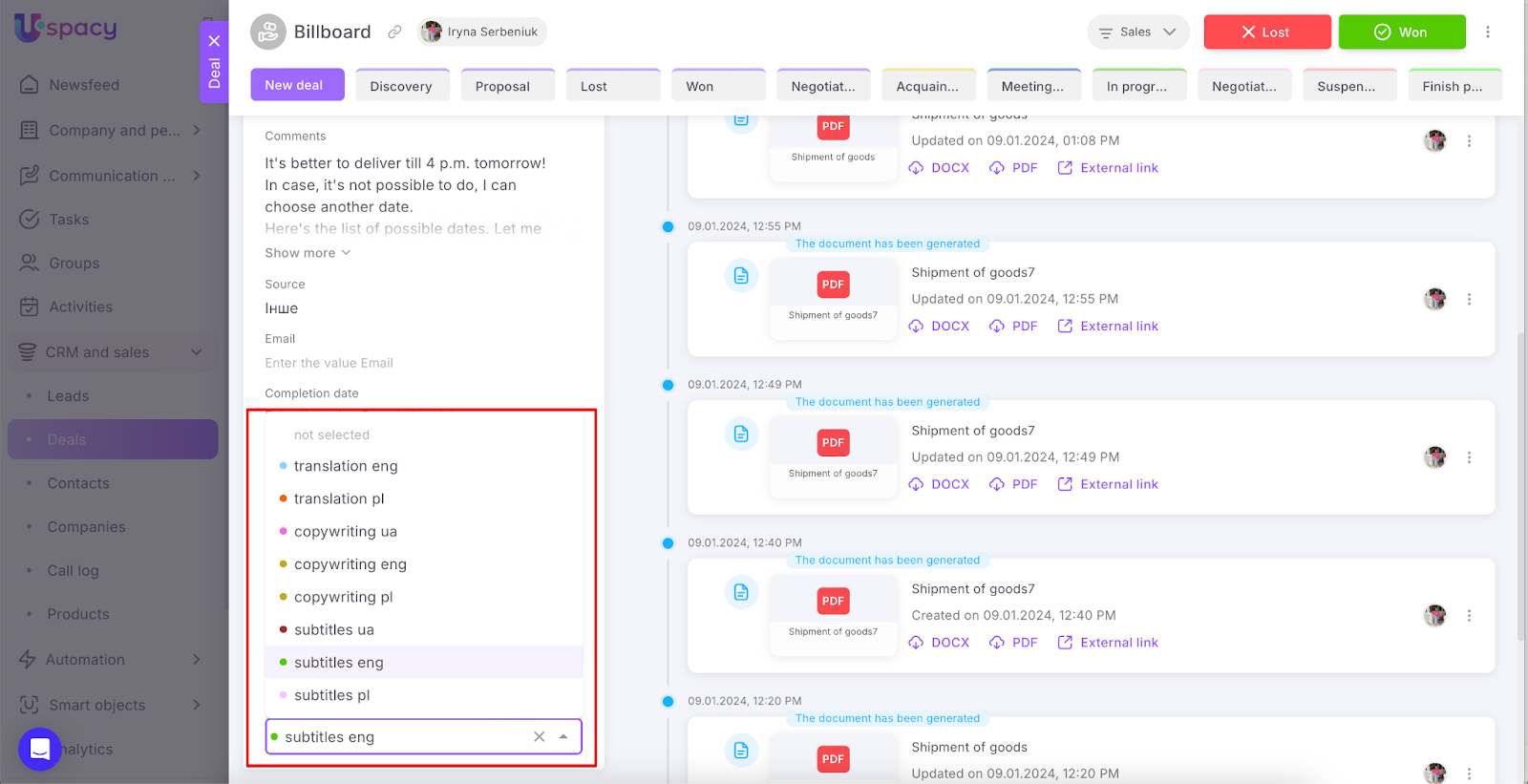
That is, a field of this type is filled by selecting an option (or options, if the field is multiple) from the list, which have their own characteristic color.
List
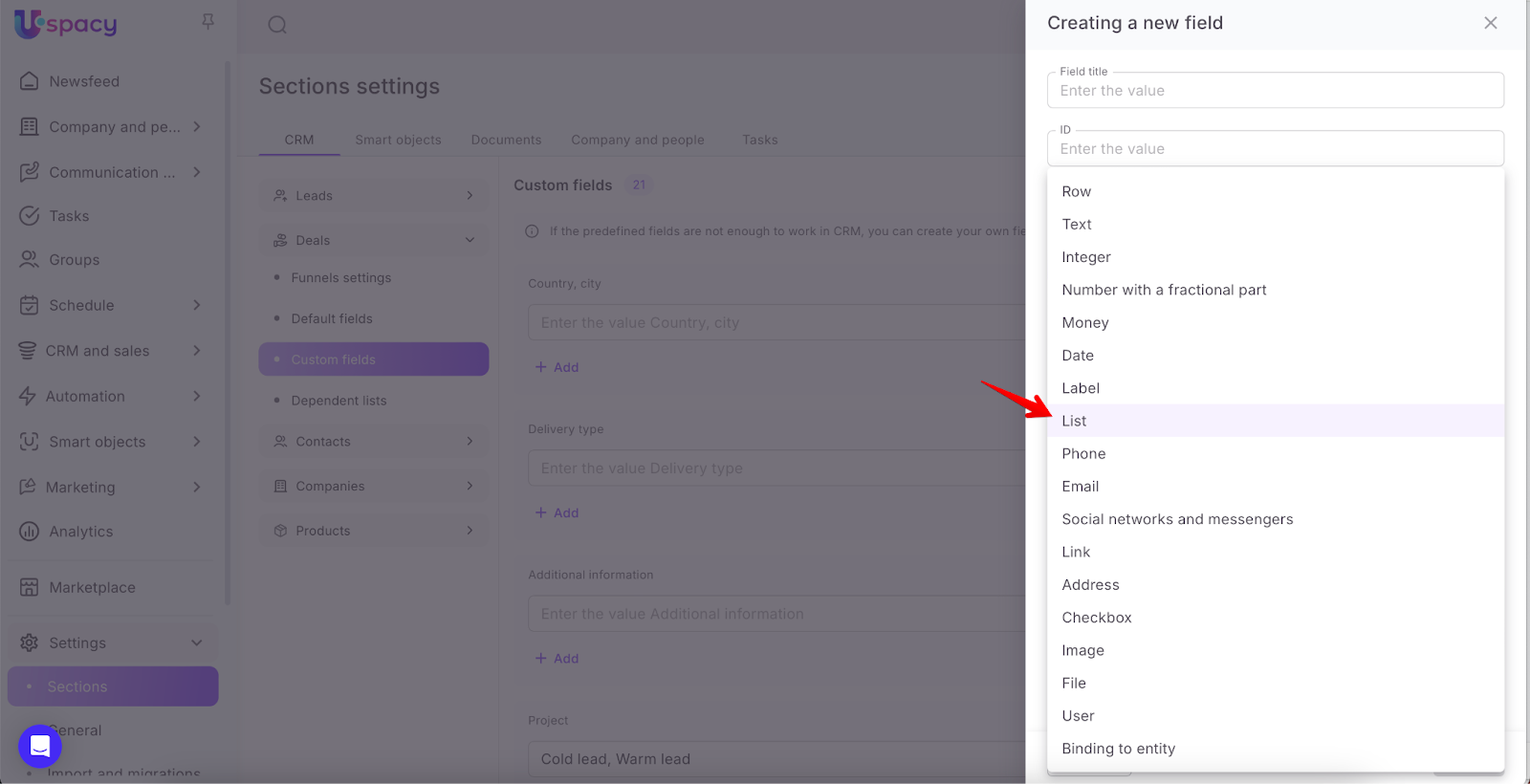
The field contains several value options to select from. They are entered when creating or editing a field.
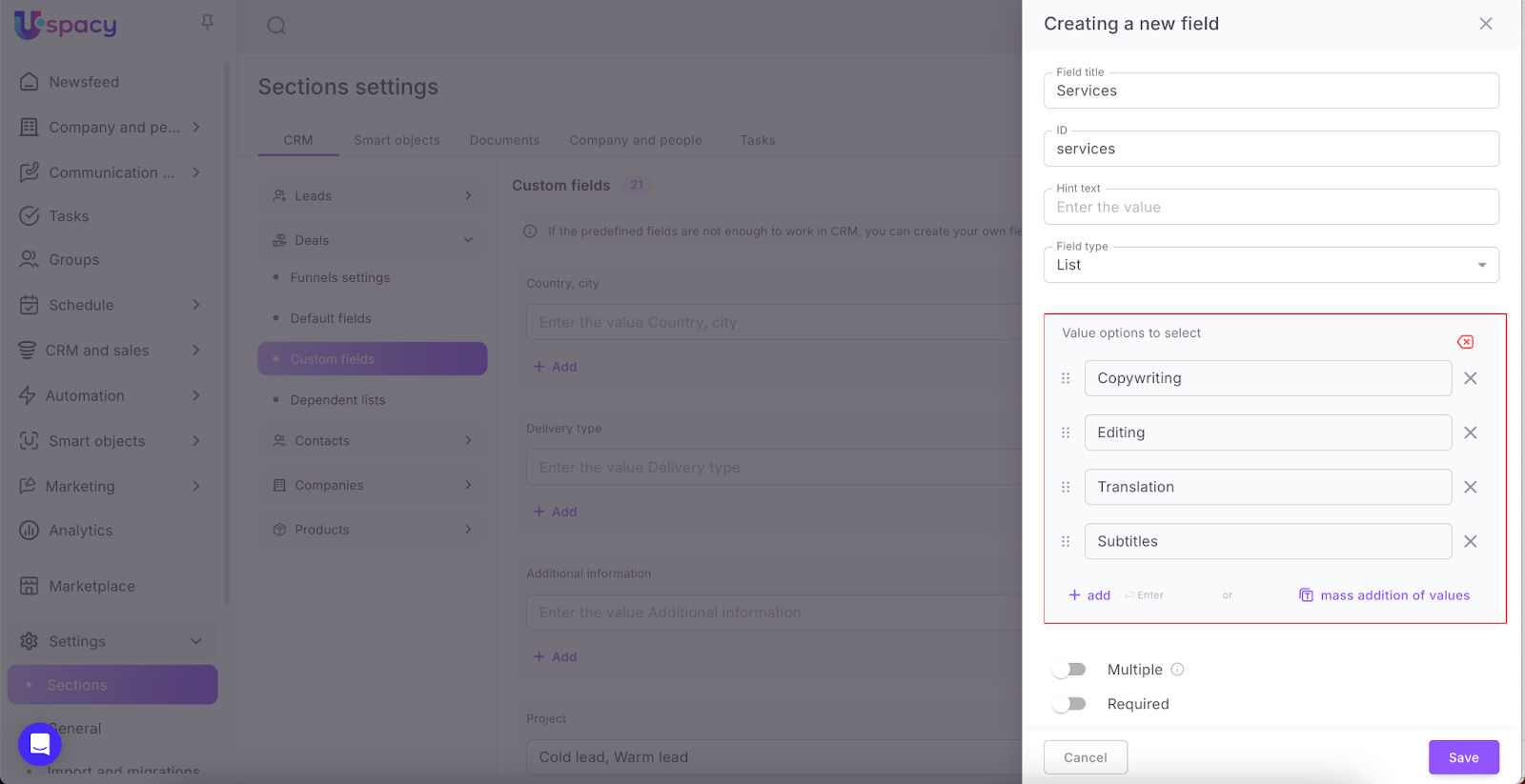
Select how to add value options. For the Professional plan, in addition to the regular method, where each value is entered separately, a mass method is also available. In this case, all options are listed at once, separated by a delimiter in a single field.
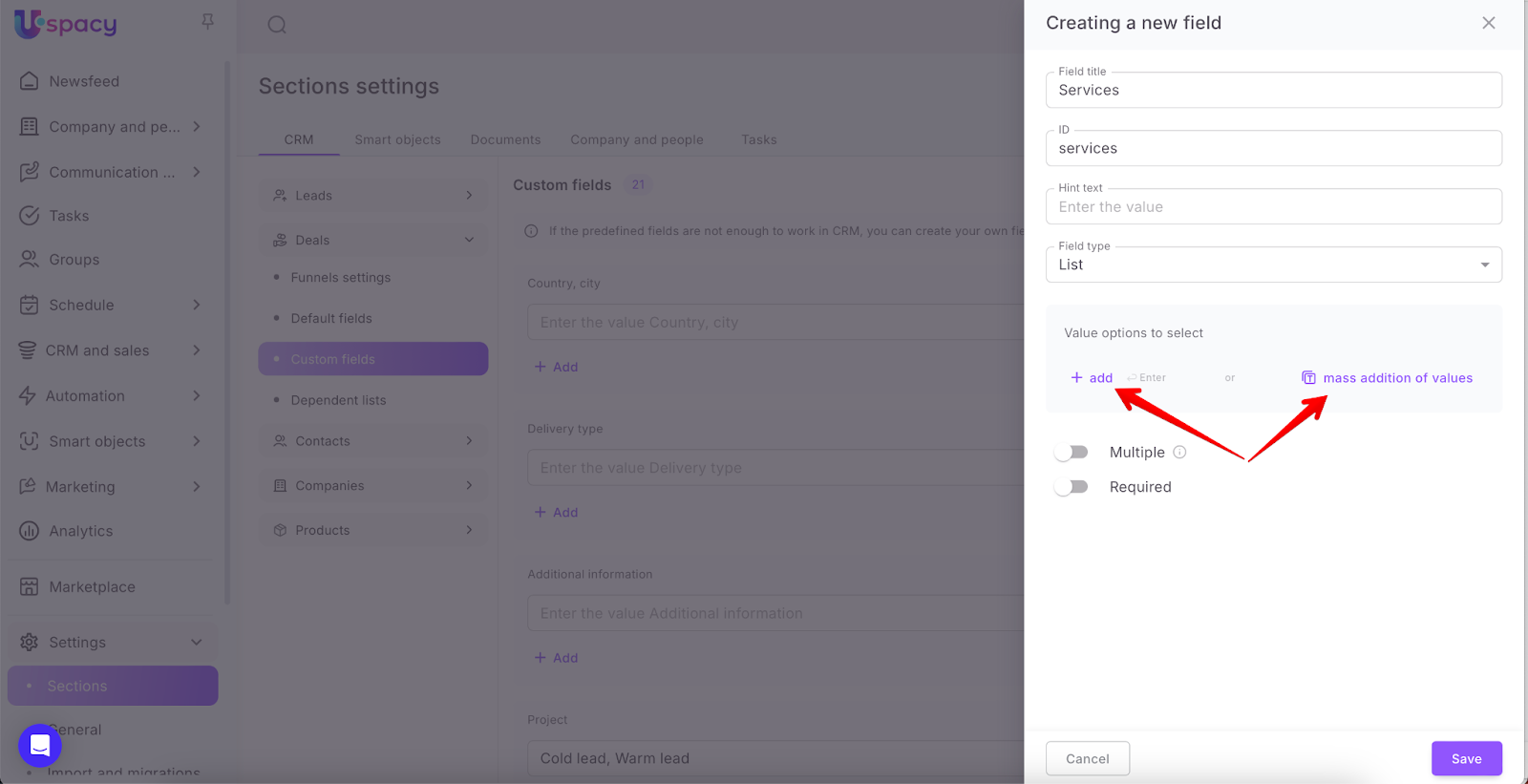
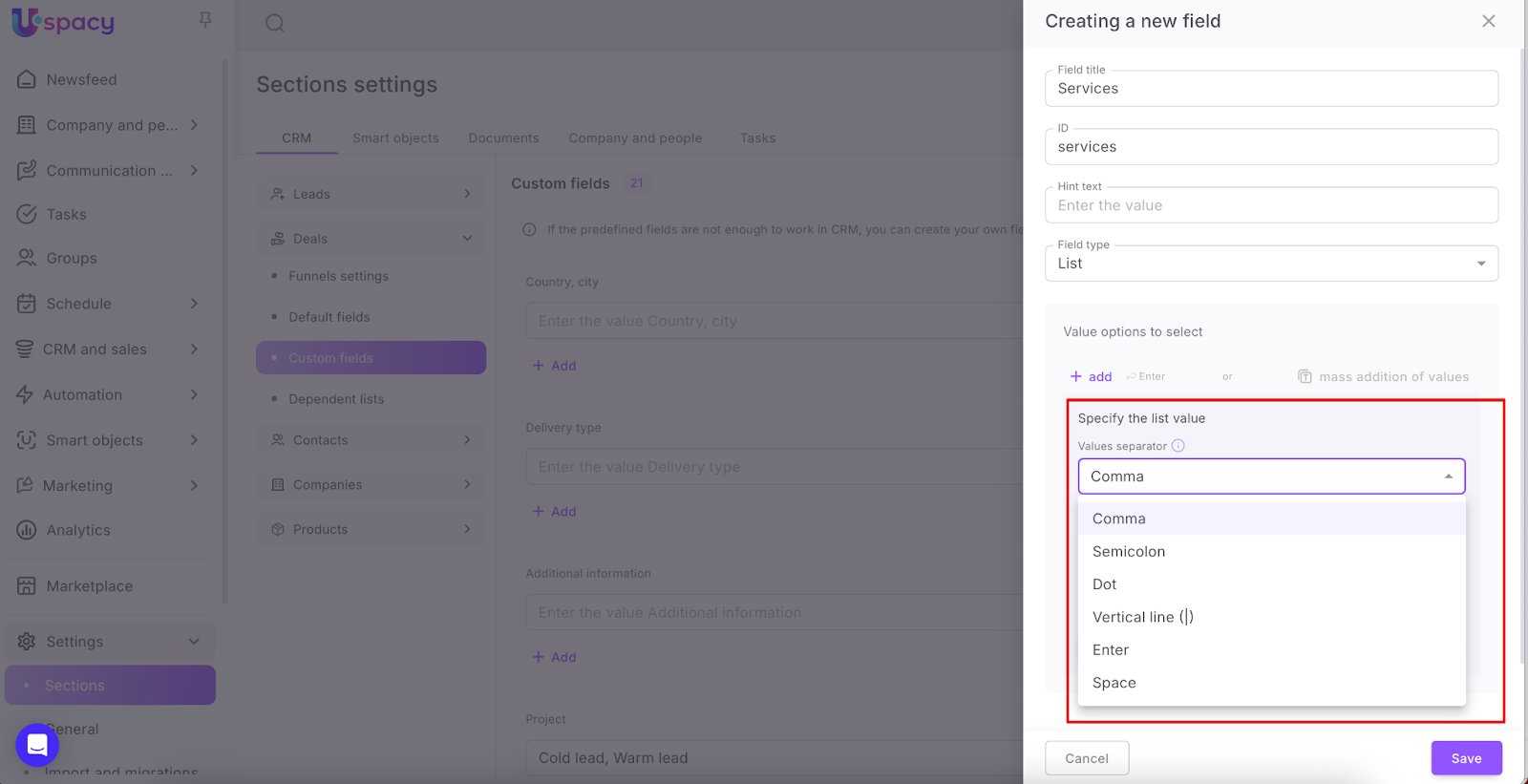
So, if you need to enter several options at once, it's more convenient to use mass adding. In the settings form, first, select a value separator – a character that will be used to separate each option.
Then, enter the values and click the button that will add them to the list.
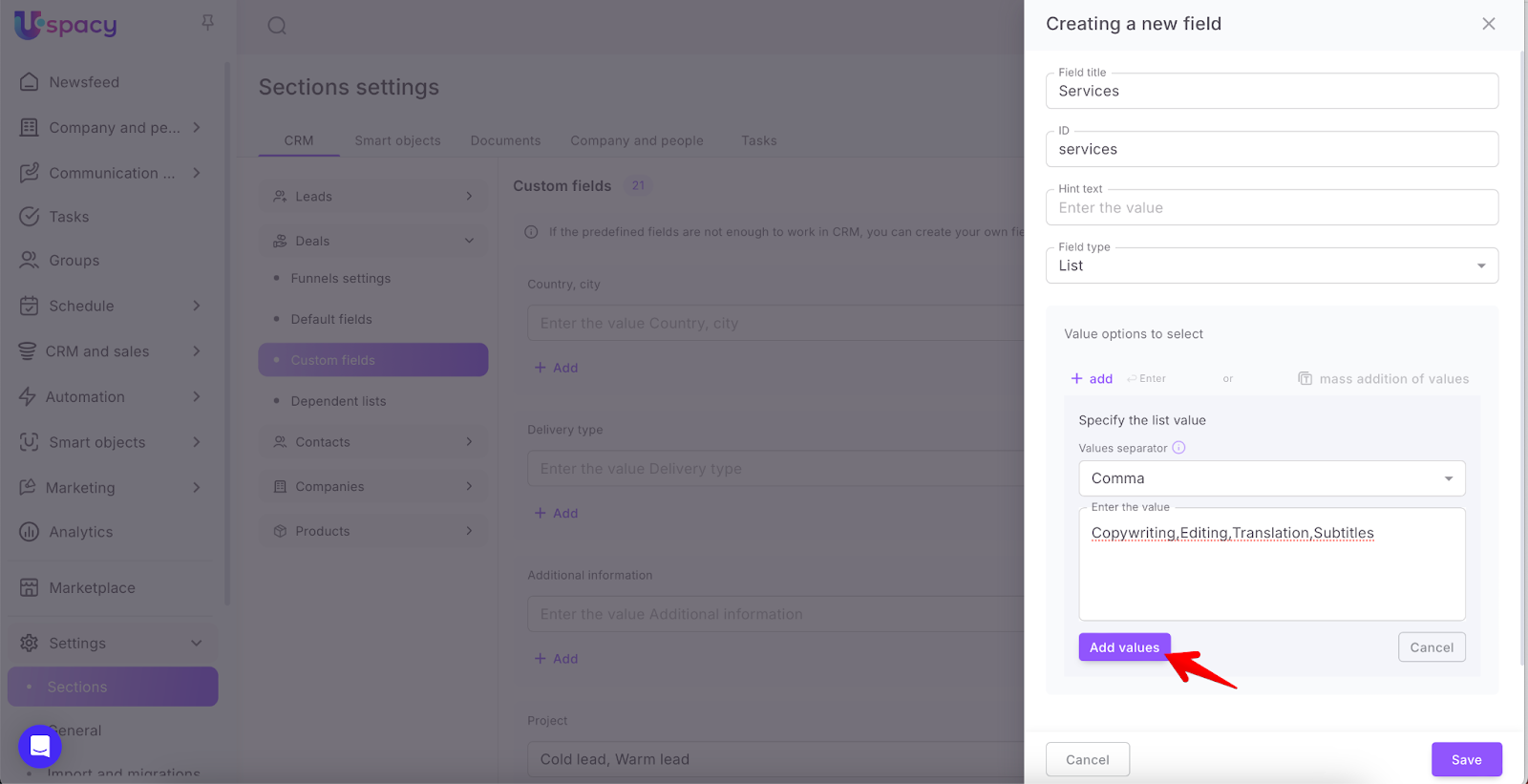
As a result, you will get the desired list of options to fill the field.
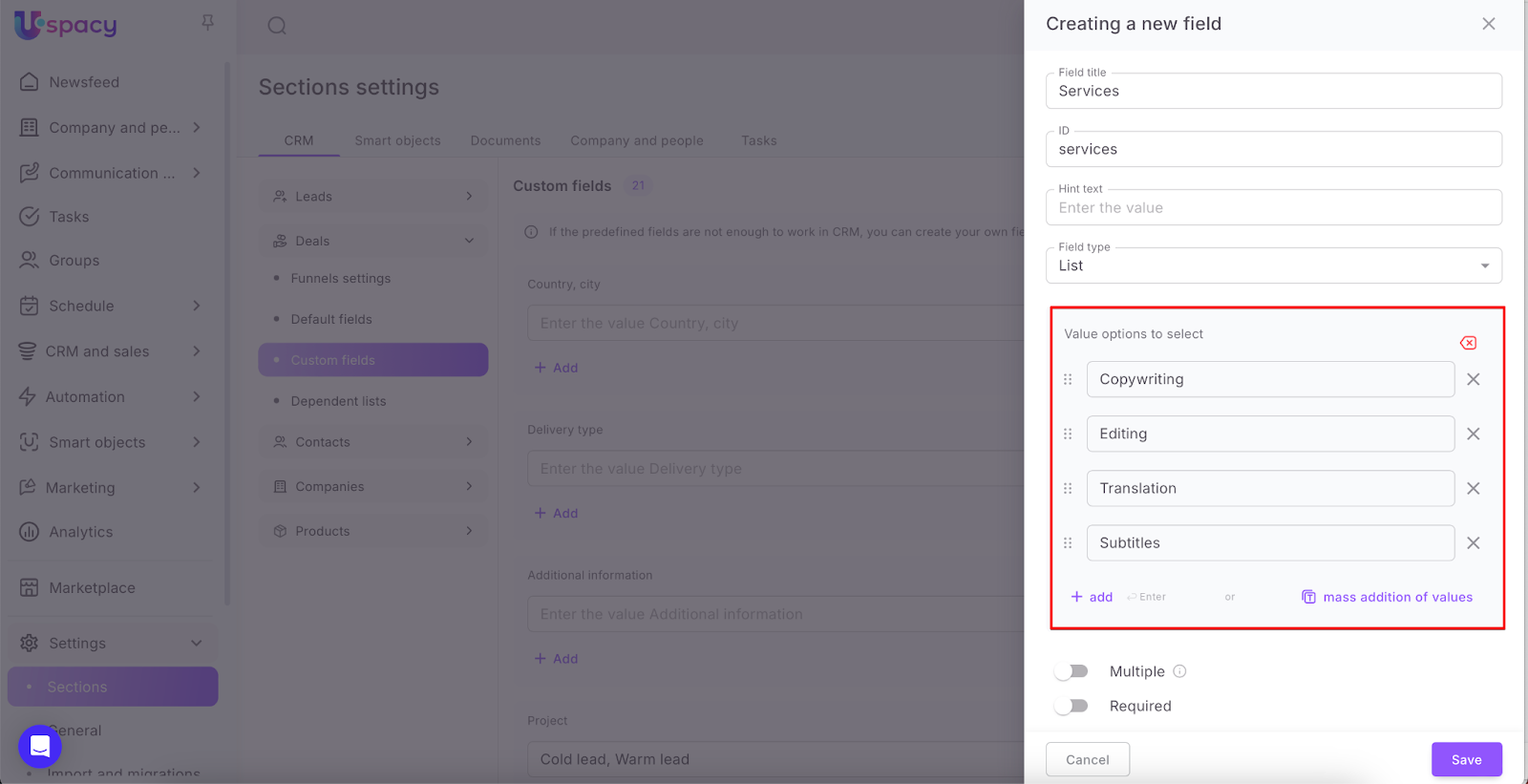
If necessary, you can also use mass deletion of values. Just click the appropriate button.
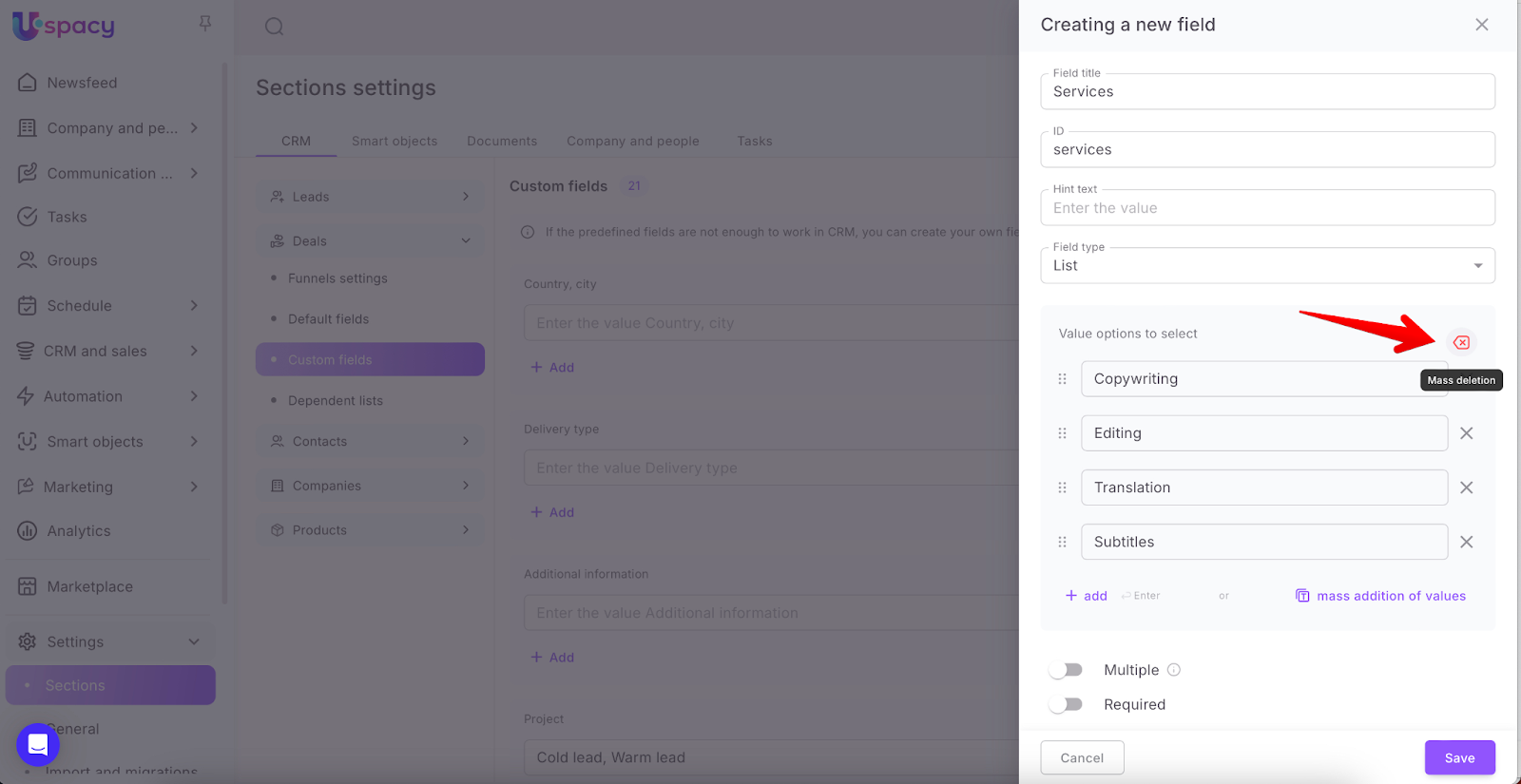
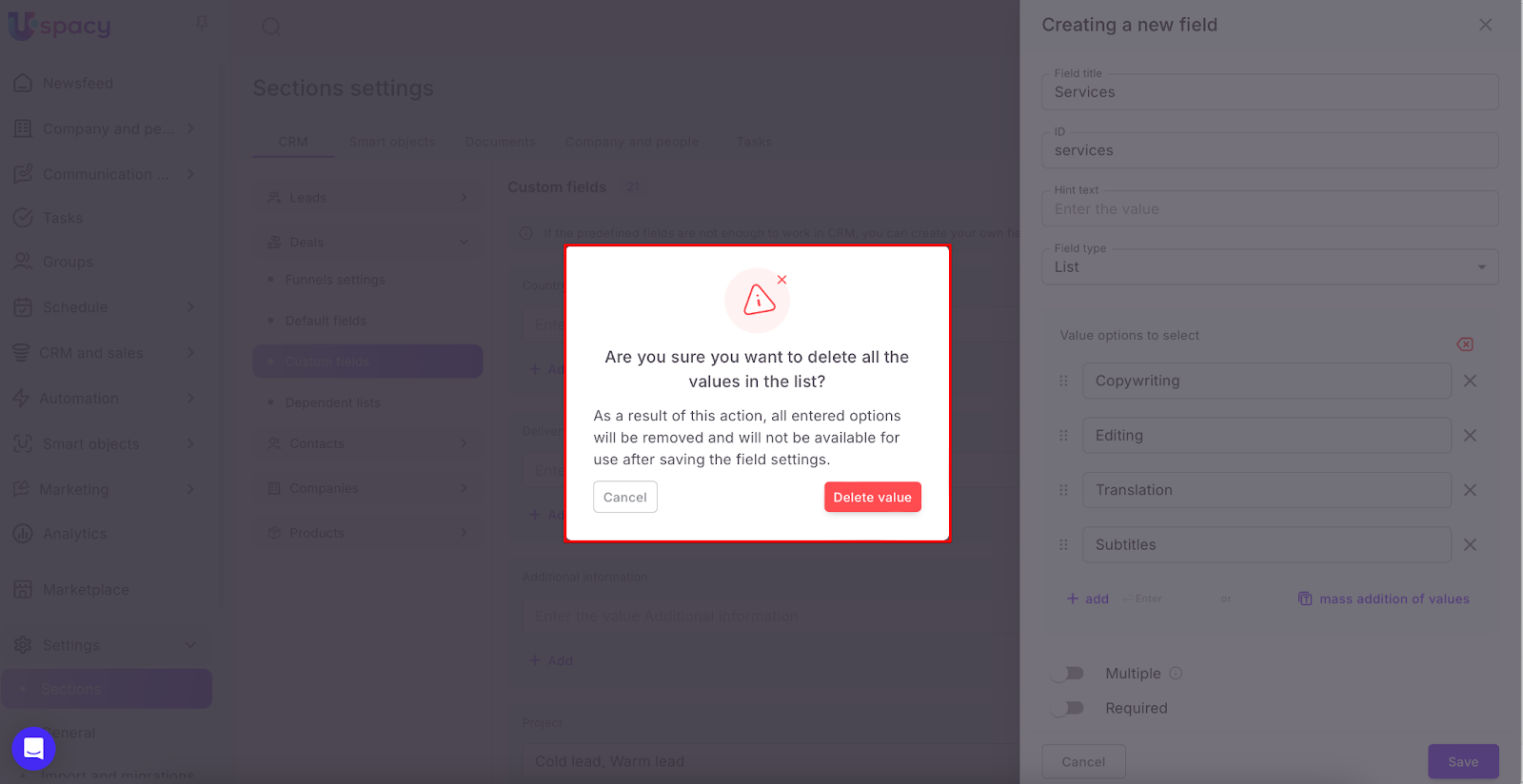
Confirm your actions in the pop-up window. Please note that to completely remove all values from the list for the field, you must also click the Save button directly in the settings window.
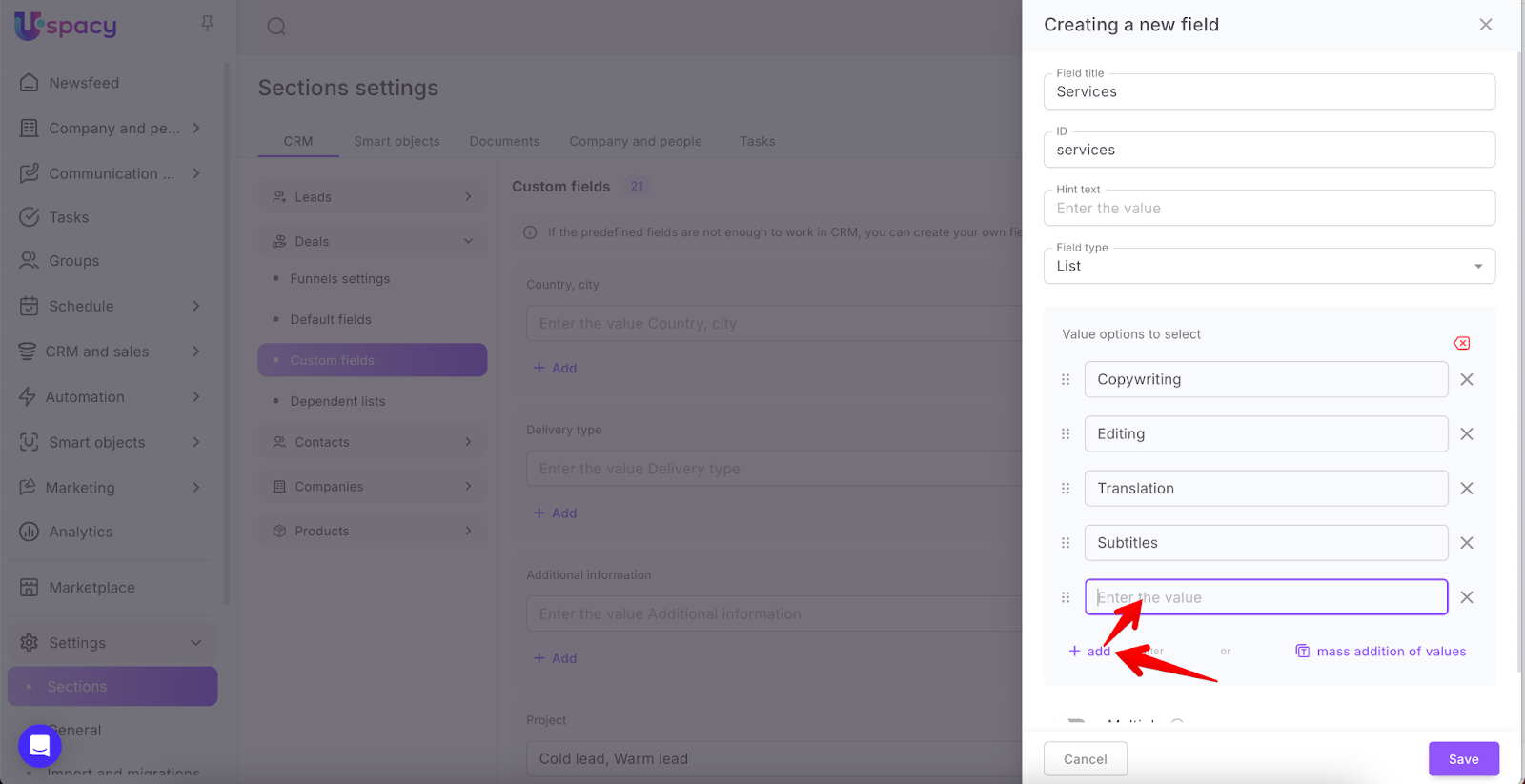
If you only need to add one new value to the list or if this method seems more convenient to you, use the +add button and enter it as a separate option.
That is, a field of this type is filled by selecting an option (or options, if the field is multiple) from the list.


Phone
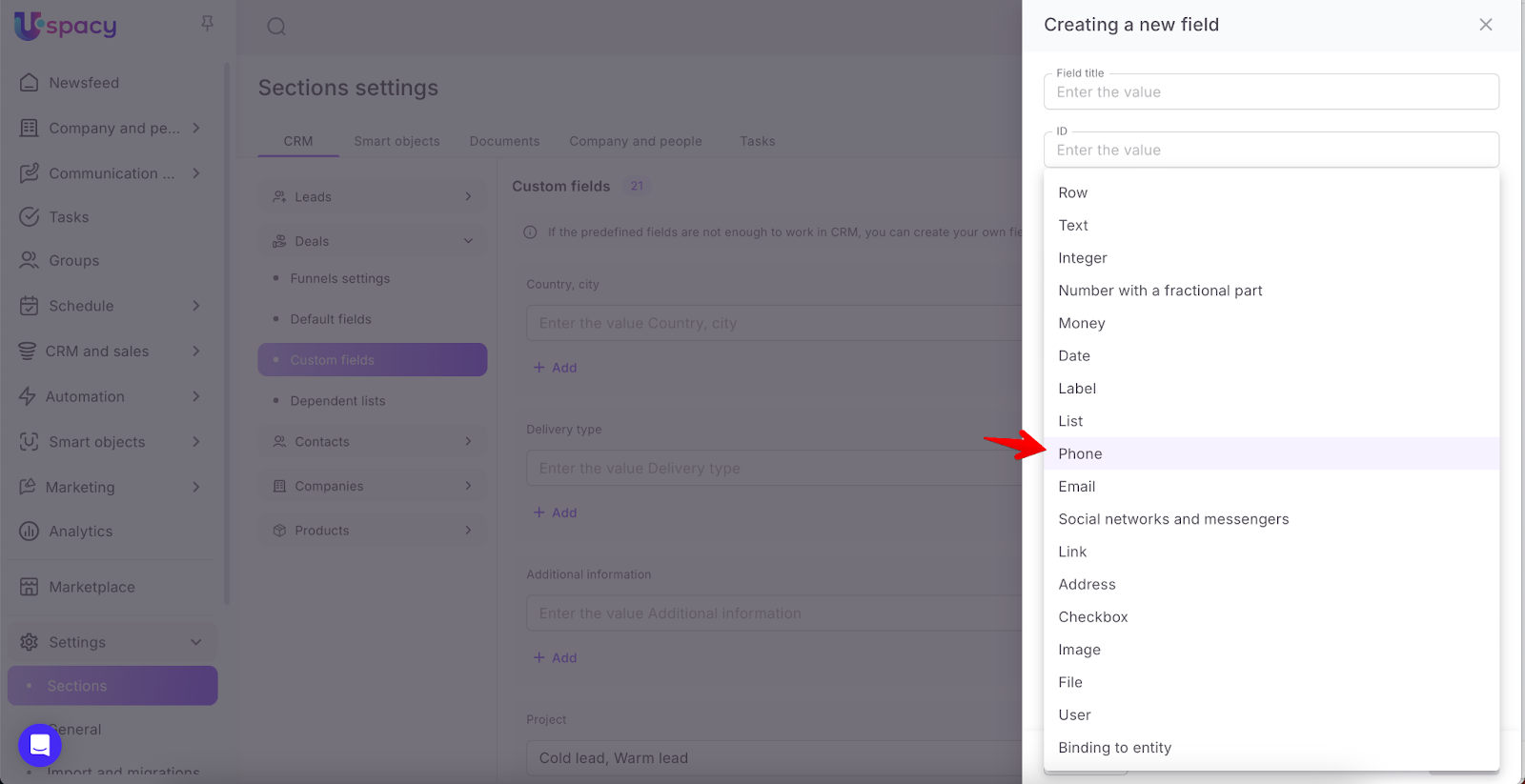
Several options (types) of values can be selected here. They are entered when creating or editing.
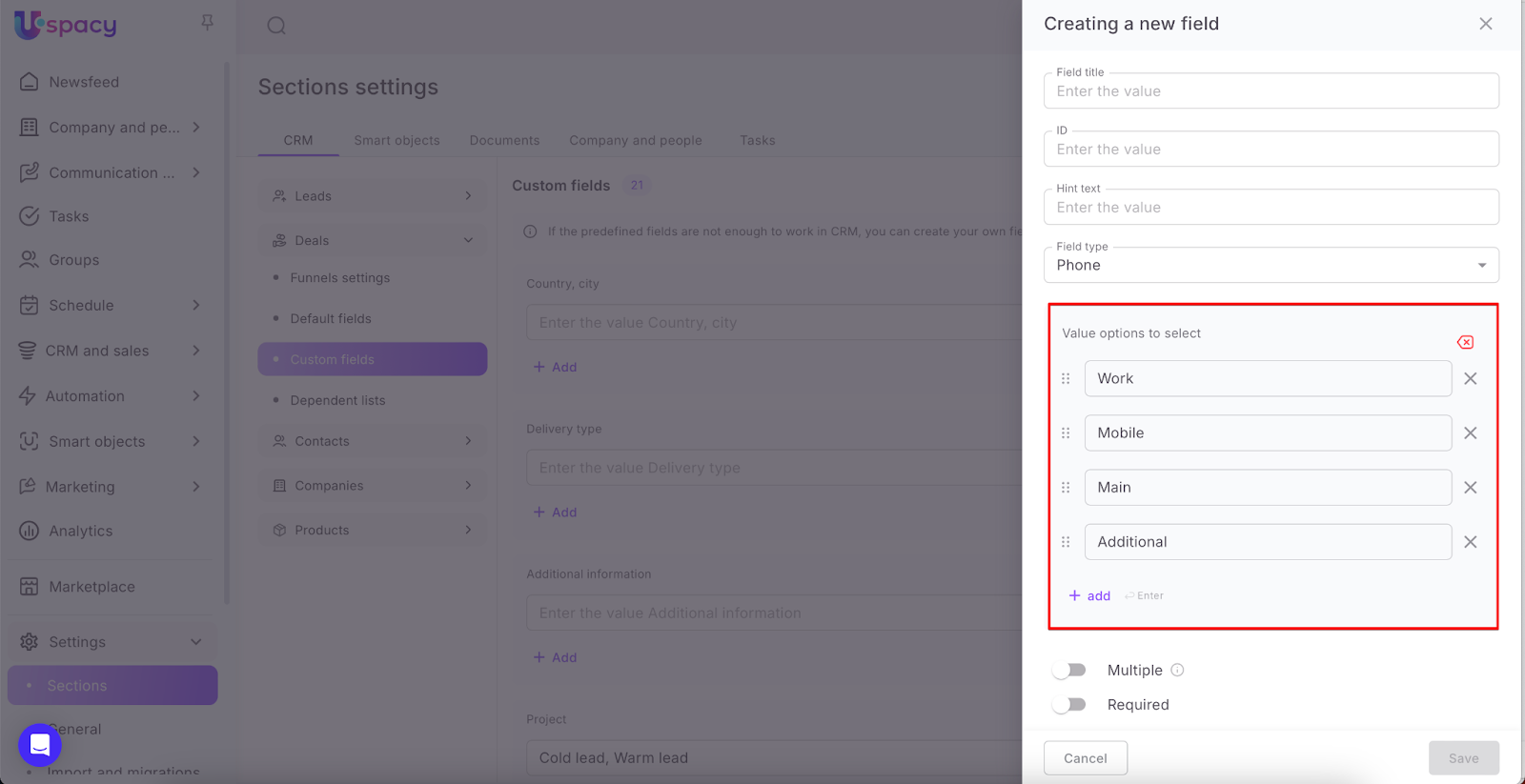
That is, the field is filled by manually entering the phone number and selecting the phone type from those available in the list.

By default, there are 3 types that can be specified for the phone: Work, Mobile, Home. They will be available for selection if you do not specify your options.
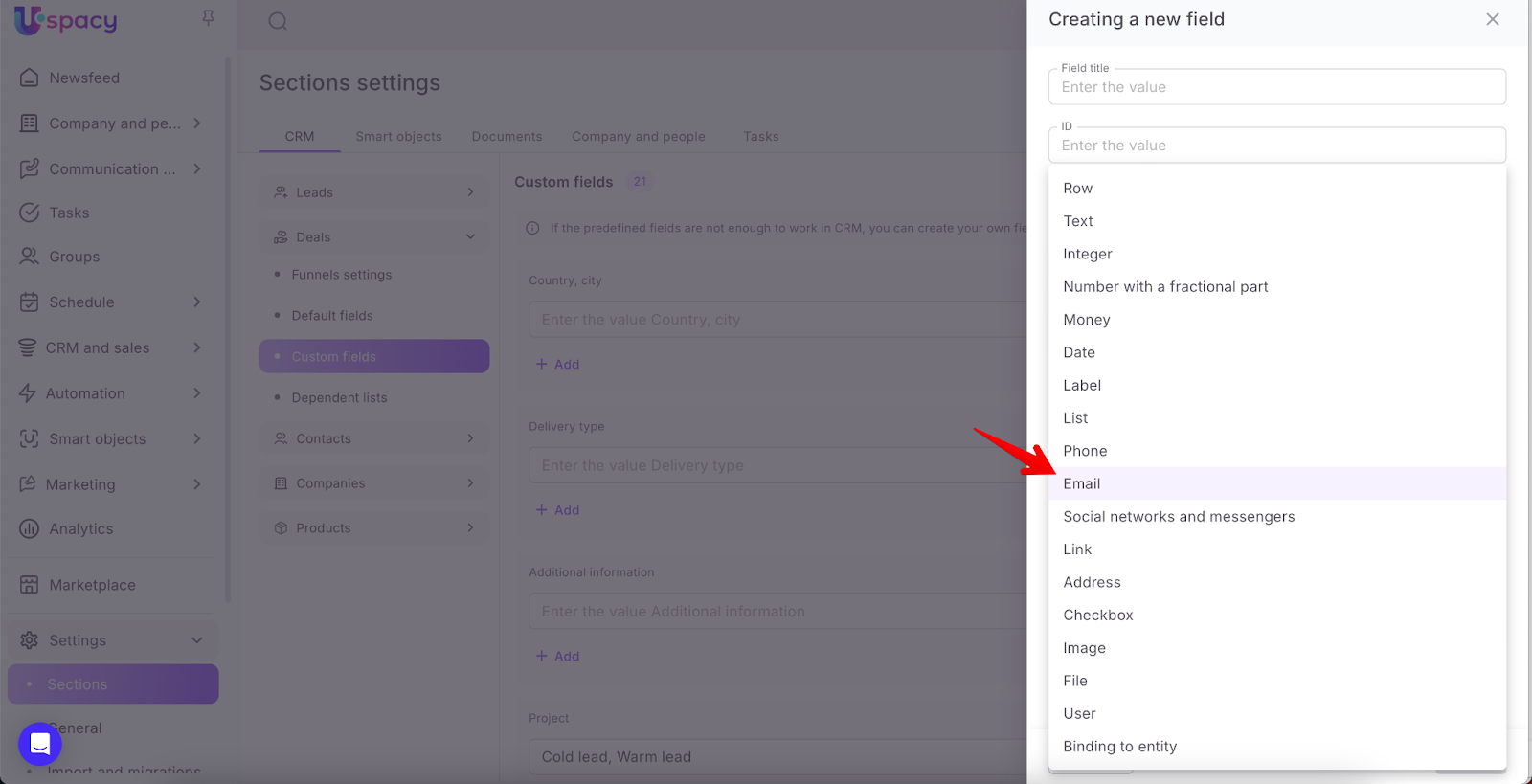
The field can contain several options (types) of values to be selected. They are entered when creating or editing it.
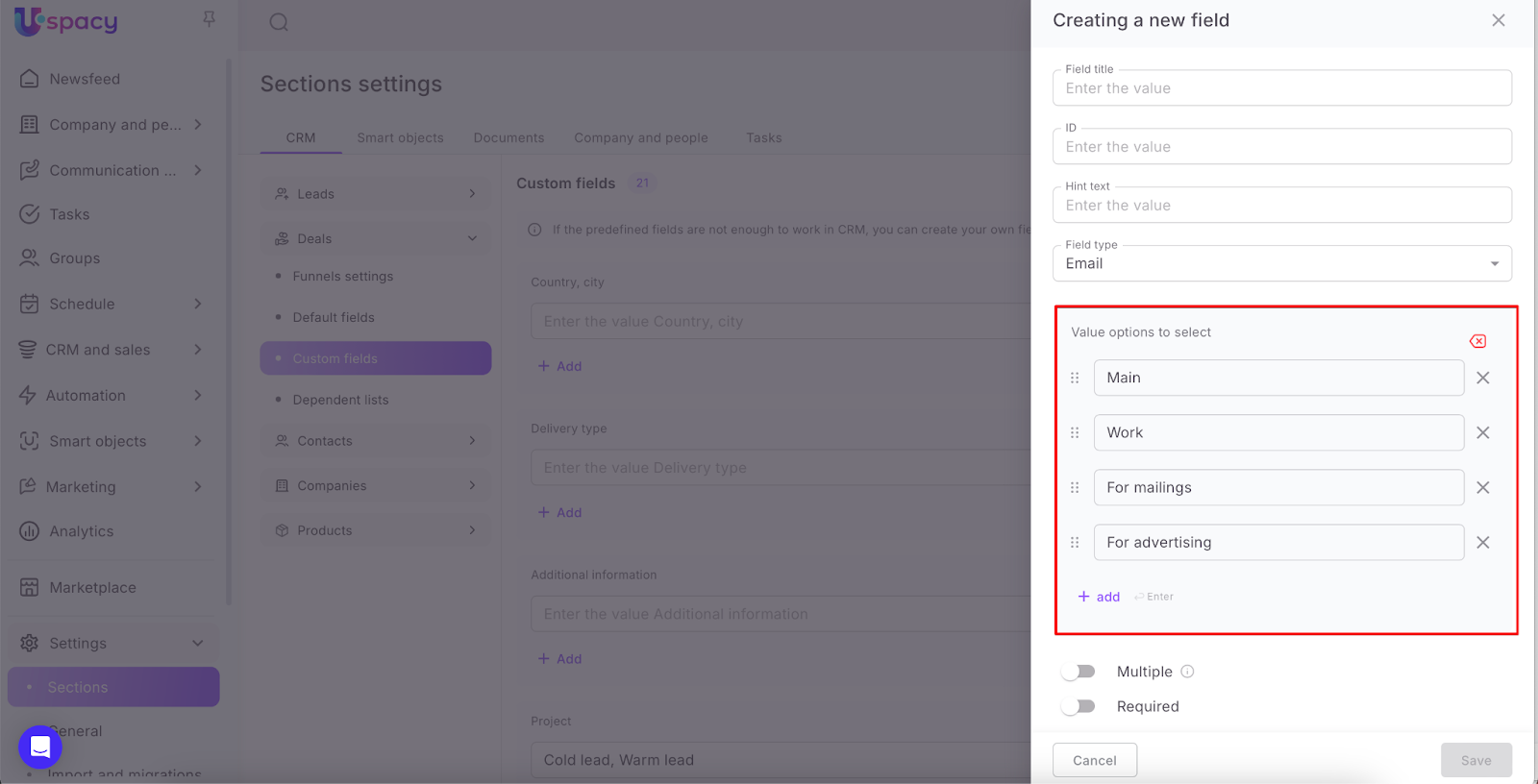
That is, a field of this type is filled by manually entering the address of the mailbox and selecting its type from among those available in the list.

By default, there are 3 types that can be specified for an email address: Work, Additional, For mailings. They will be available for selection if you do not specify your options.

Social networks and messengers
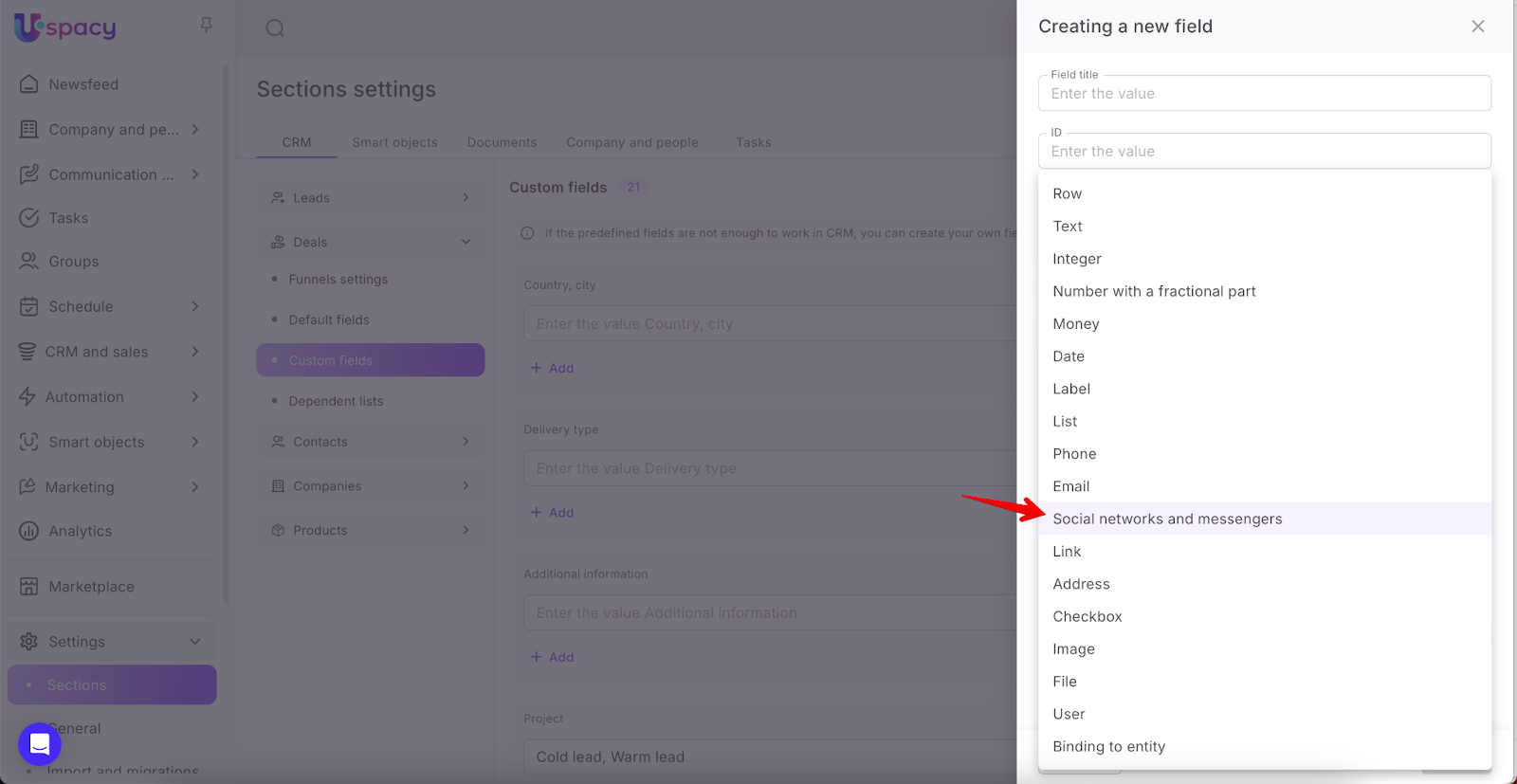
The field will contain a value, that is, a list of social networks that already exist in the system. These are Facebook, Instagram, Telegram, Twitter (X), Viber, WhatsApp, LinkedIn. You cannot add your options to the list yet.
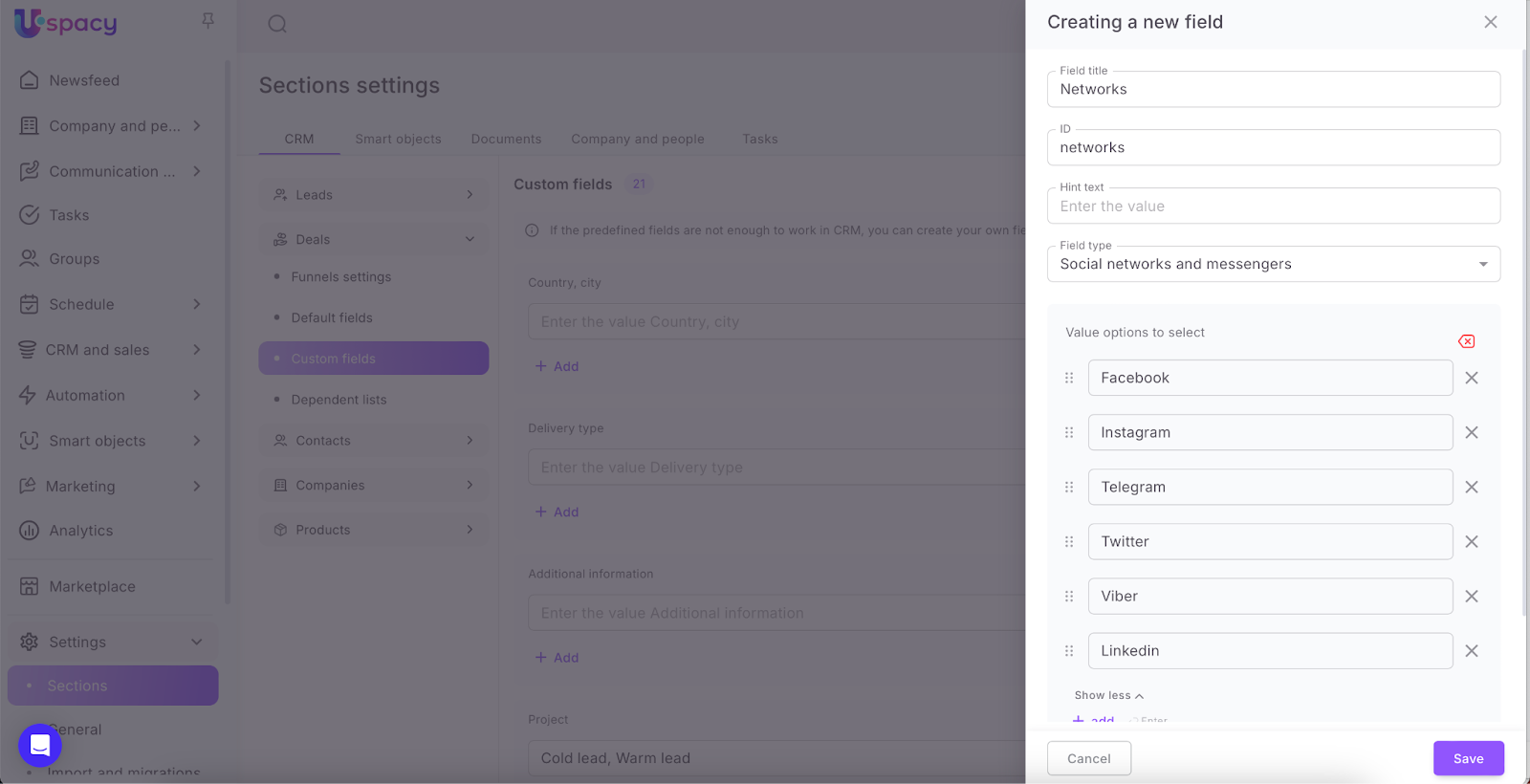
💡A field of this type can be used for that entity for which it is not provided as standard.
To fill out, you will need to select a social network from the list in the element card and manually write the username or phone number.


Link
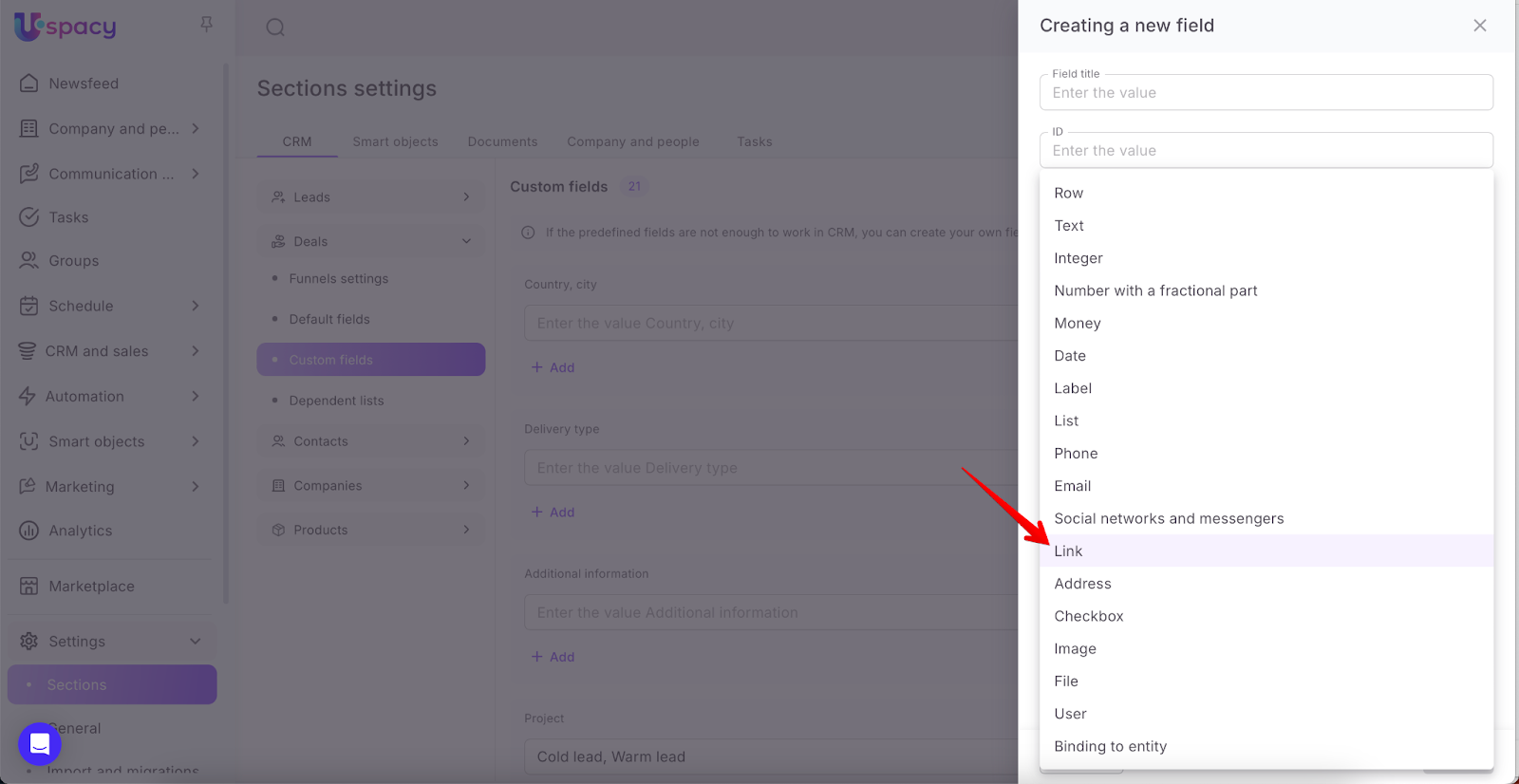
This type of field can store url addresses of sites or any other Internet resources. The link is clickable. That is, when you click on it, the site will open in a new browser tab.


Address
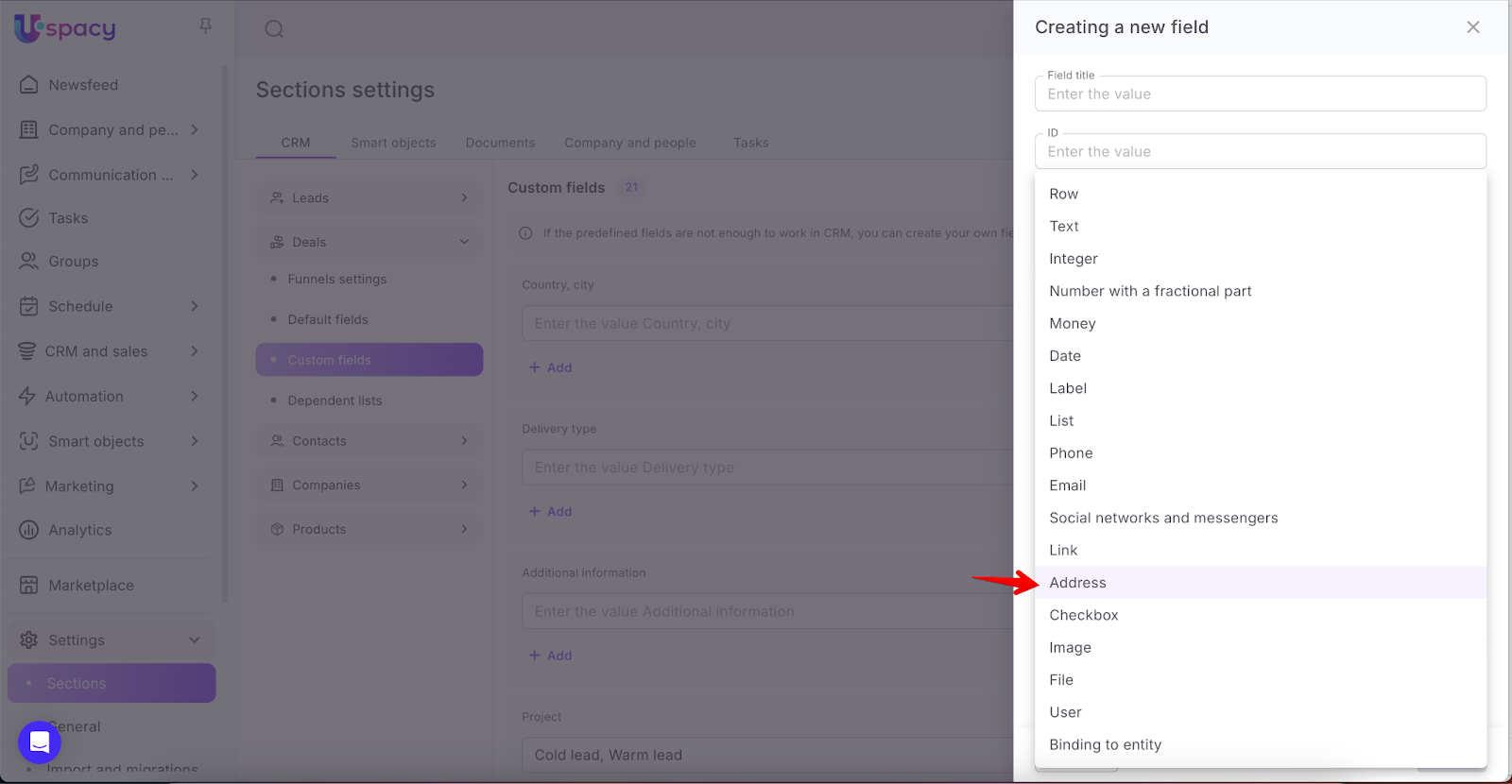
Filling out this type of field involves entering information about the actual location. Once filled out, the address becomes clickable. After clicking on it, you will be transferred to the Google Maps service.


Checkbox
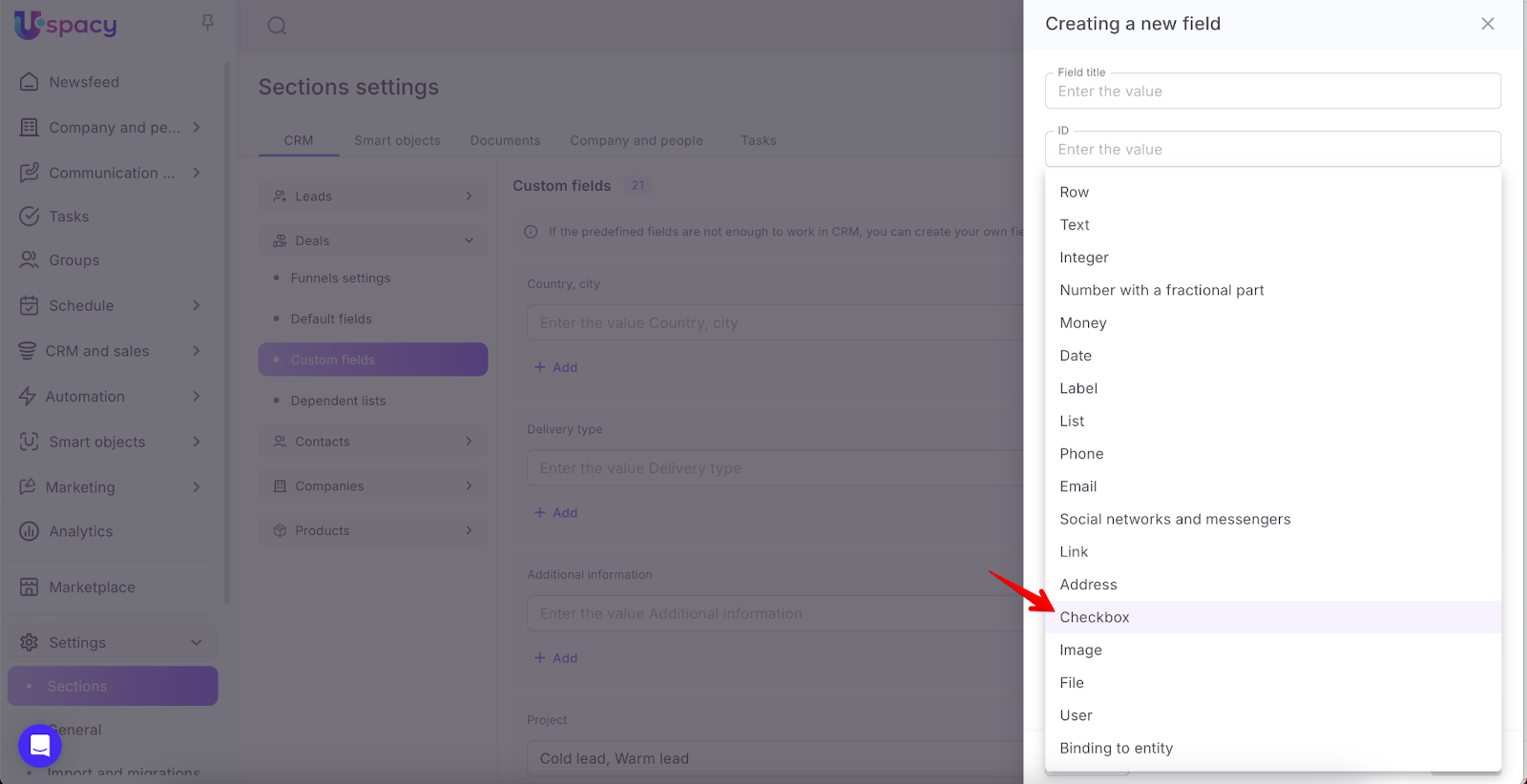
❗️This field type cannot be multiple.
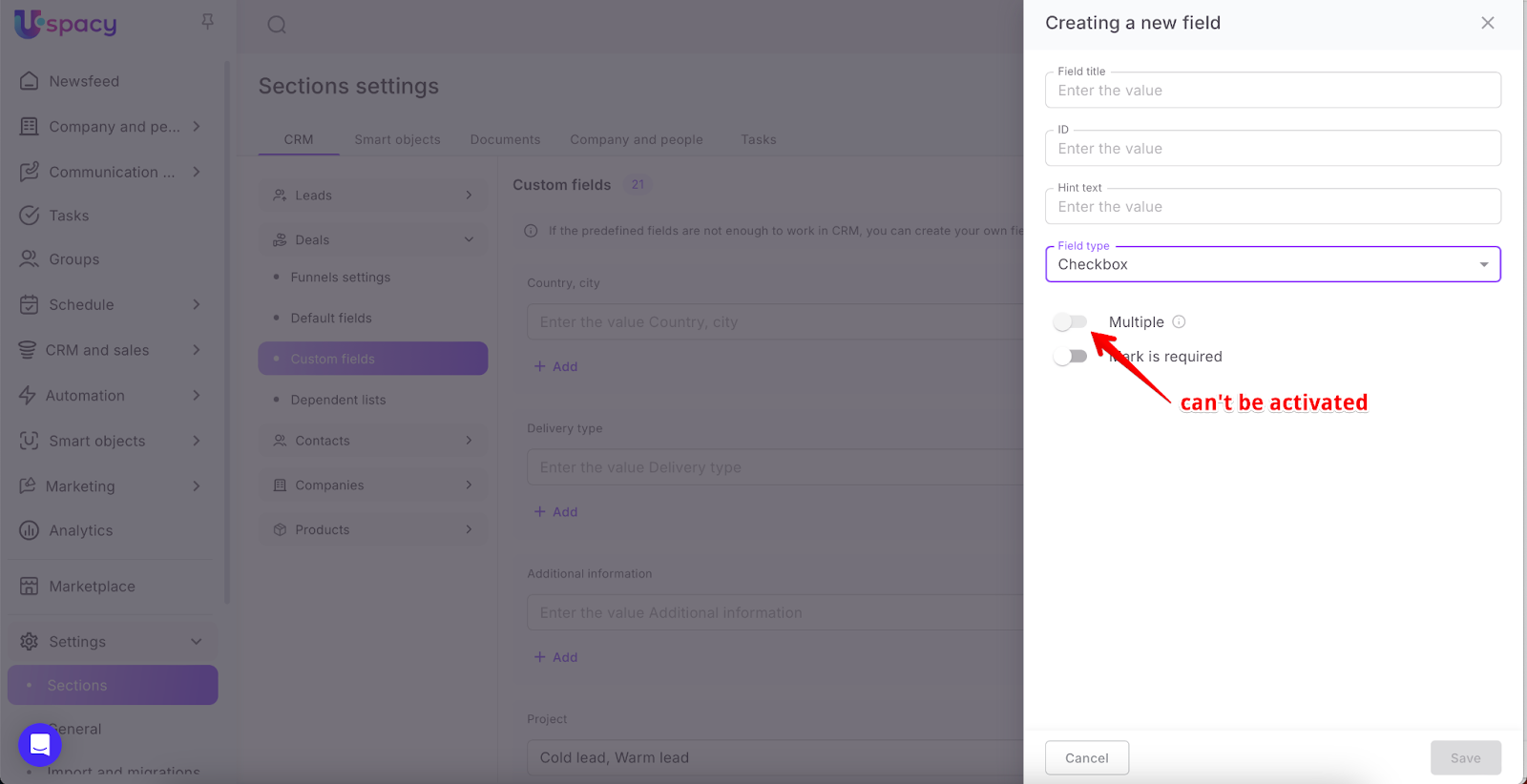
A field of this type is filled out by placing a checkbox next to its name. That is, if it is a confirmation, agreement (yes - the checkbox is active) or ignoring a certain opinion, theses, questions related to the content of the field (no - the checkbox is removed).


Image
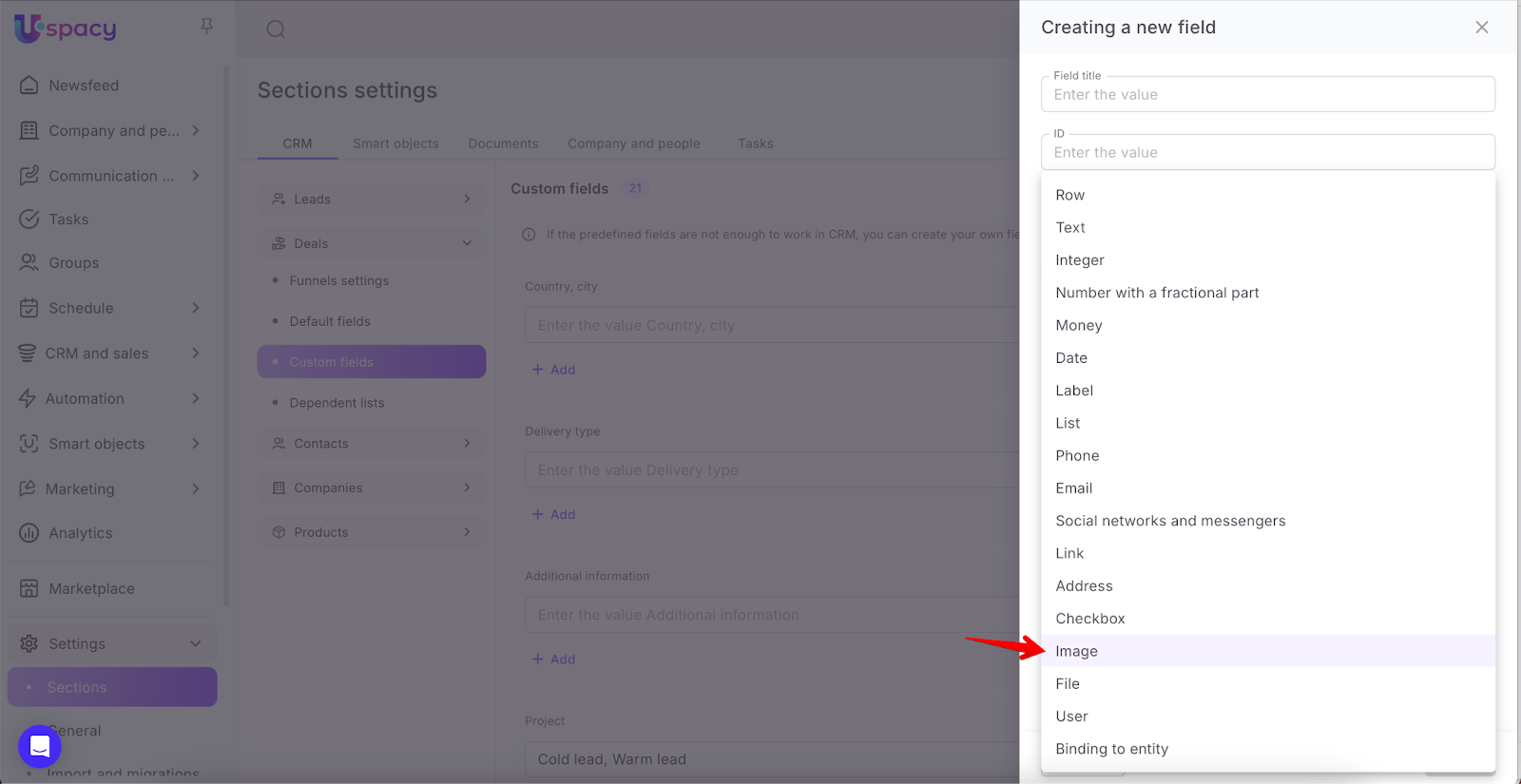
When filling out this type of field, you need to either drag the image (if the field is multiple, you can add several at once) into a specially designated area. Or upload it from your computer's file manager. You can view an attached image by just clicking on it (1).


File
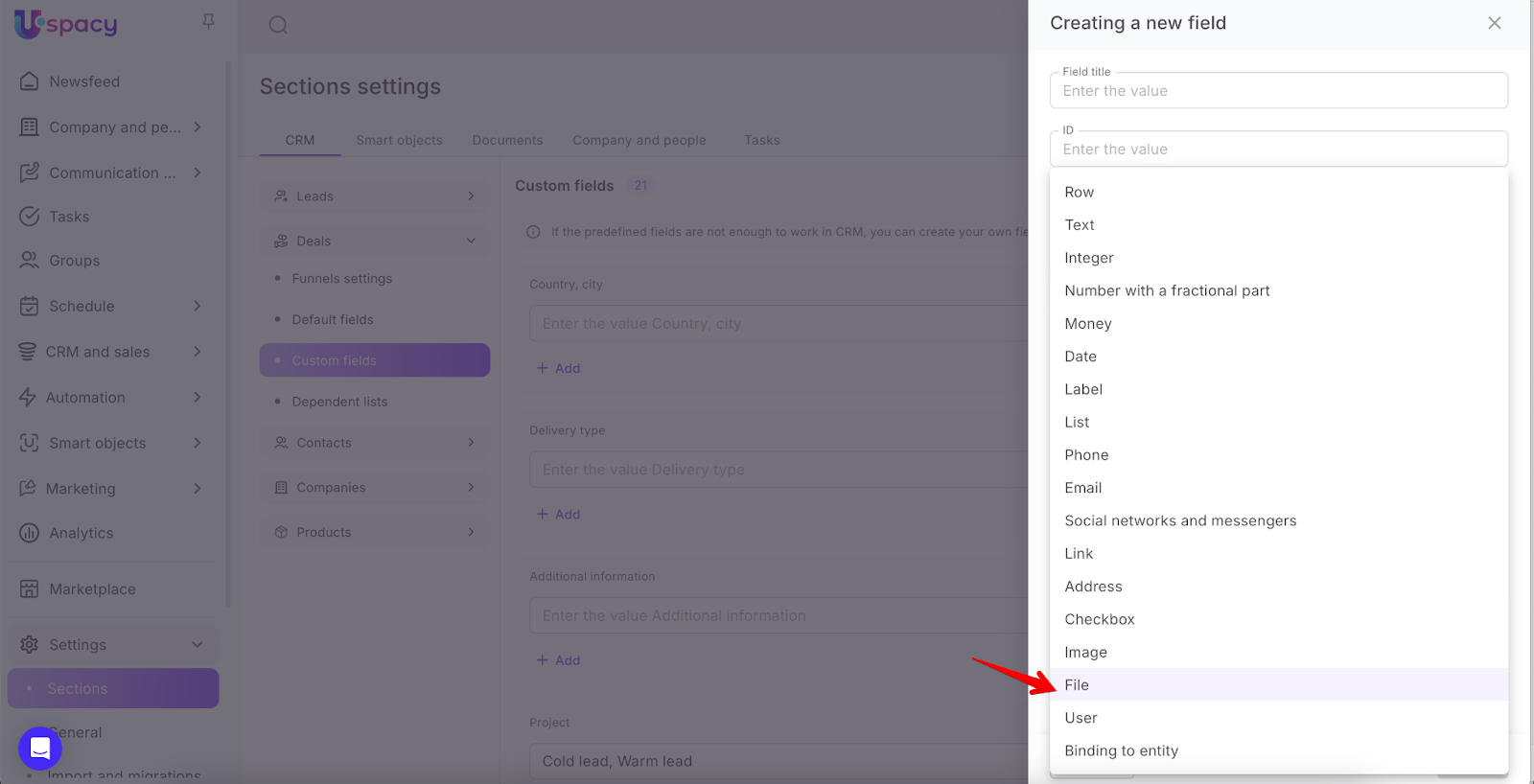
A field of this type is filled by uploading or dragging files from a personal computer to a specially designated area. You can view an attached file (or files if the field is multiple) by just clicking on it (1).


User
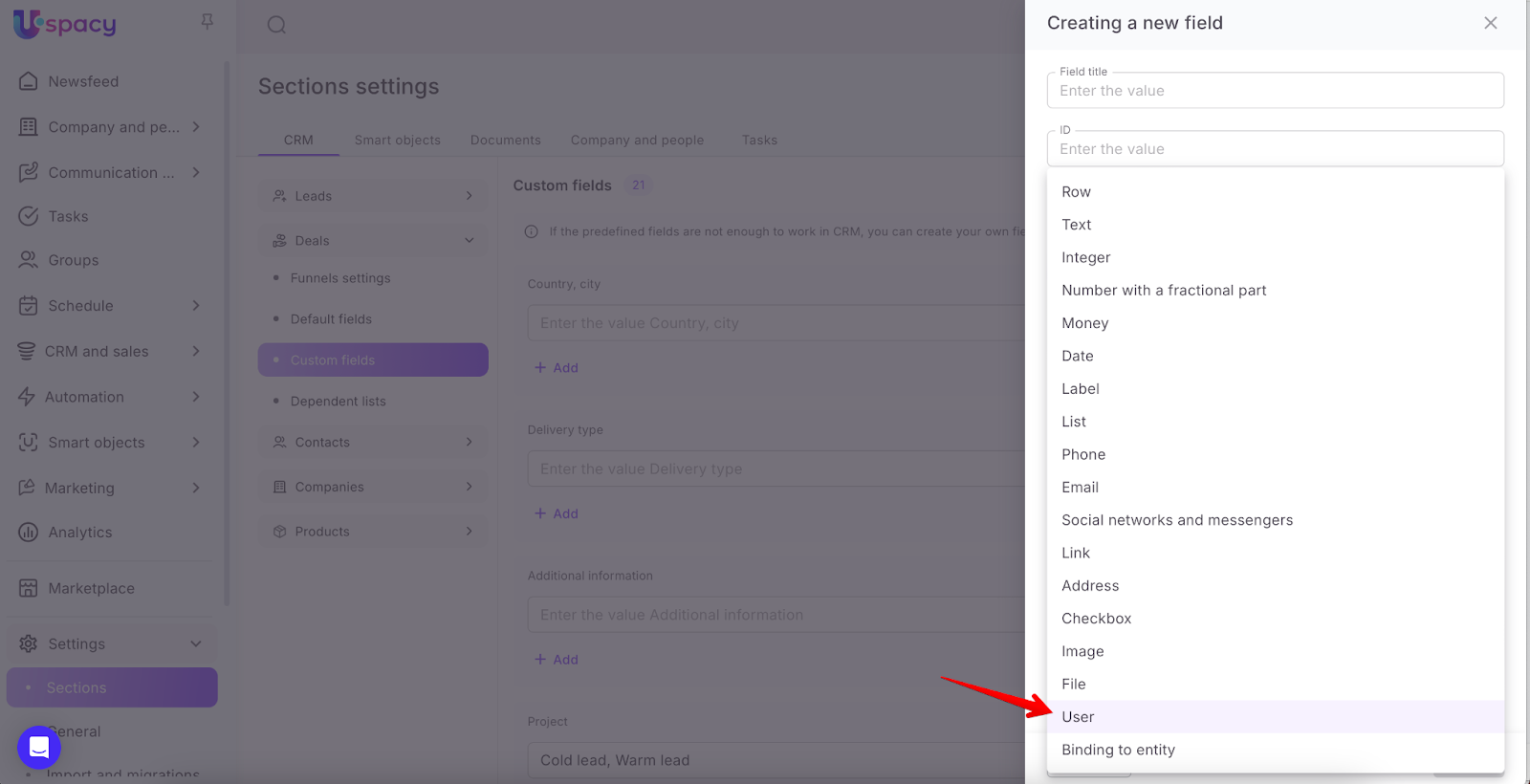
To fill out this field, you will need to select a user (or users, if the field is multiple) from the list in the element card.


💡 For example, if according to the roles configured in the Space, the employees specified in the field of this type have rights to interact with the entity (at least viewing), then they can track in which elements they are mentioned.
Binding to entity
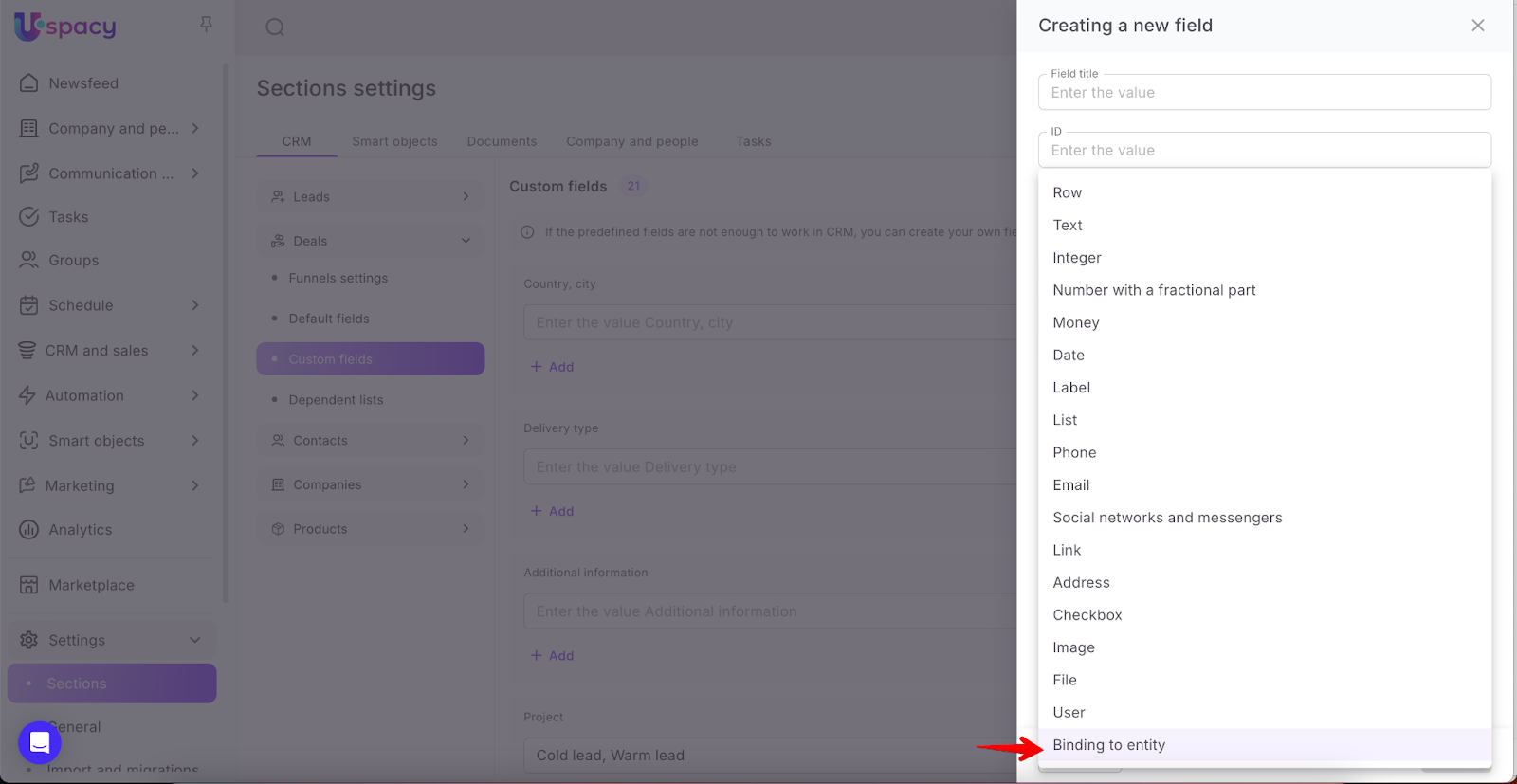
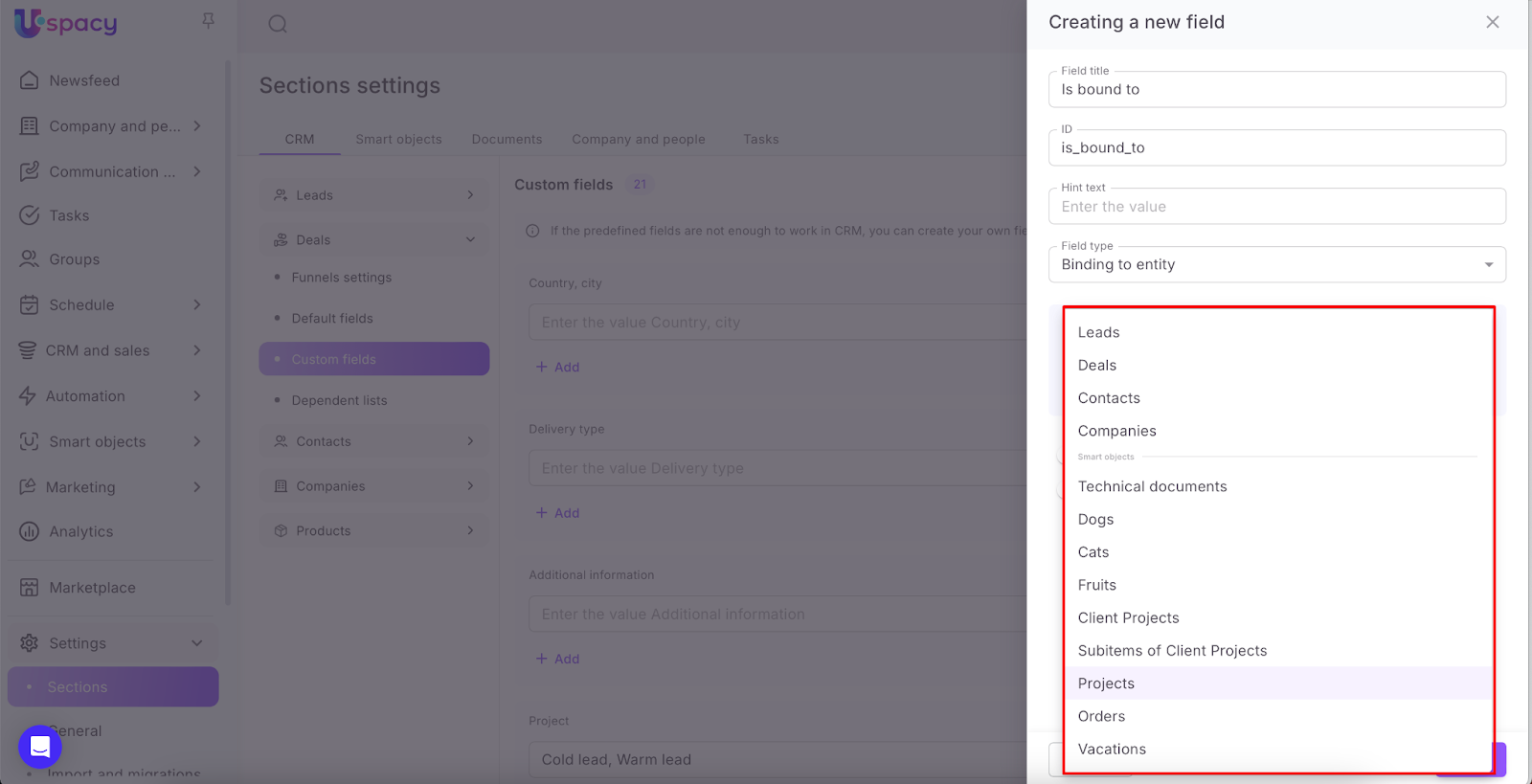
When creating a field of this type, you must also select the elements of which entity or smart object it will be possible to establish a connection with.
And also whether to display this connection in the elements of this entity.
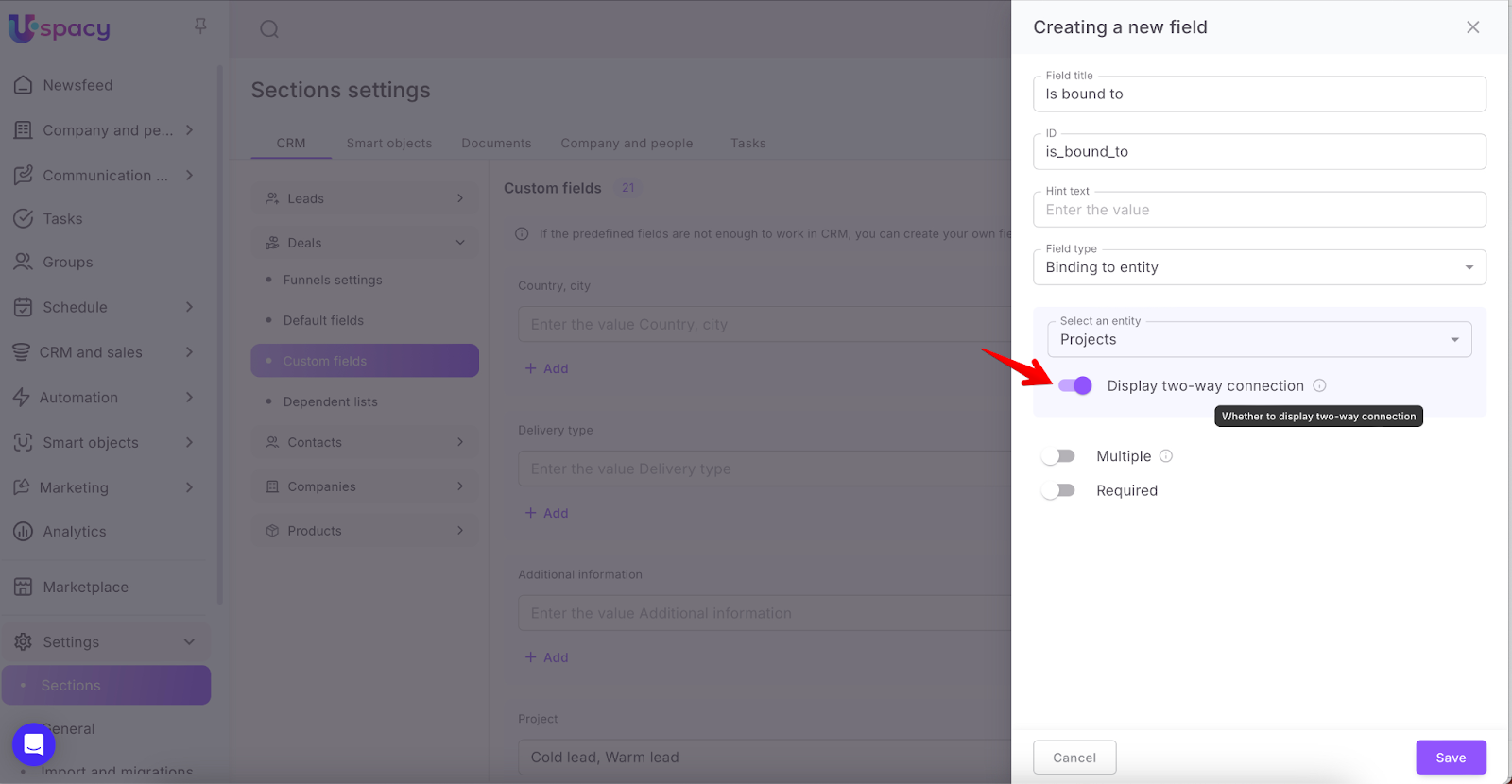
💡Please note that once a field is created, it will NOT be possible to change the entity or smart object (1) selected for binding in its settings. But it is possible to manage a two-way connection (2).
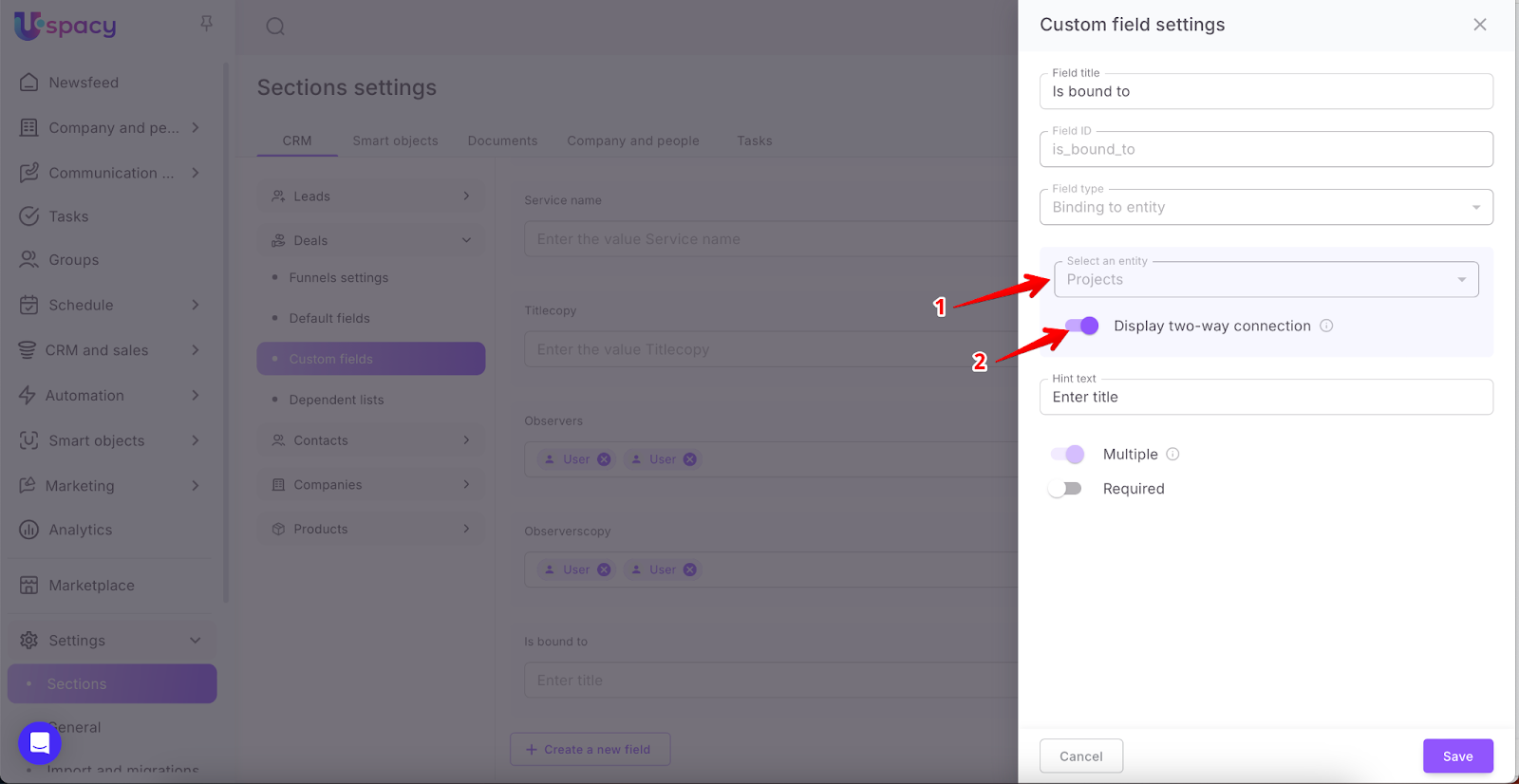
To fill out a field of this type, you need to find the element of the entity to be bound in the list or use the built-in search. As a result, it will be possible to go to the card of this element by clicking on it at once.


If the option of two-way connection is active, then the corresponding tab will be displayed in its card. It will display all bindings, that is, all elements of another entity.

If you have additional questions or you need to contact the support, send a request to this email [email protected]
Created: January 11, 2024 / Updated: September 18, 2025